


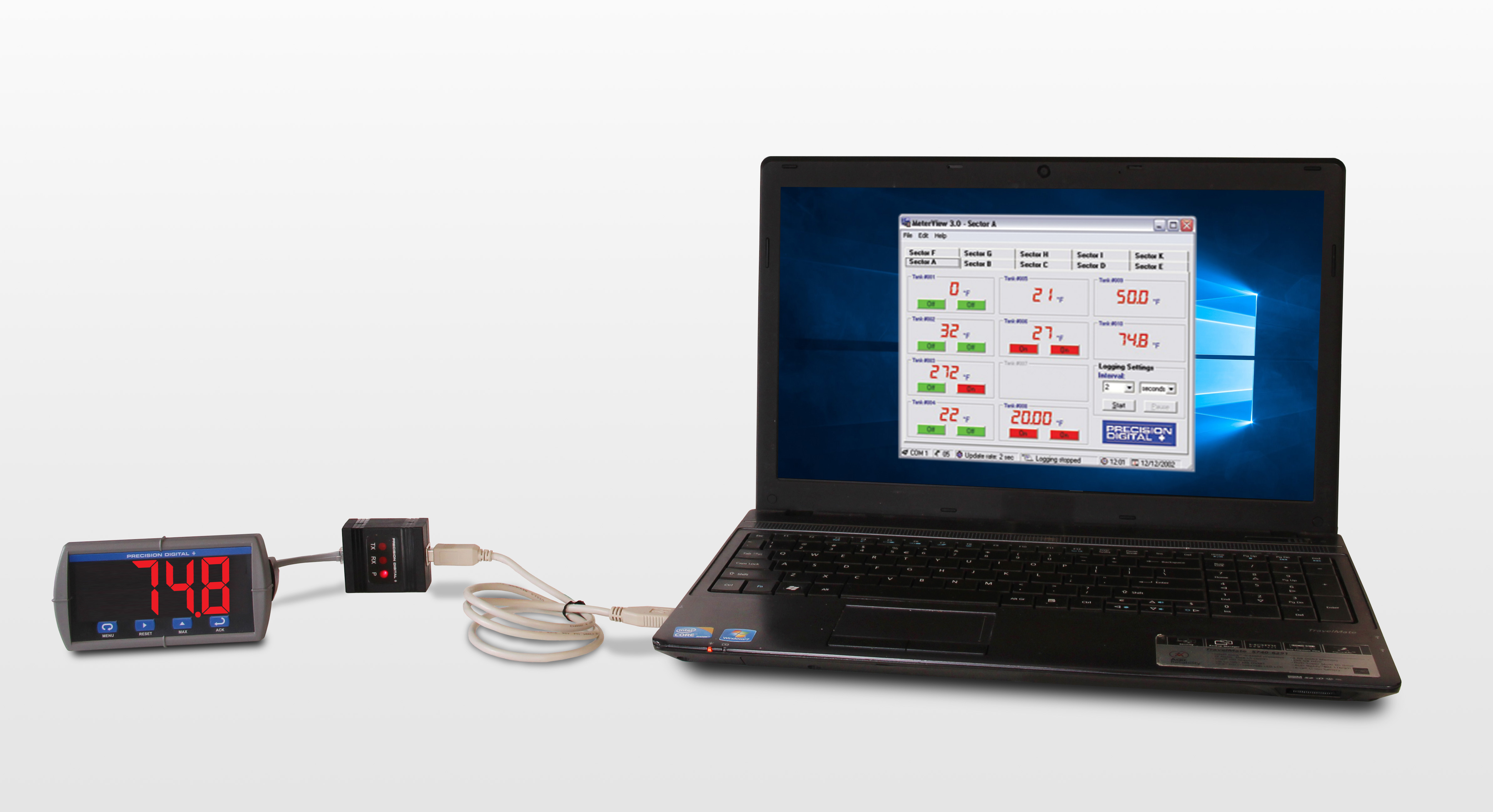
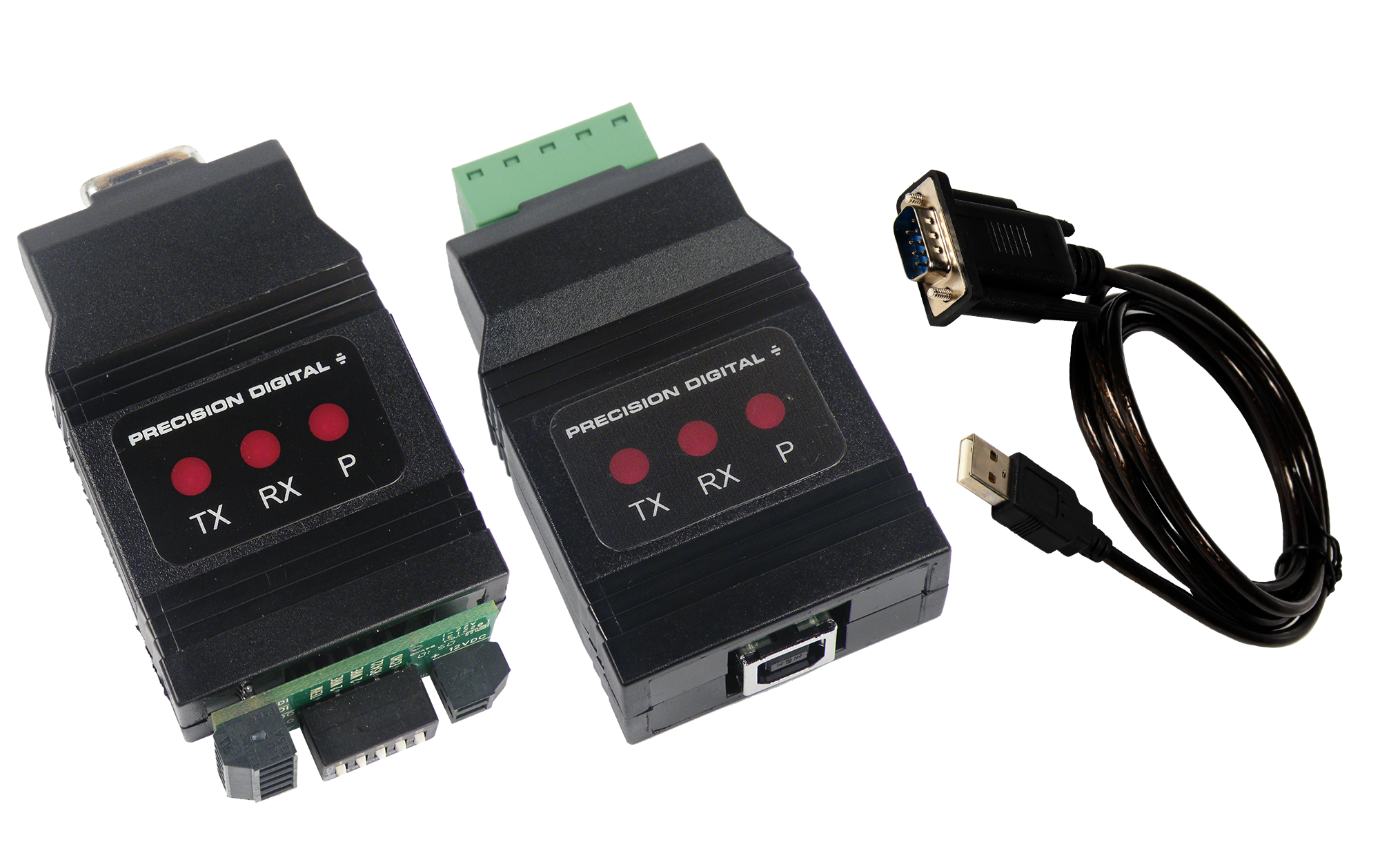
MeterView software allows all PD765 or PD8-765 setup parameters to be programmed from a PC and to save the configuration settings to a file for reporting or programming other meters. For programming purposes, MeterView software connects to the PD765 or PD8-765 meter via a PDA8006 USB serial adapter.
** NEW IMPROVED WEB STORE! | All users must register for a new account. | Register now > **
BUY ONLINE TO SAVE TIME AND INCREASE ORDER ACCURACY!

Questions? (508) 655-7300
- Accessories
- Annunciators & Scanners
- Calibrators, Signal Isolators, Splitters, & Generators
- Control Stations
- Custom Enclosure Assembly
- Demo Units
- Digital Panel Meters
- Enclosures
- Explosion-Proof
- Field-Mount Indicators
- Industrial Wireless
- Intrinsically Safe
- Large Display
- Light/Horn
- Loop-Powered Meters
- Modbus Displays
- Modifications
- Multi-Channel Controllers
- Process Value Alarm Enclosure Assembly
- Sun Hoods
- Subpanel Wiring Assembly
- Temperature Controllers
- Level
- Level (Feet & Inches)
- Process
- Pressure
- Temperature
- Flow Rate/Totalizer
- Pump Control
- Chemical Bulk Storage
- Strain Gauge
- Load Cell
- Hazardous Area
- Industrial Wireless
- Batch Control
- PID Control
- Modbus
- Annunciator
- Calibration
- Data Logging
- Signal Conditioning
- Signal Generation
- Signal Isolating
- Signal Splitting
- High Current
- Speed
- Weight

Trident Process & Temperature Digital Panel Meter

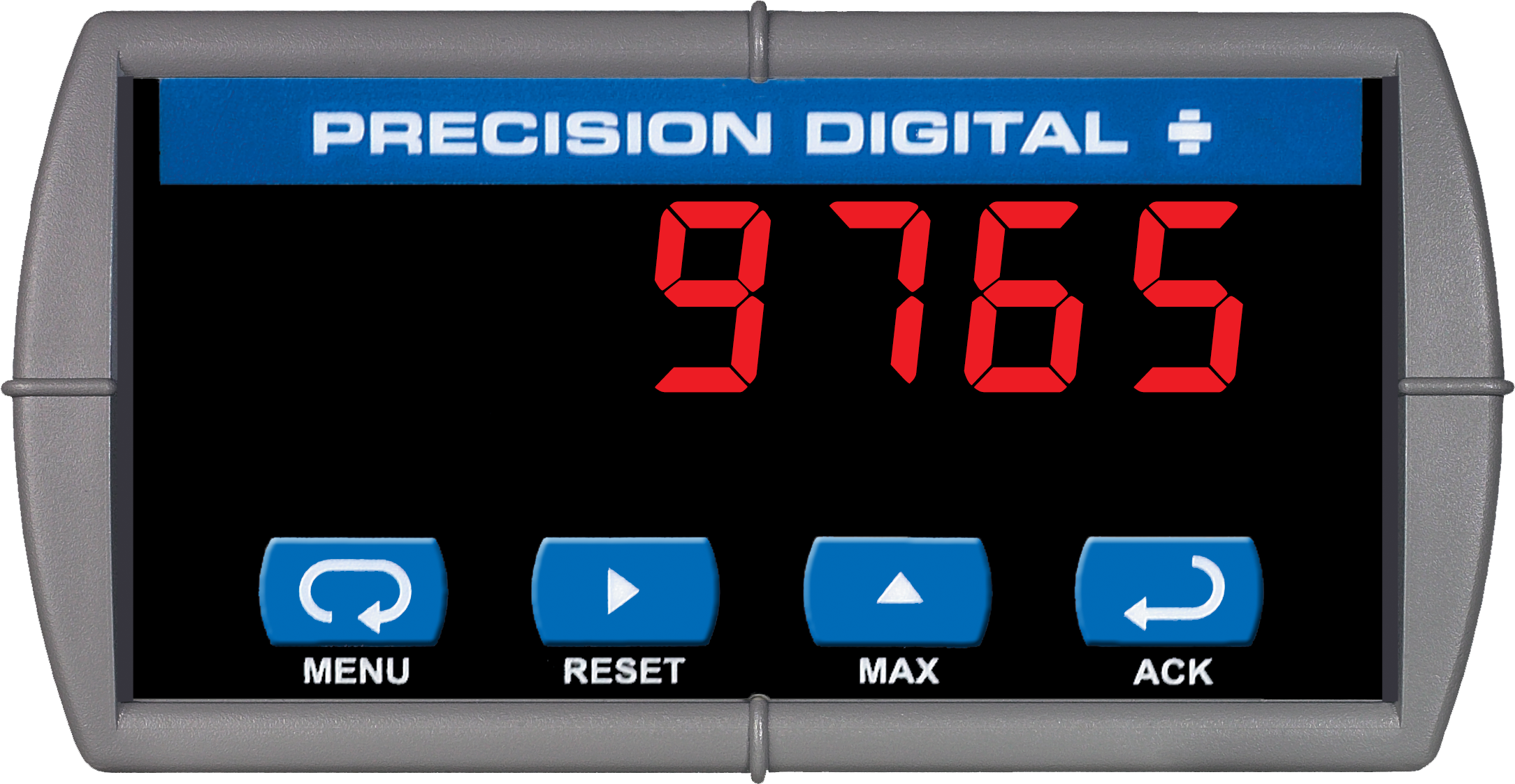
PD765 Left
Model
PD765-6R2-00
Product Type
Trident 1/8 DIN Process & Temperature Digital Panel Meter
Input(s)
4-20 mA, ± 10 V, Thermocouple, RTD (Field Selectable)
Number of Inputs
1
Display
Sunlight Readable LED, 7 Segments, 4 Digits (-1999 to 9999), 0.56" (14.2 mm) High
Power
85-265 VAC, 90-265 VDC
Transmitter Power
None
Output(s)
(2) Relays
Operating Temperature Range
-40 to 65°C (-40 to 149°F)
Serial Communications
RS-232 & RS-485 Modbus External Adapters (sold separately)
Math Functions
None
Front Panel
UL Type 4X, IP65, NEMA 4X
DIN Size
1/8 DIN
Weight
10 oz (269 g)
Approvals
UL & C-UL Listed. E160849; UL 508 Industrial Control Equipment, CE
Warranty
3 Years


$384.00
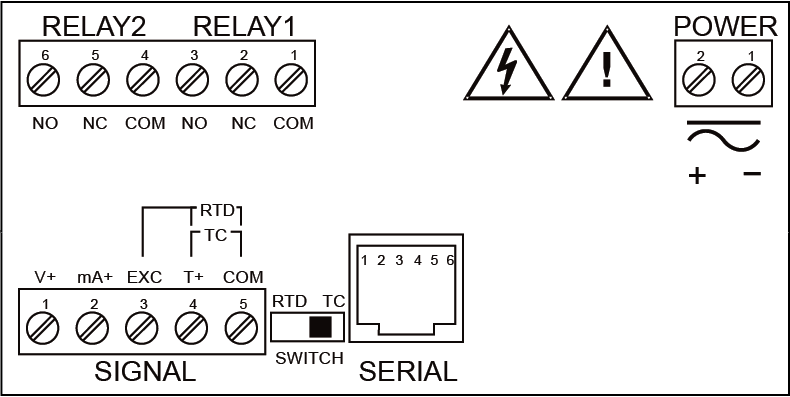
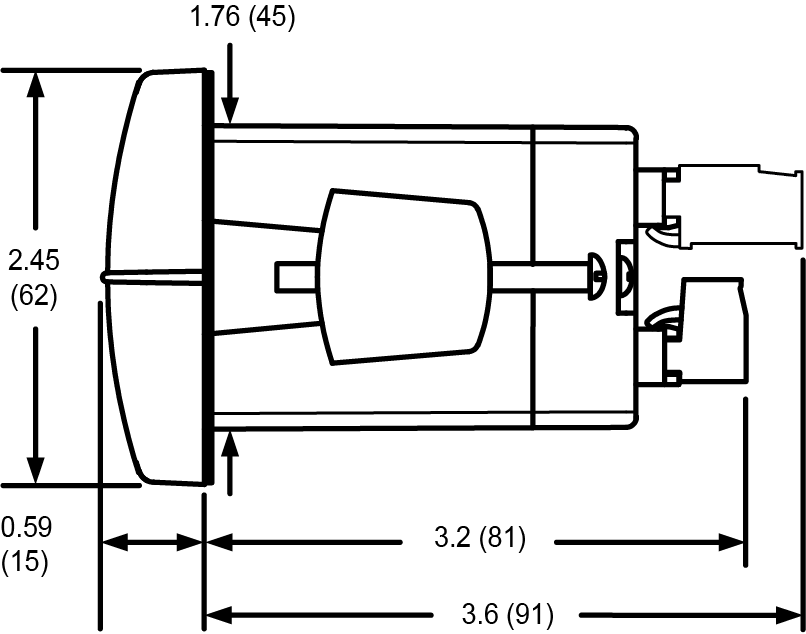
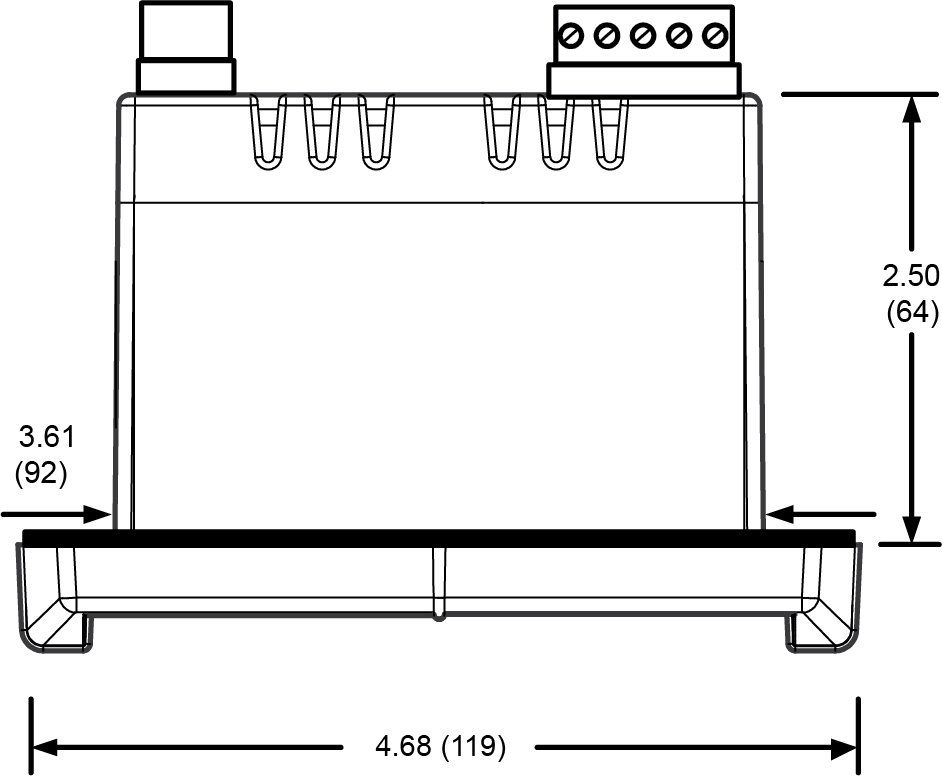
Inches (mm)

Documentation & Resources
Product Information (3)
Modbus Register Tables (2)
NOTE:
PD765 or PD8-765 meters are not powered from USB connection and require external power to be programmed.
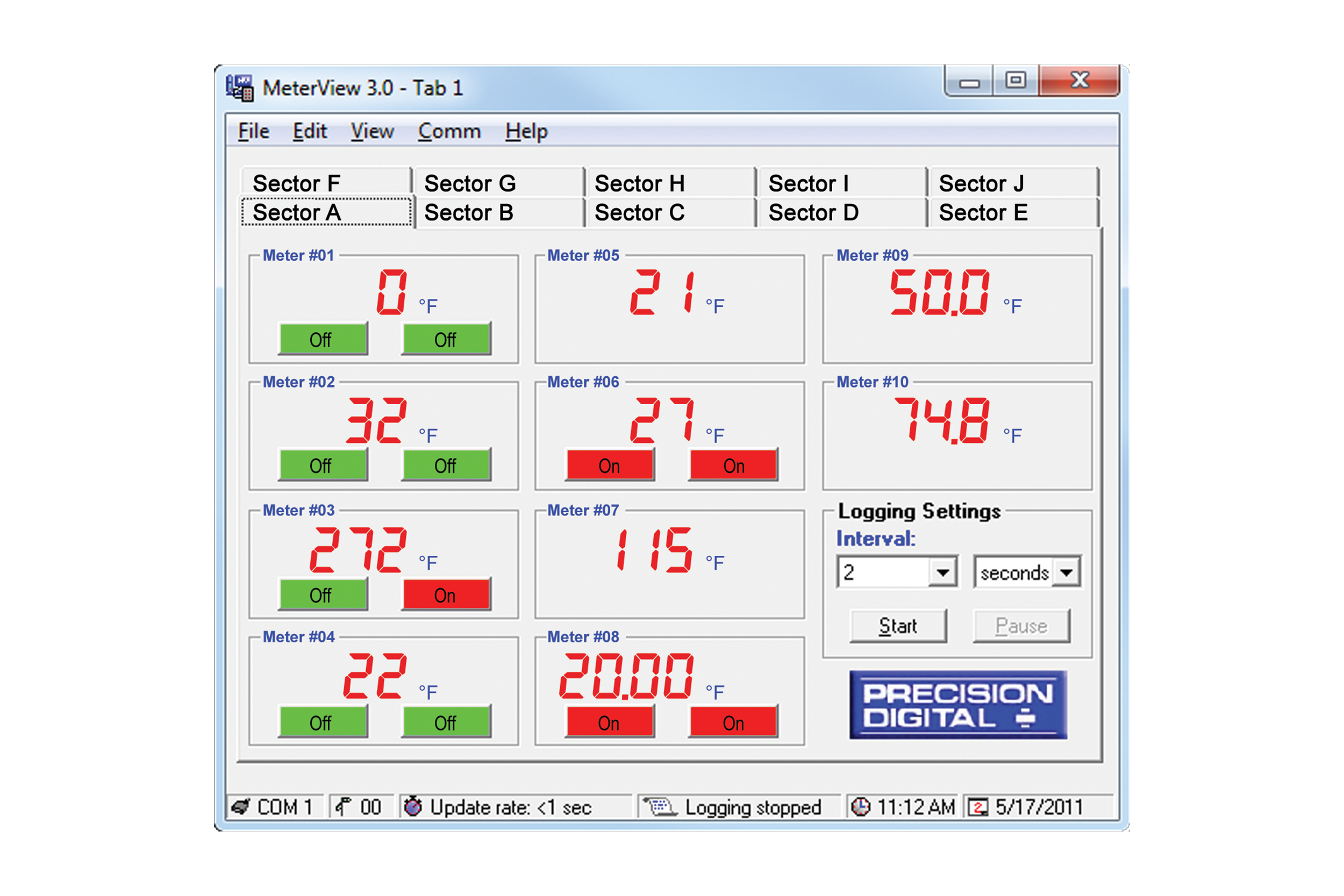
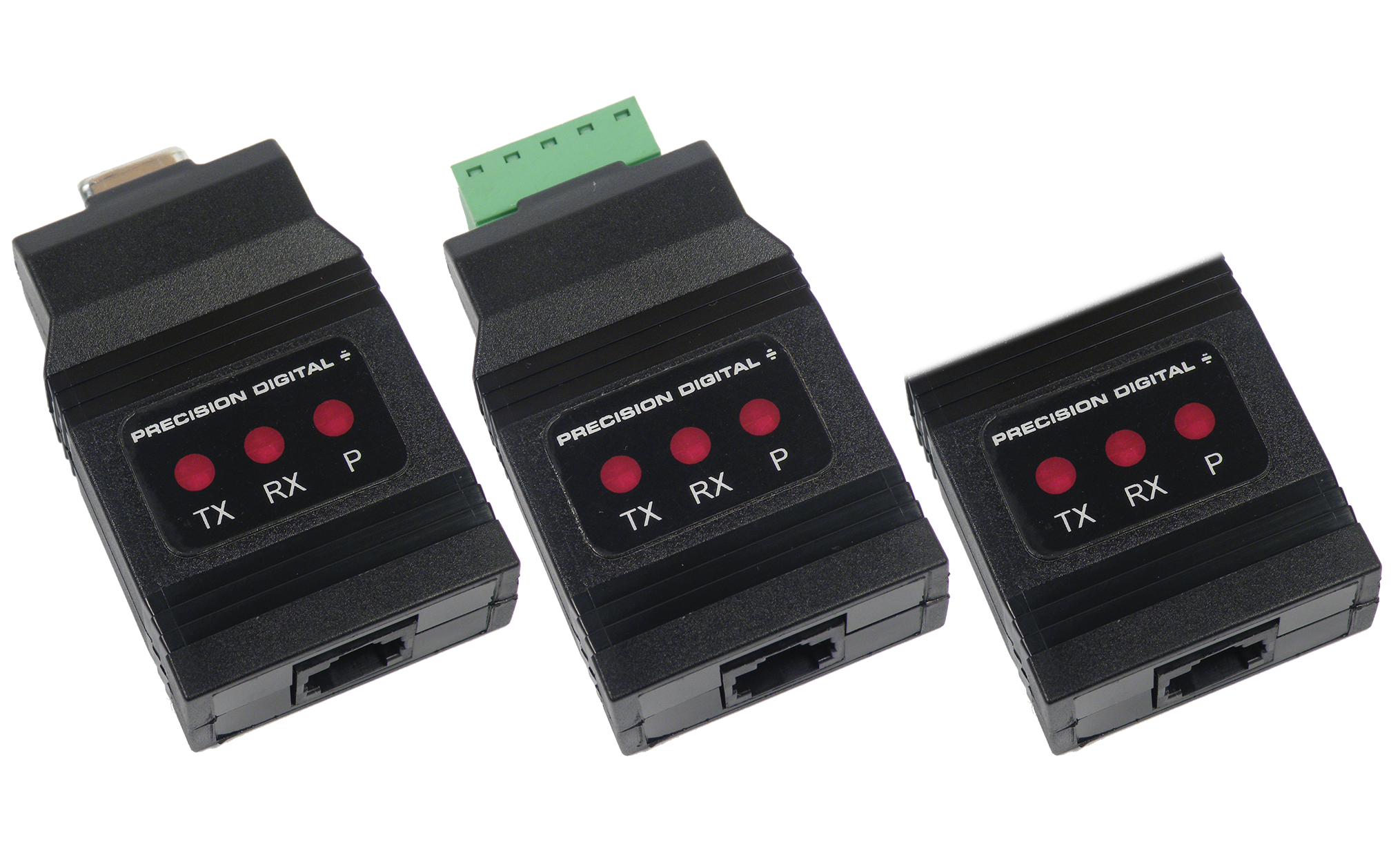
MeterView software can be installed on any Microsoft Windows 10/11 computer. Connect the meter to the computer using PDA8006 USB serial adapter (sold separately). The meter is powered via USB, so there is no need to wire anything before programming it. USB connection is intended for configuration purposes only.

General
System Requirements
Microsoft Windows 10/11
Availability
Communications
RS-232 adapter or RS-485 adapters with an RS-232 to RS-485 or USB to RS-485 converter may be used for communicating with the meters.
USB Adapter for Programming Only
For programming purposes, MeterView software connects to the PD765 or PD8-765 meter via the low-cost PDA8006 USB serial adapter.
Number of Meters
Up to 100 meters simultaneously with addressing capability; minimum scan time for 100 meters: 60 sec
Meter Address
00 to 99
Baud Rate
300 bps to 19,200 bps; selection must match the baud rate selected in the meters.
Screen Update Rate
Dependent on system and meter settings. Rates of up to 10 meters/second are attainable at 19,200 bps.
Configuration
Configure meter settings one meter at a time.
Configuration Report
Save configuration to PDC file format or export to HTML for printing, cloning, or restoring meter.
Logging Interval
2 seconds to 60 hours or manual
Manual Logging
Data saved to file when Log button is pressed.
Data Logging Report
Log data to HTML file format. All enabled meters are logged to a single file.
Alarm Notification
Pop-up message indicates new alarm condition. Alarm alert notification may be disabled.
Event Log
Important events are logged with date and time stamp.
Relay/Alarm Status
Indicate relay/alarm status with customized color and message label. Relay status indication may be disabled.
Units & Tag Number
Show engineering units and tag number information; these settings are not saved to the meter.
Relay Acknowledge
Relays may be acknowledged by clicking on corresponding Relay Status button. Meters must be set up for manual reset and Relay Mode must be enabled in MeterView.
Latest Version
3
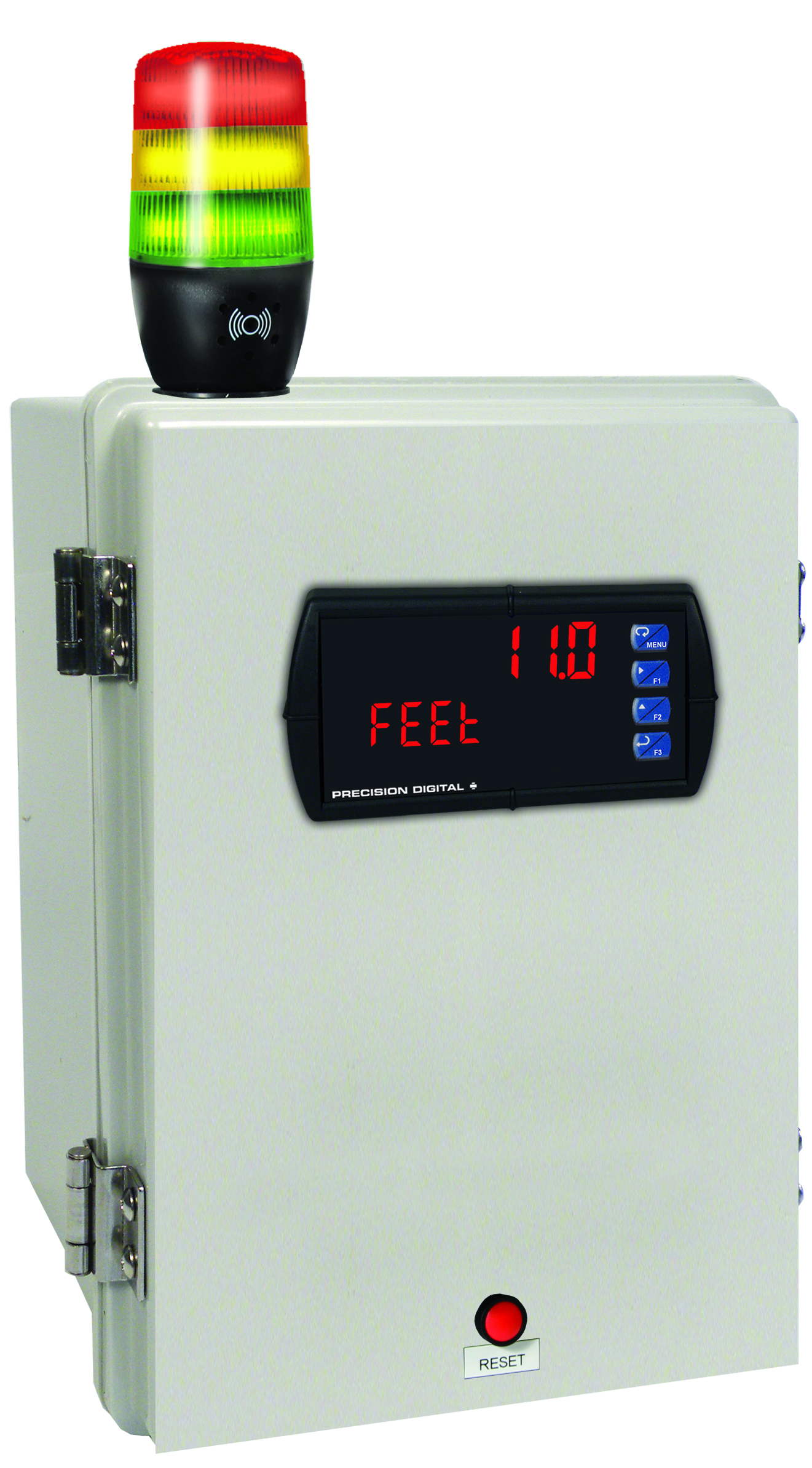
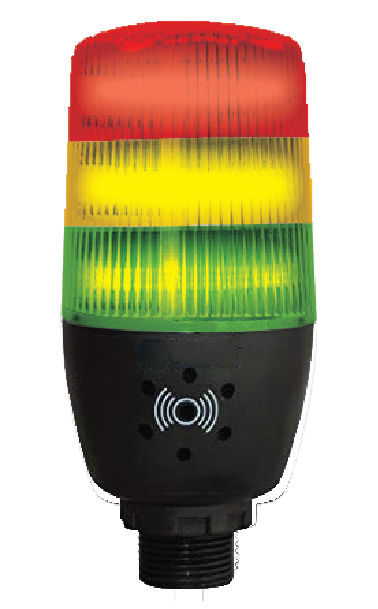
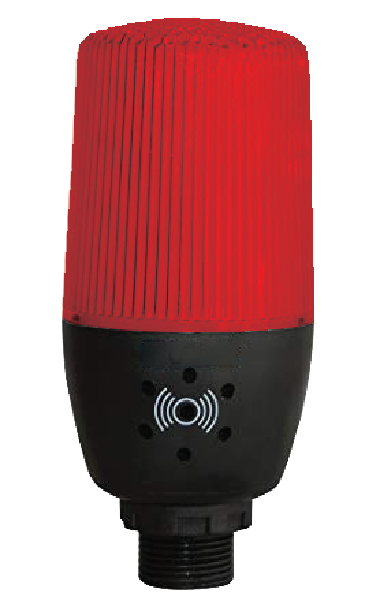
MOD-LH3LCB1-RYG
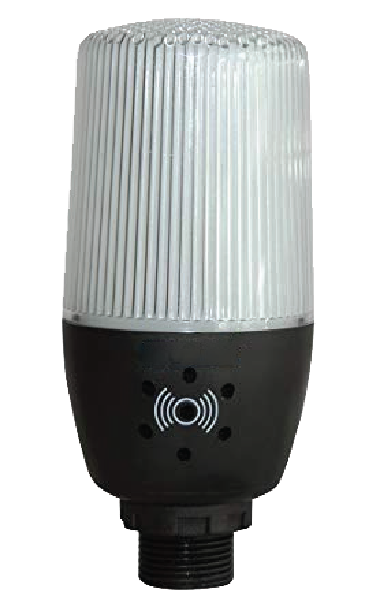
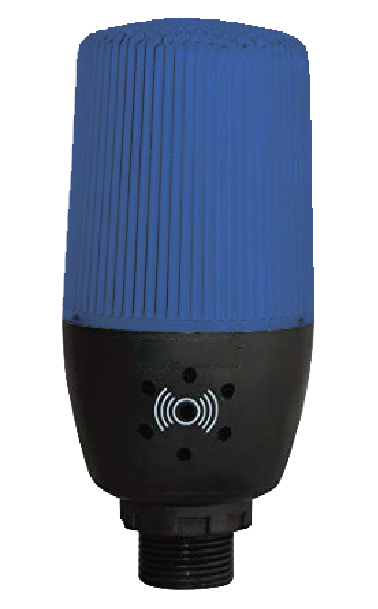
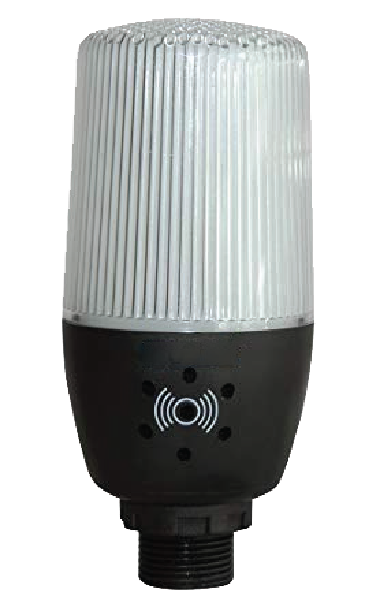
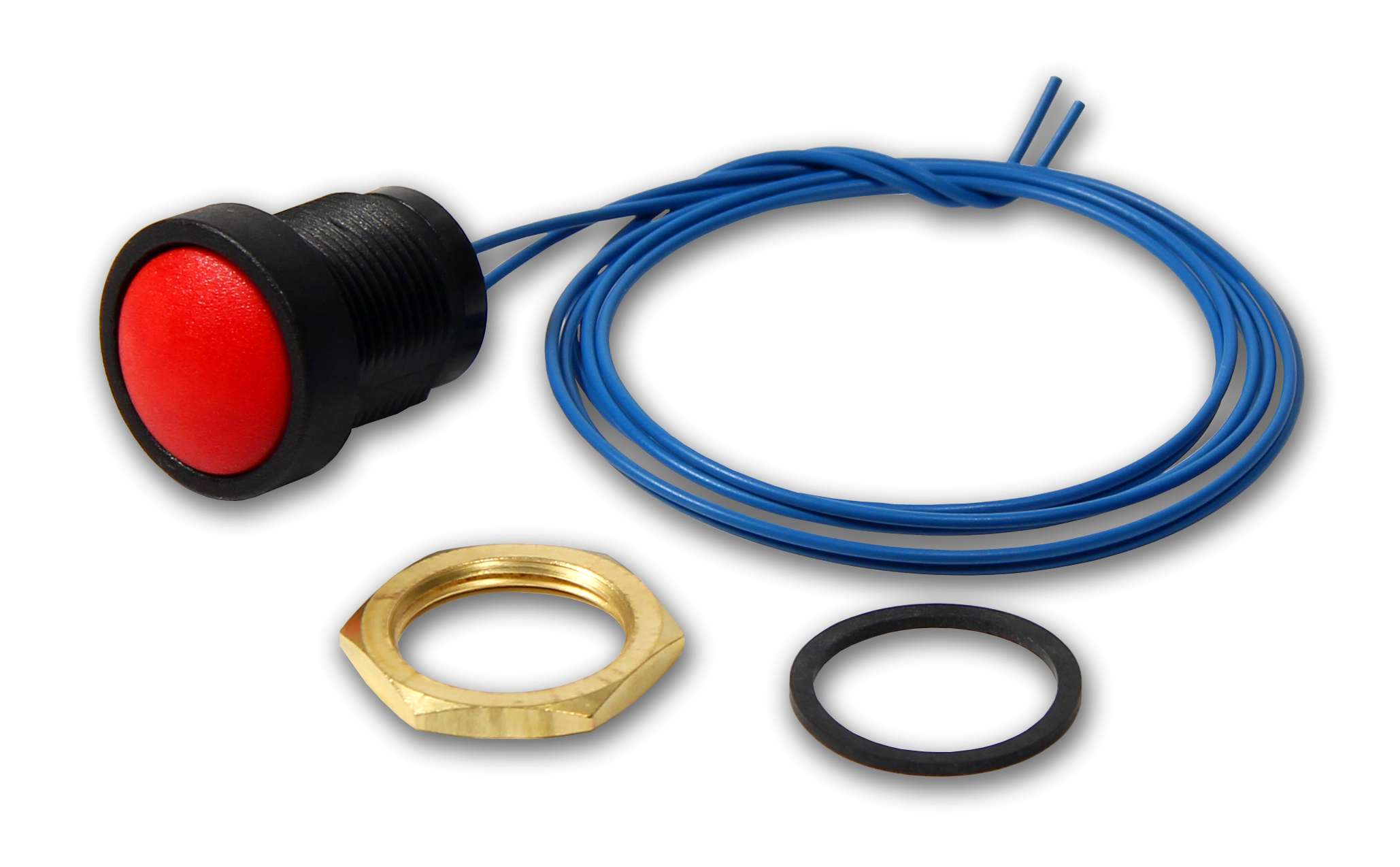
Modification: Three Color Light/Horn and Reset Button with Holes Drilled for Light/Horn and Reset Button in Enclosure. Enclosure & meter sold separately and assembly required by user.
MOD-LH5CB1
Modification: Five Color Light/Horn and Reset Button with Holes Drilled for Light/Horn and Reset Button in Enclosure. Enclosure & meter sold separately and assembly required by user.
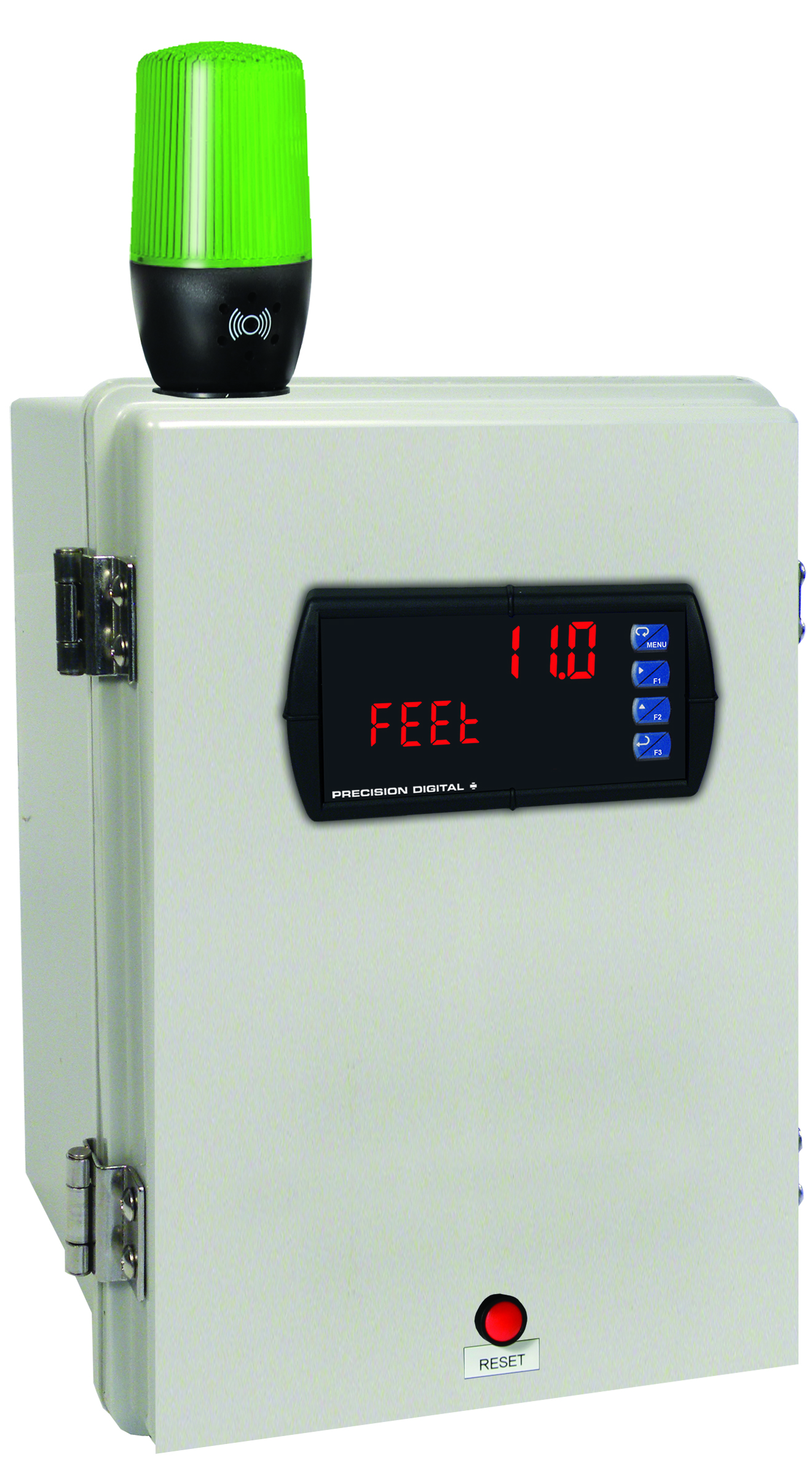
MOD-LHGB1
Modification: Green Light/Horn and Reset Button with Holes Drilled for Light/Horn and Reset Button in Enclosure. Enclosure & meter sold separately and assembly required by user.
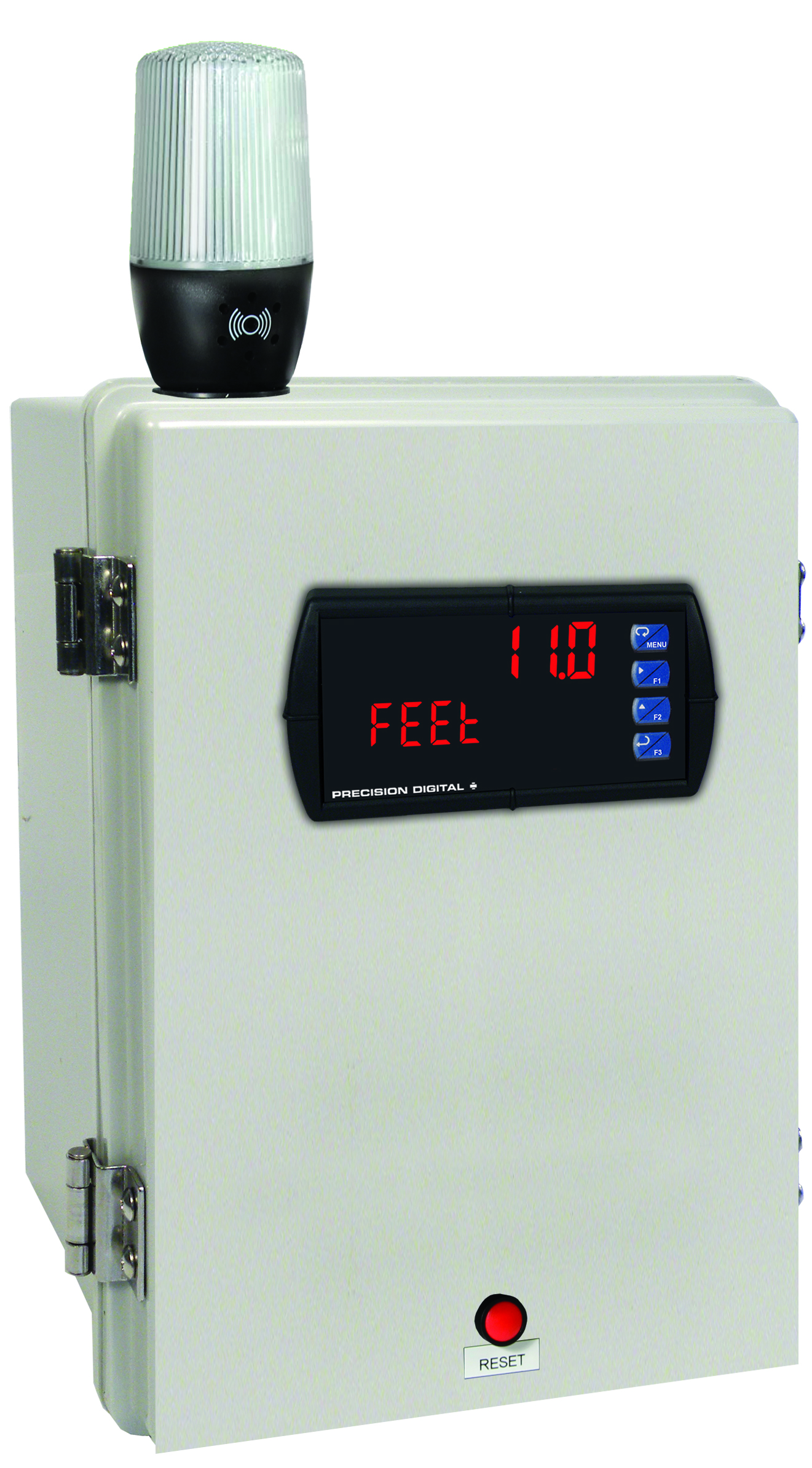
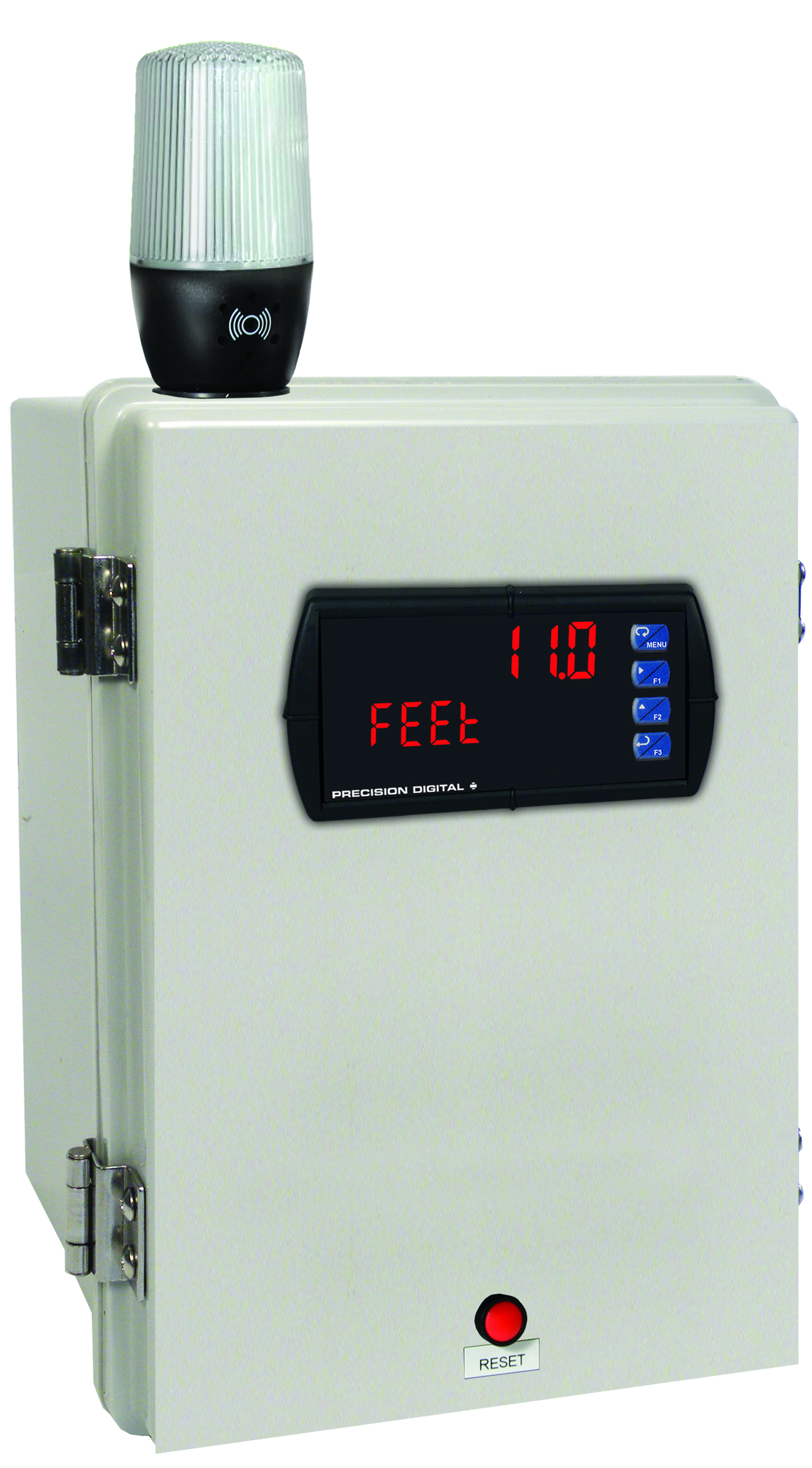
MOD-LHWB1
Modification: White Light/Horn and Reset Button with Holes Drilled for Light/Horn and Reset Button in Enclosure. Enclosure & meter sold separately and assembly required by user.
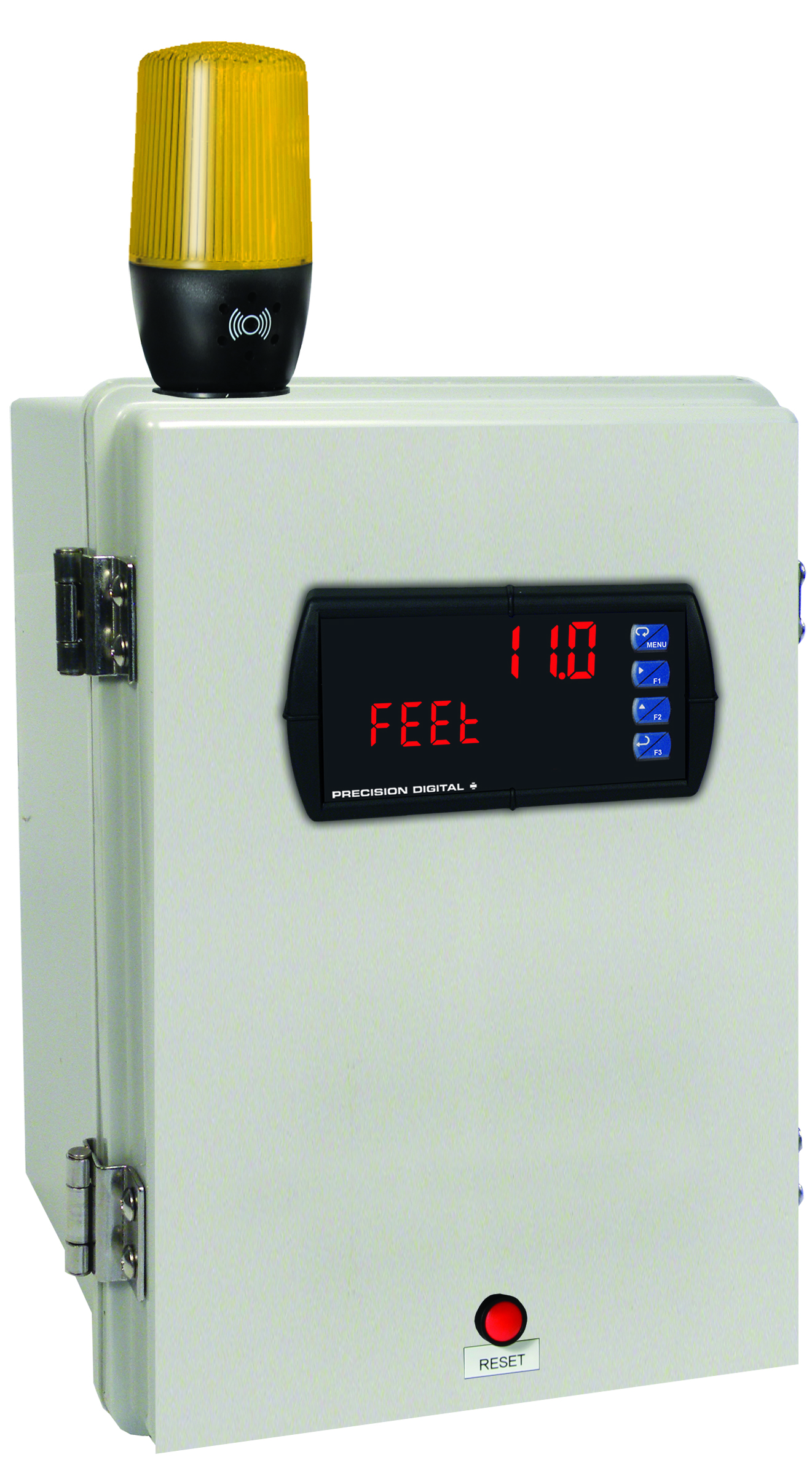
MOD-LHYB1
Modification: Yellow Light/Horn and Reset Button with Holes Drilled for Light/Horn and Reset Button in Enclosure. Enclosure & meter sold separately and assembly required by user.
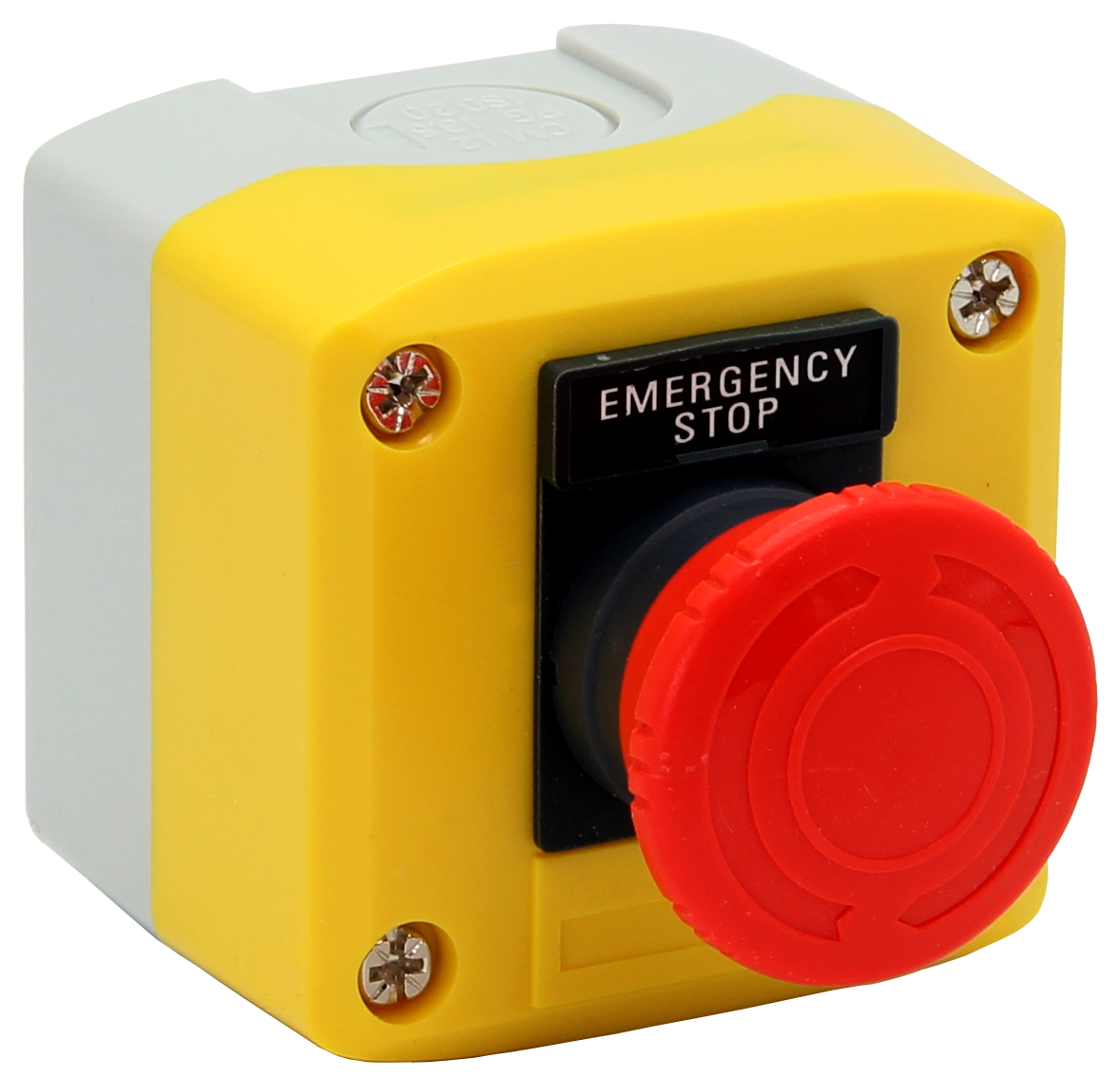
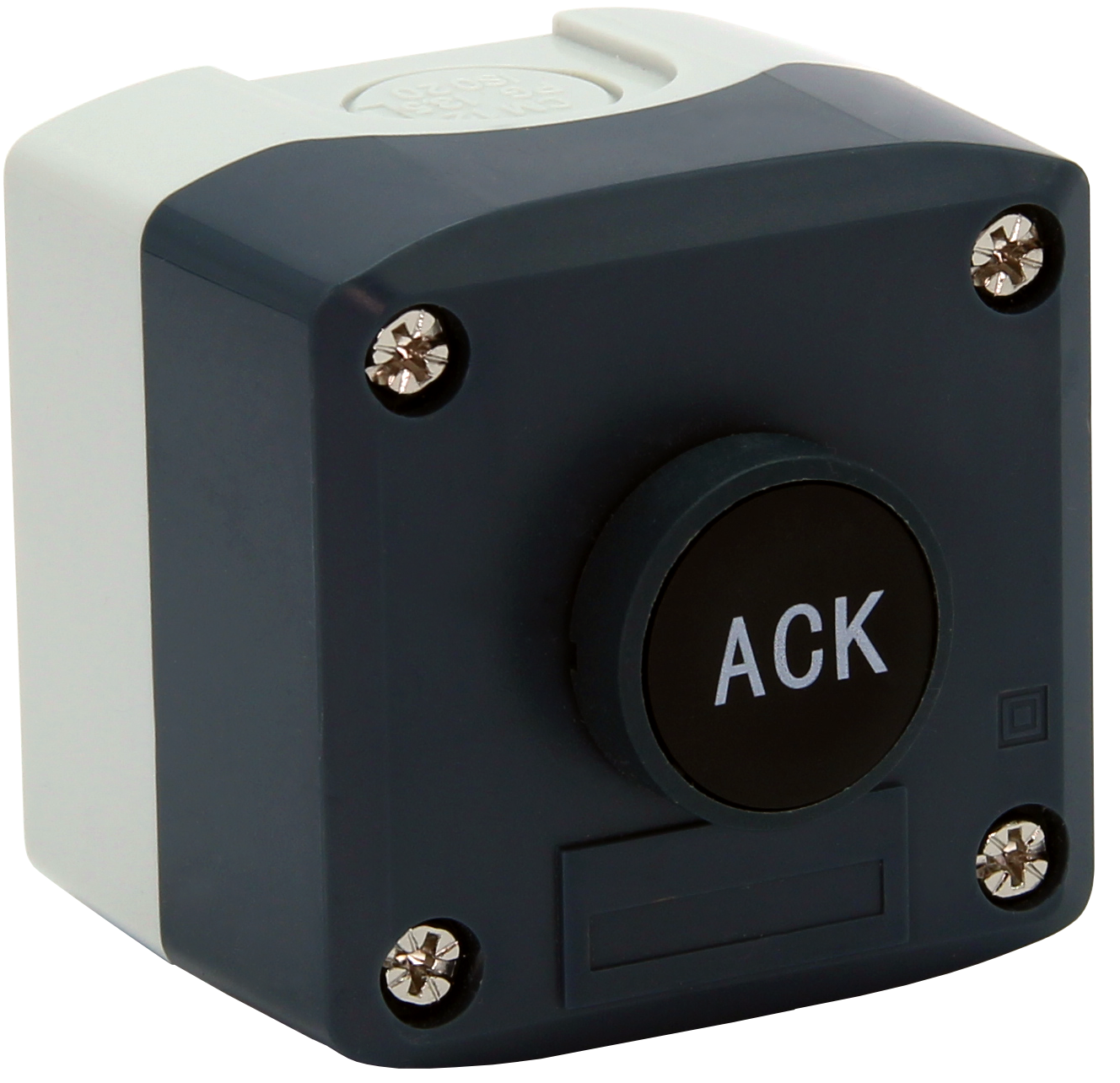
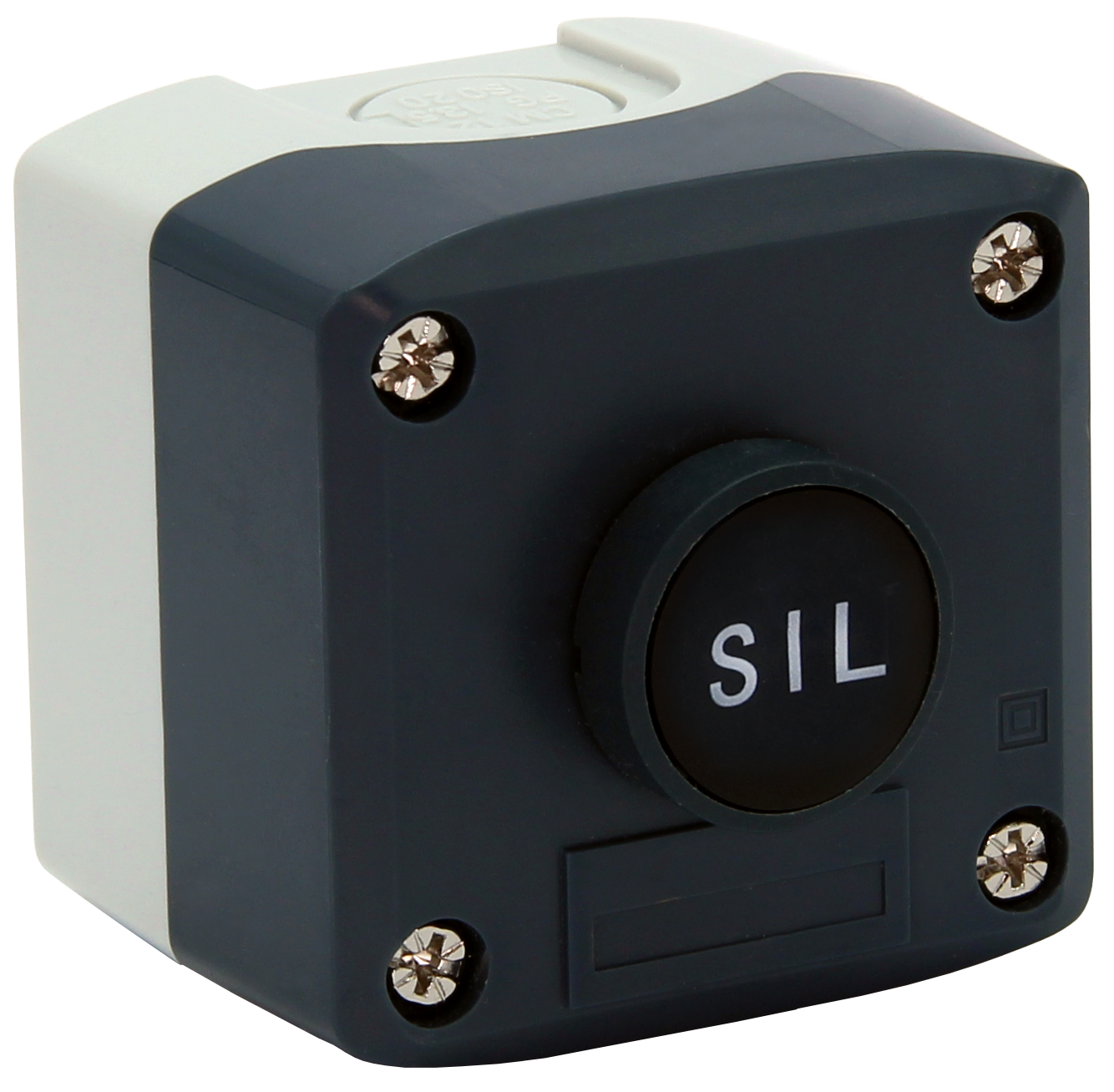
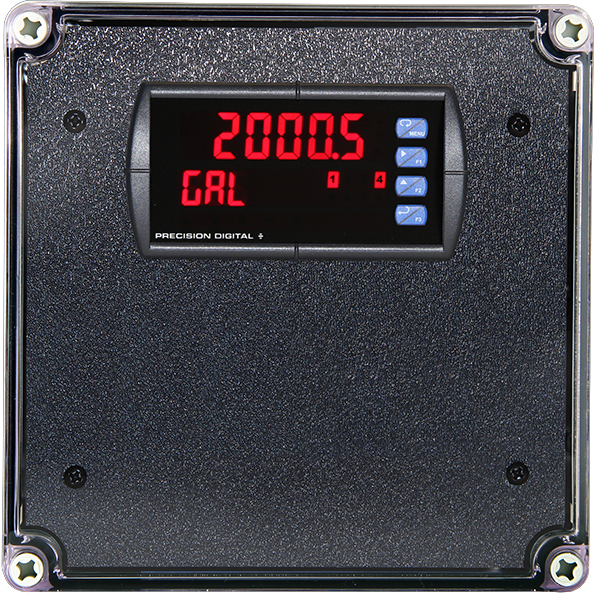
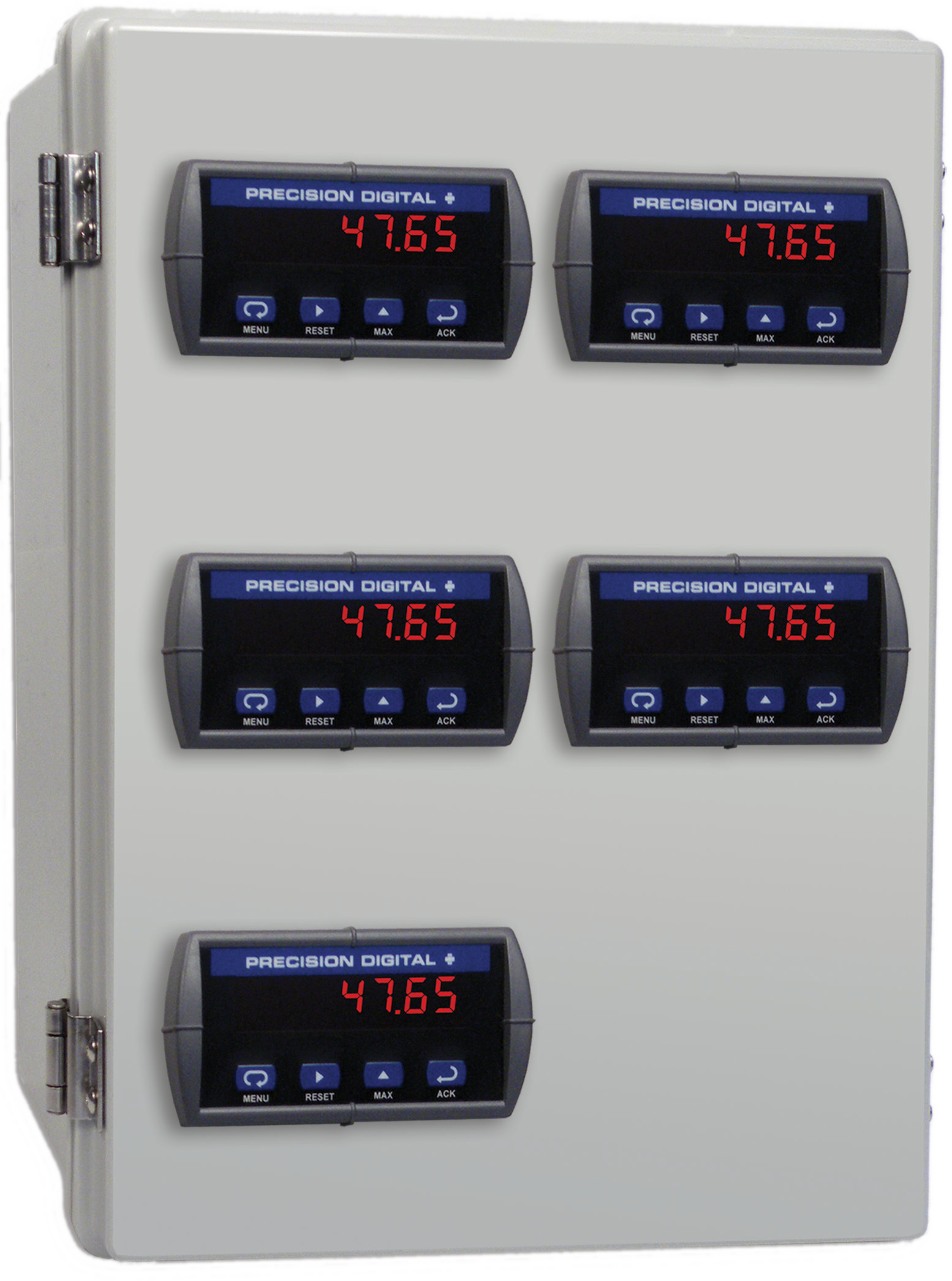
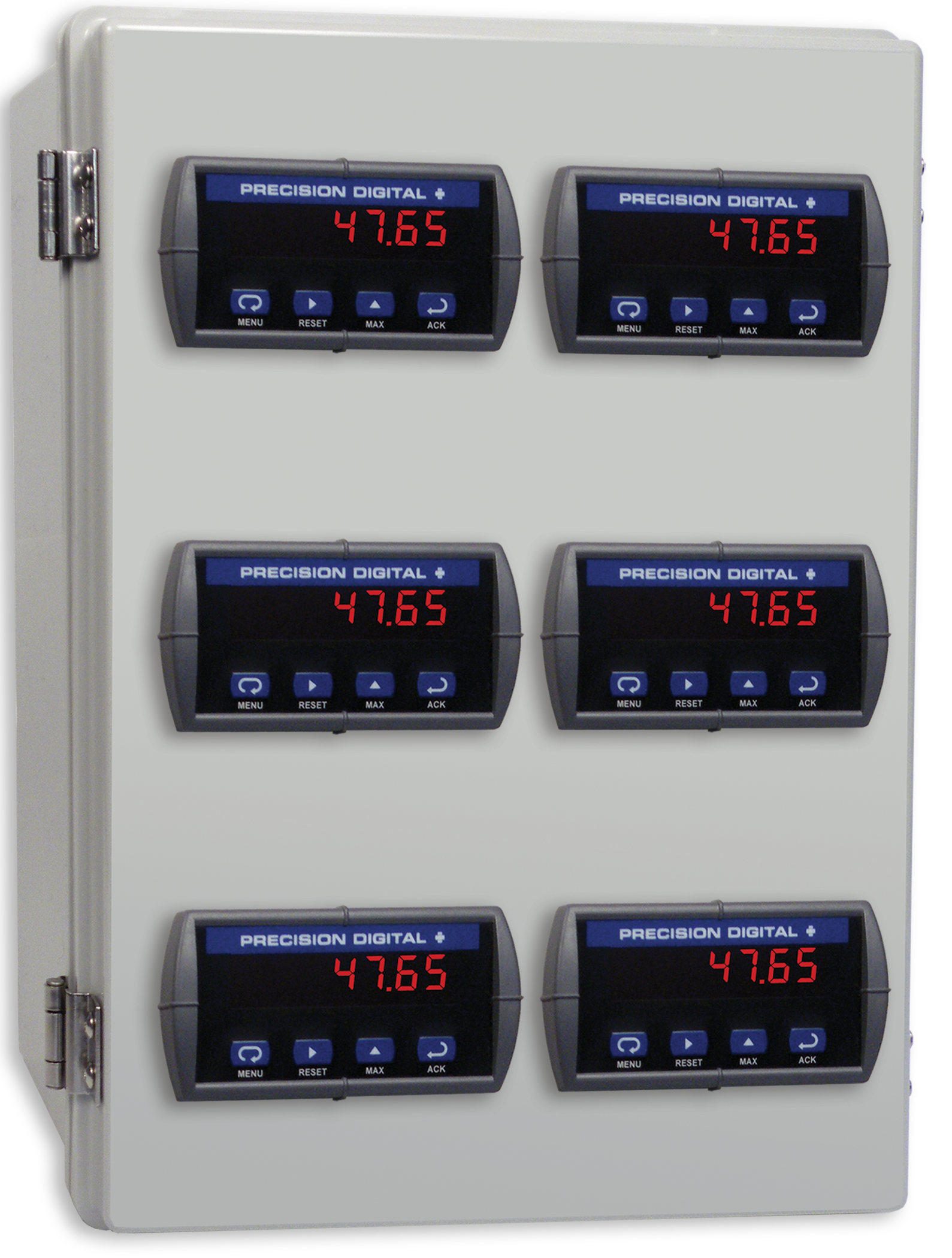
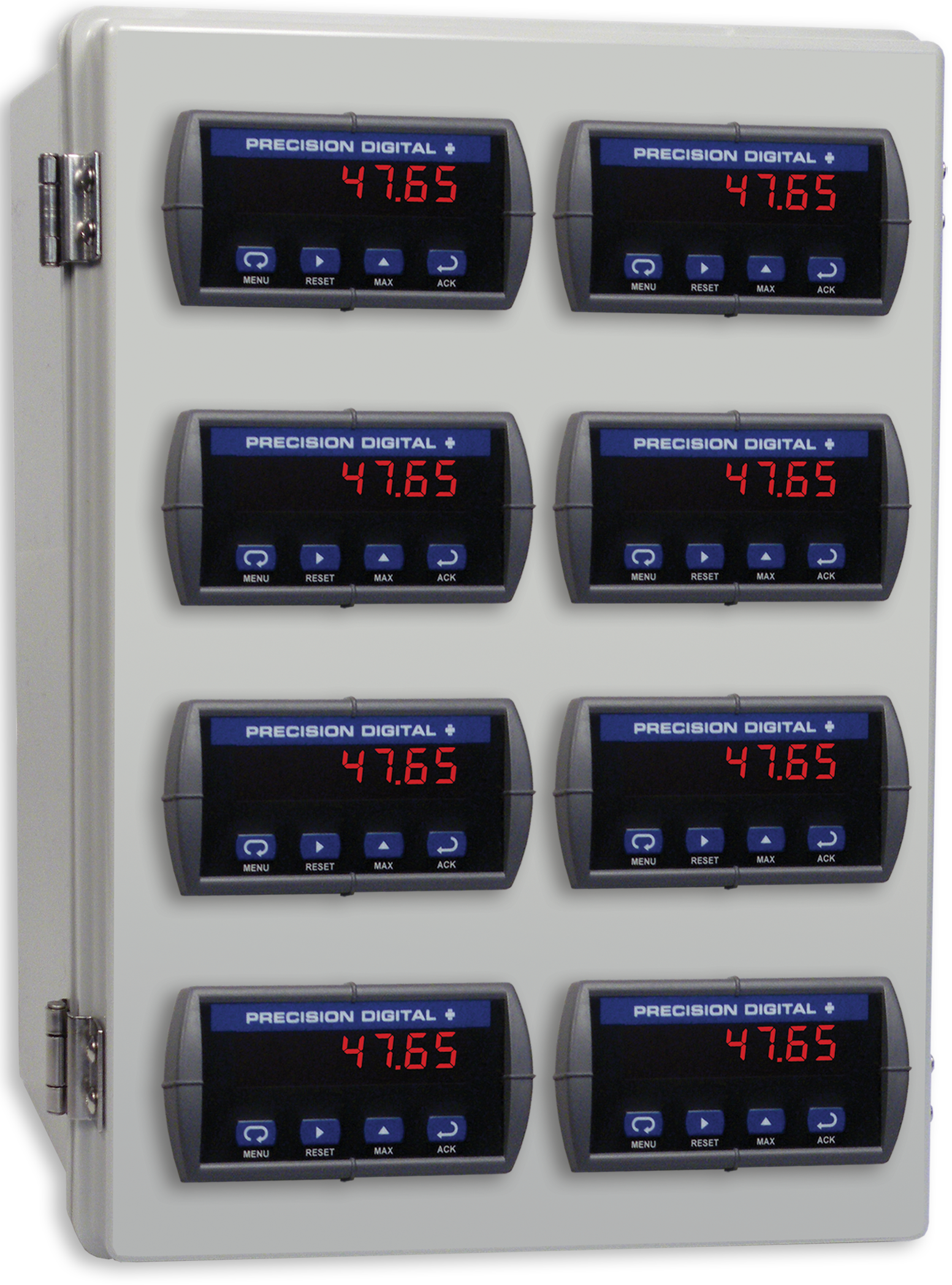
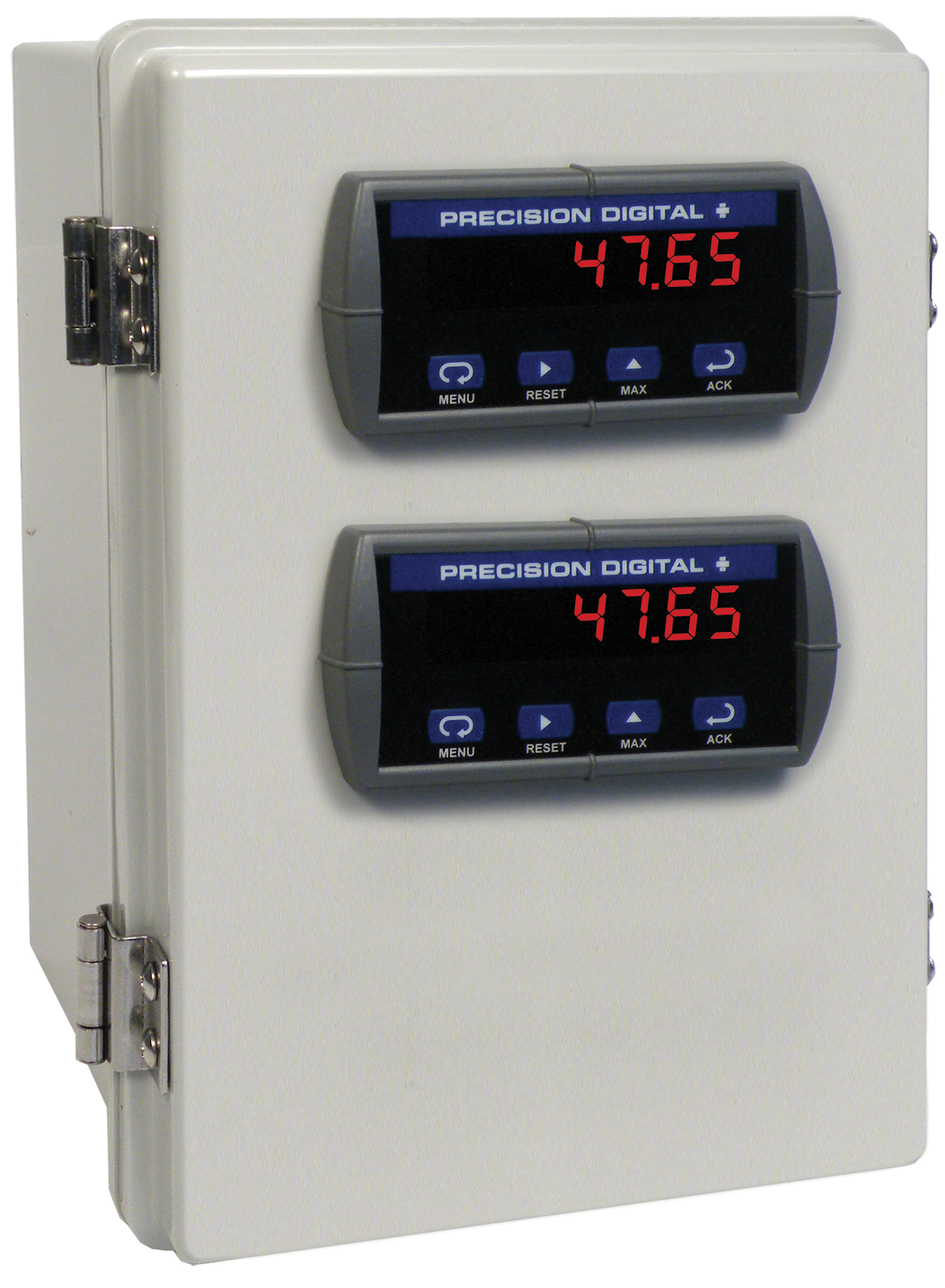
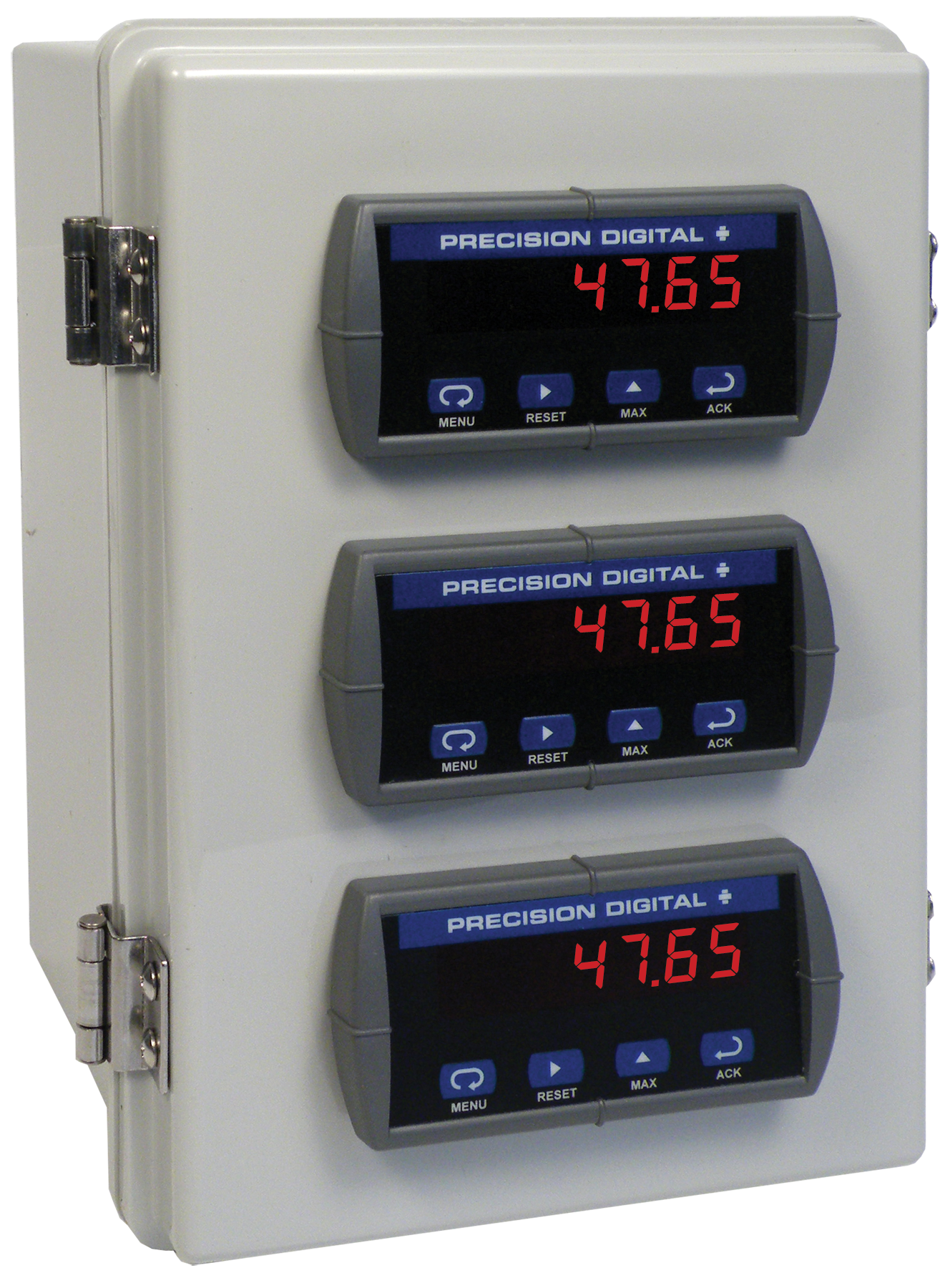
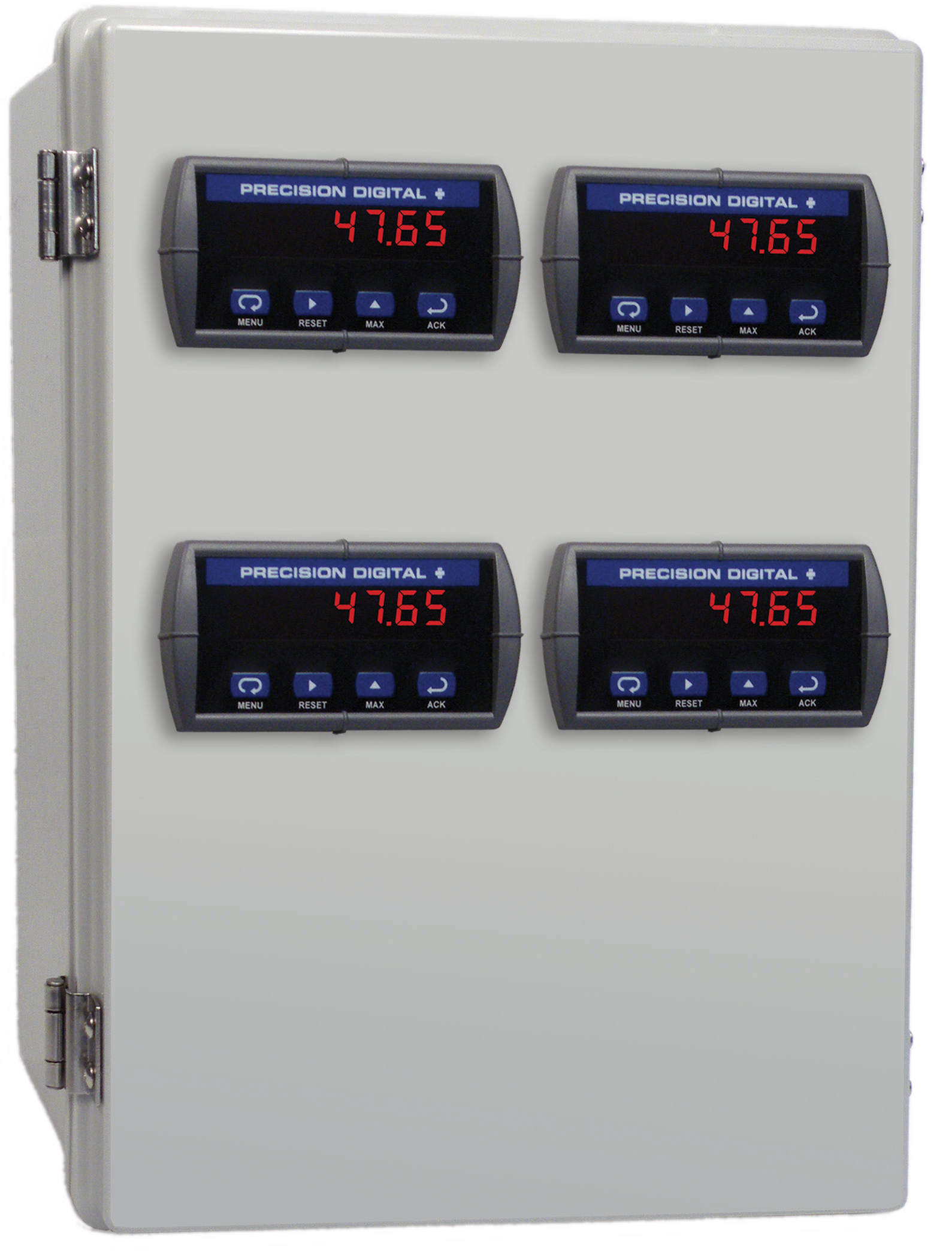
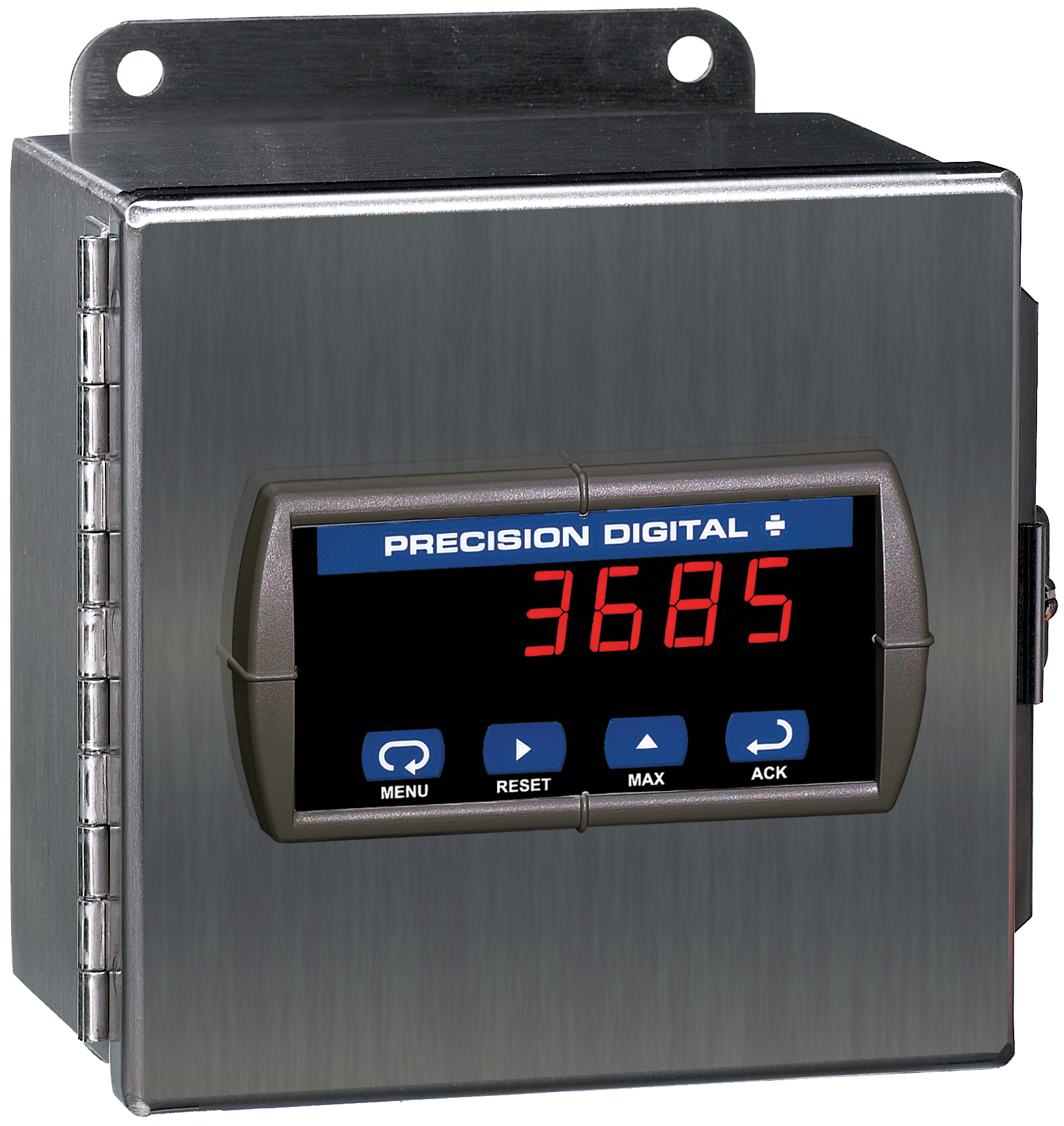

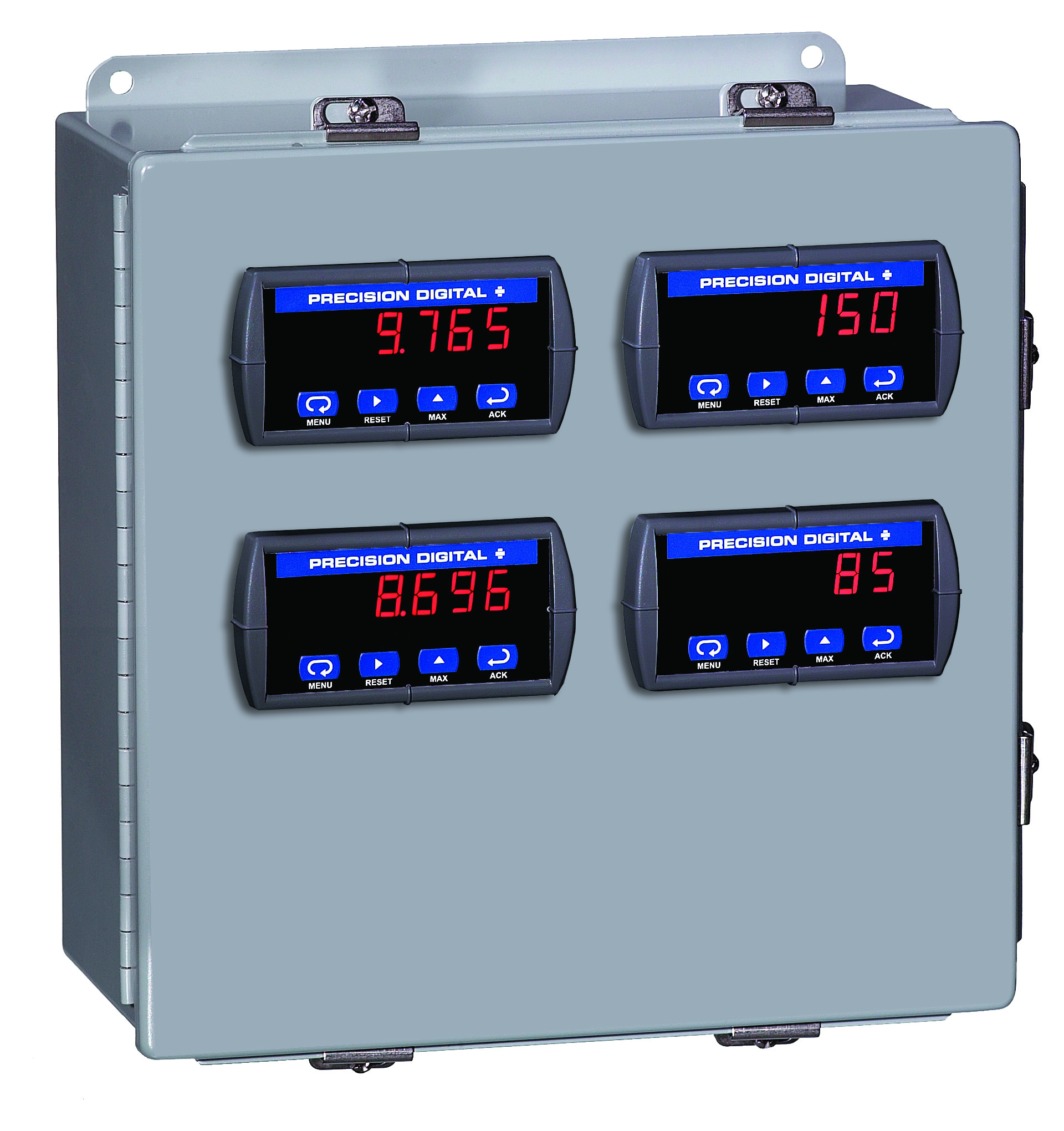
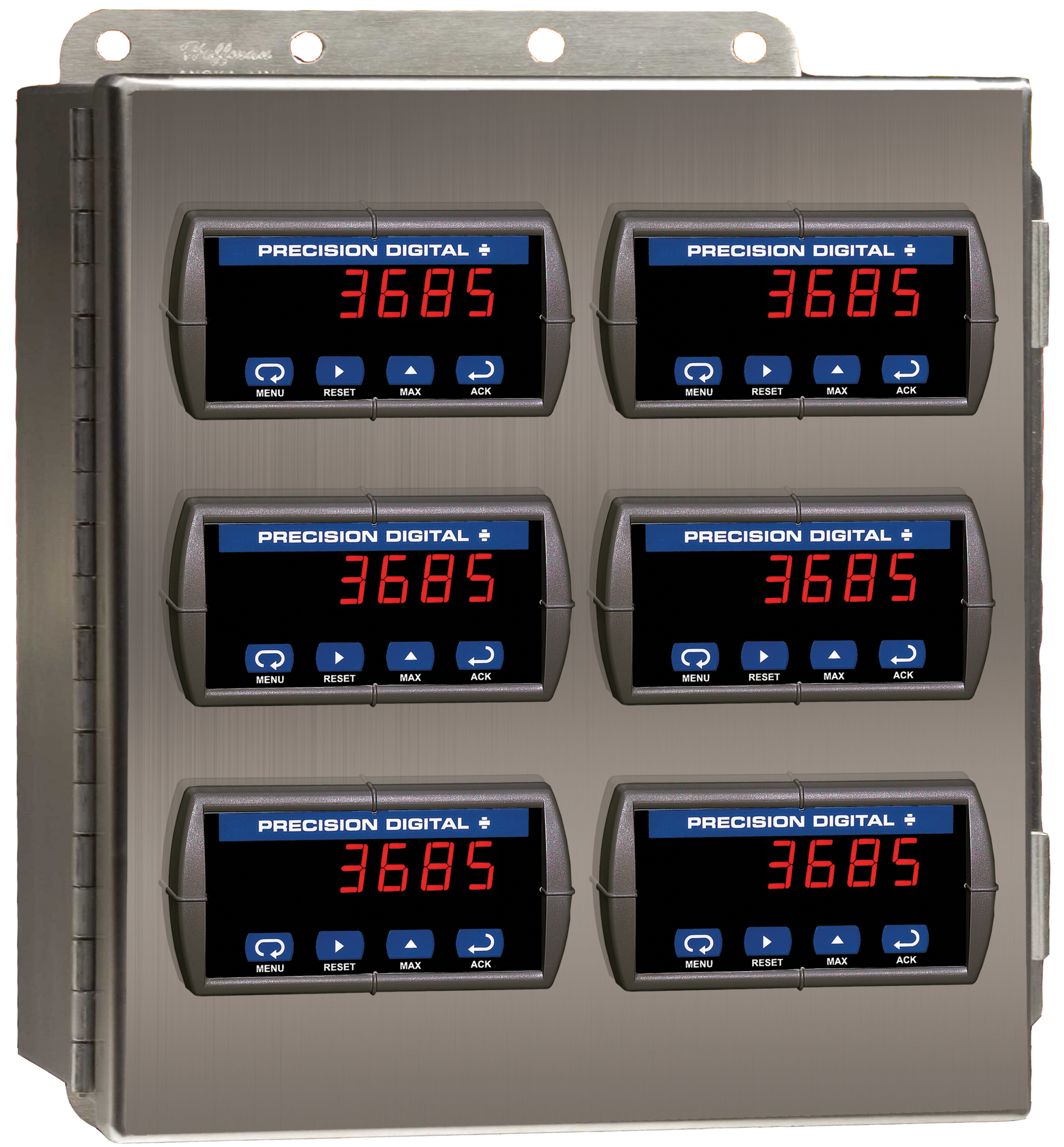
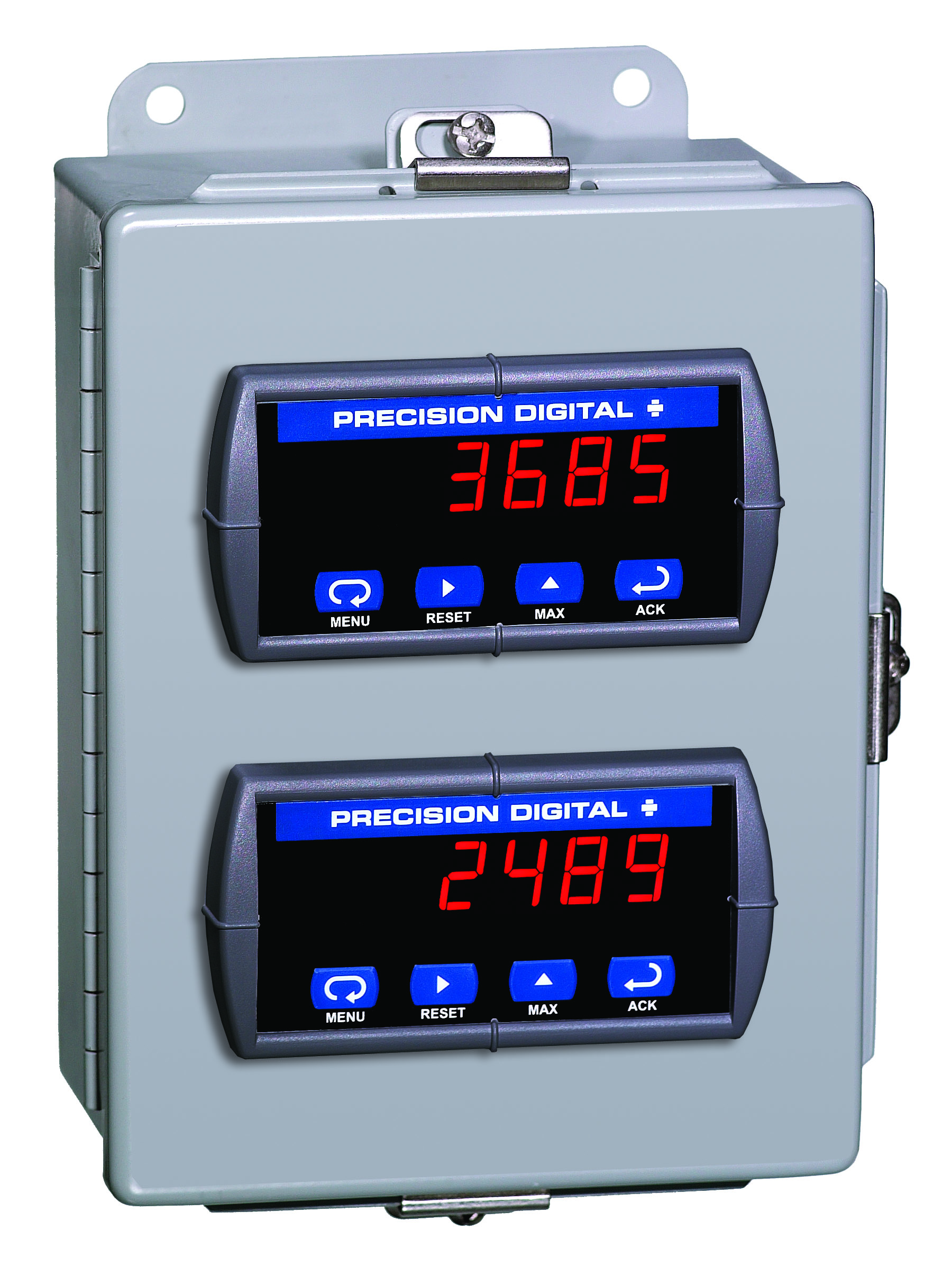
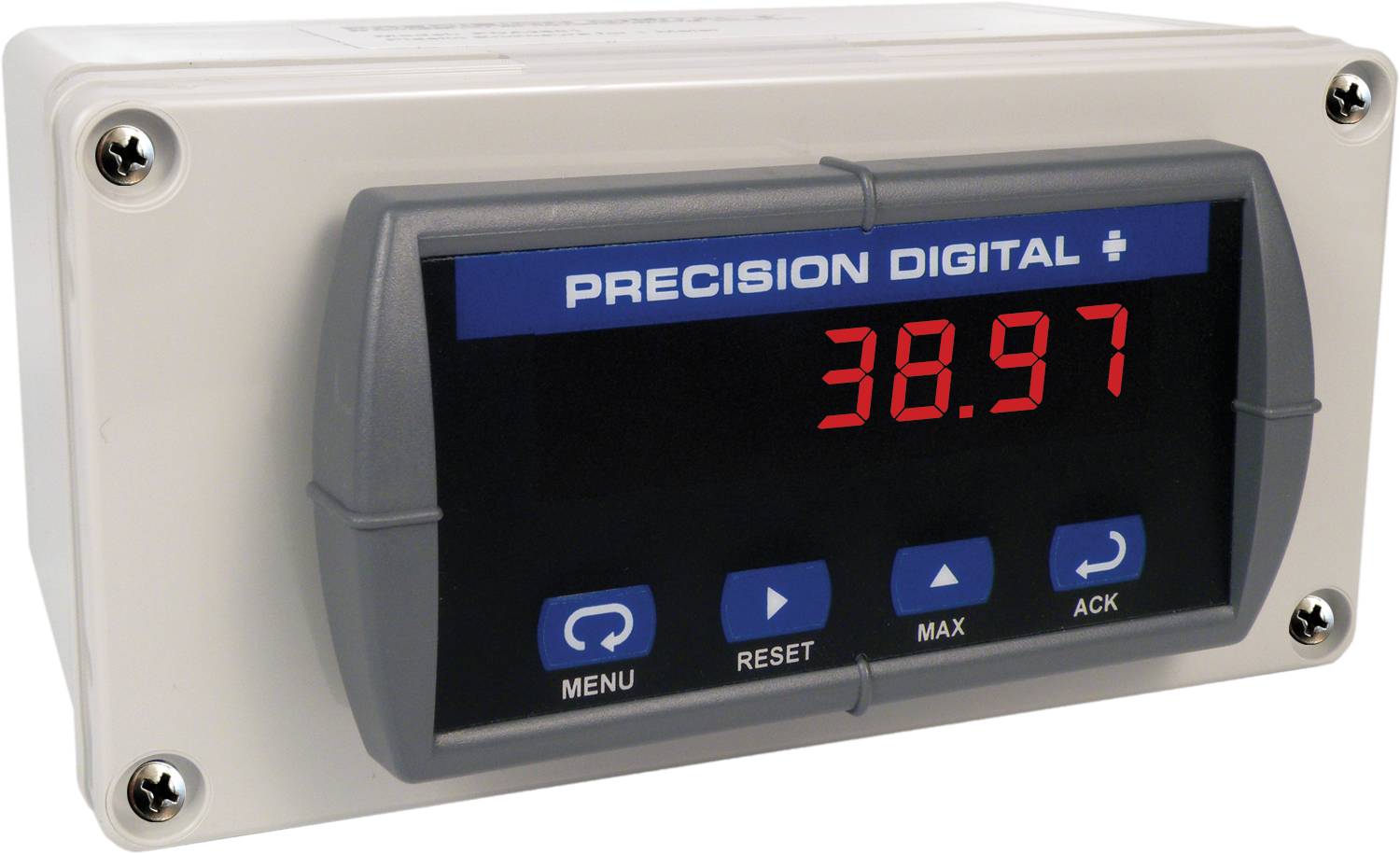

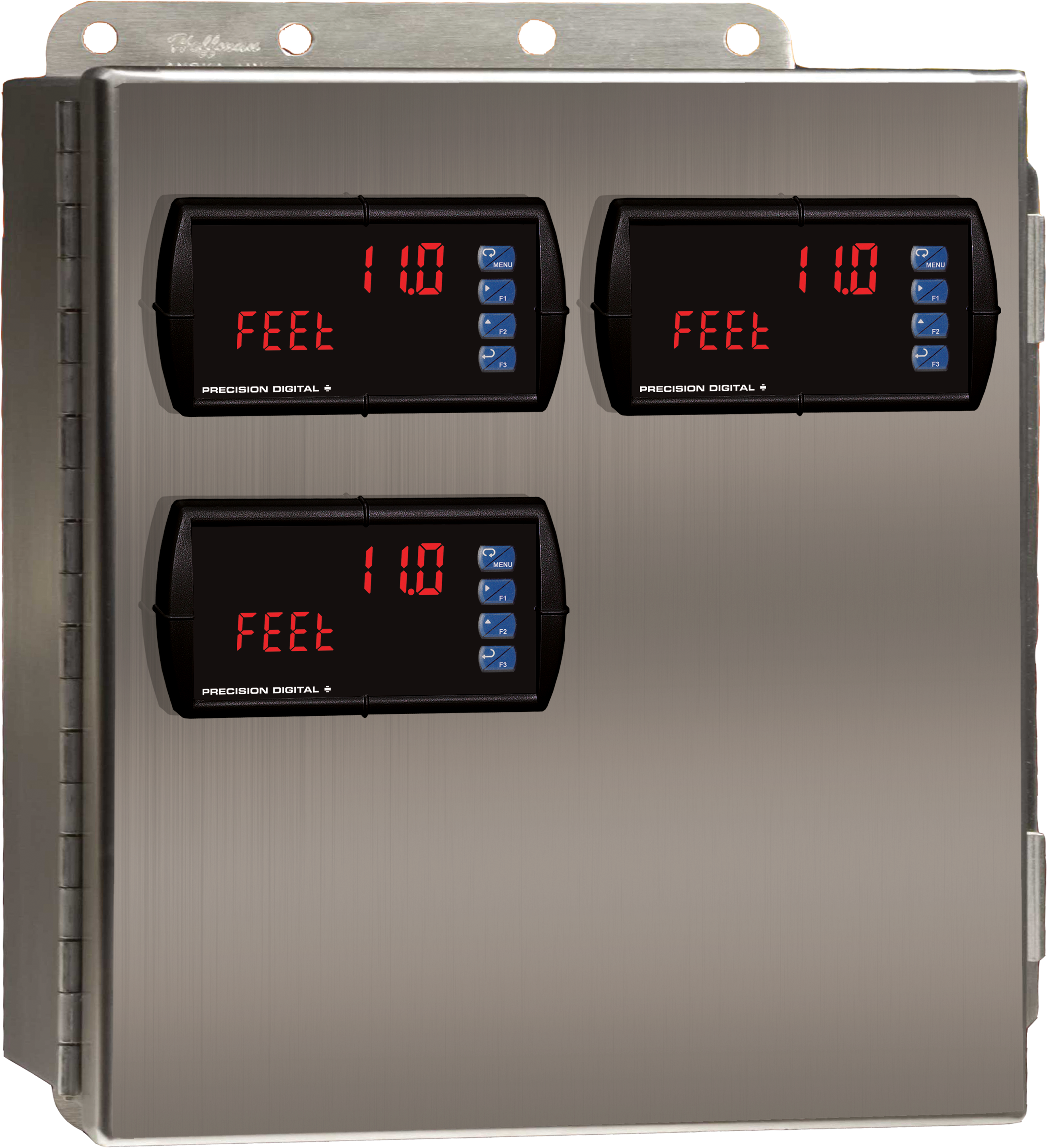
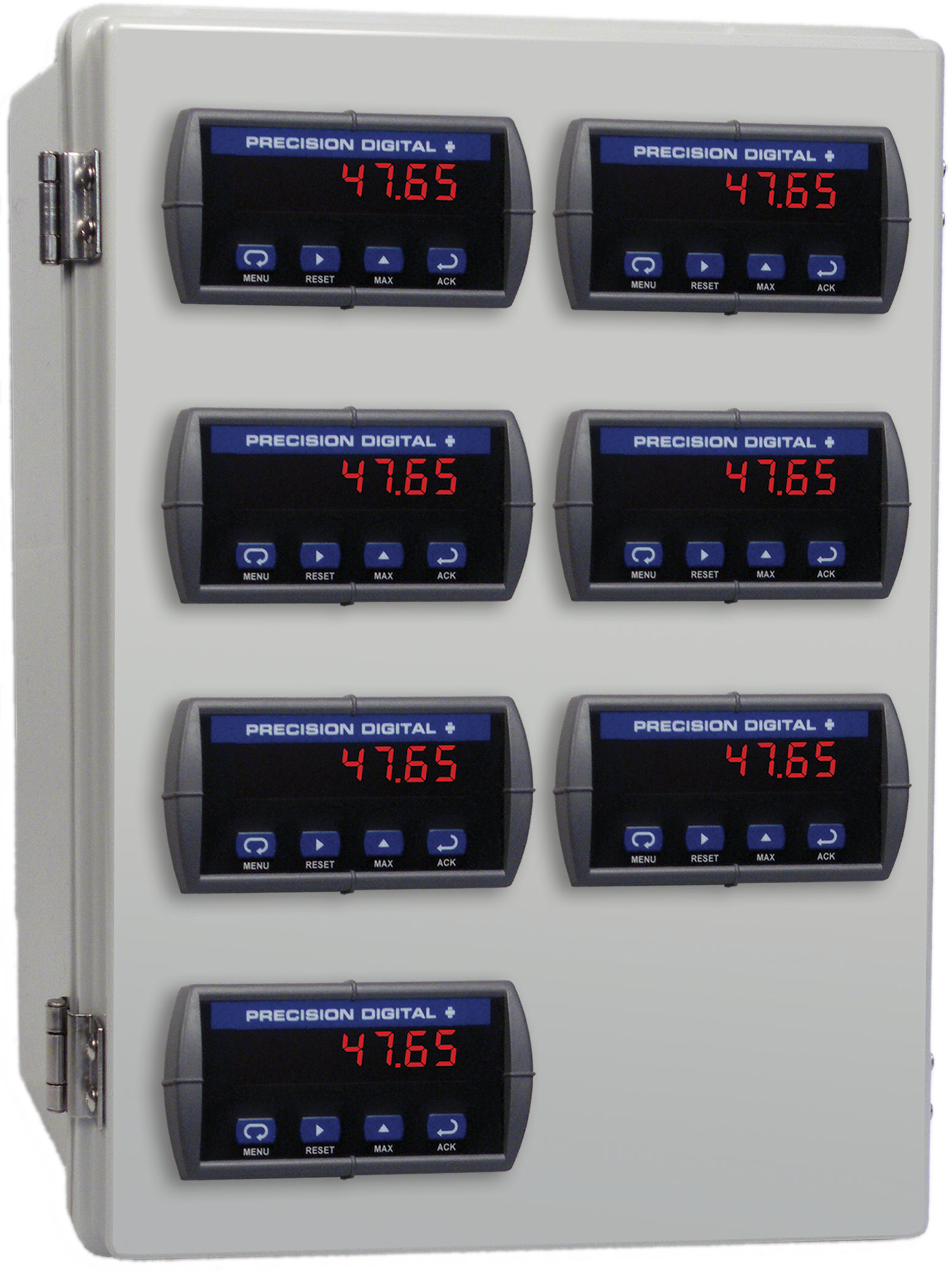
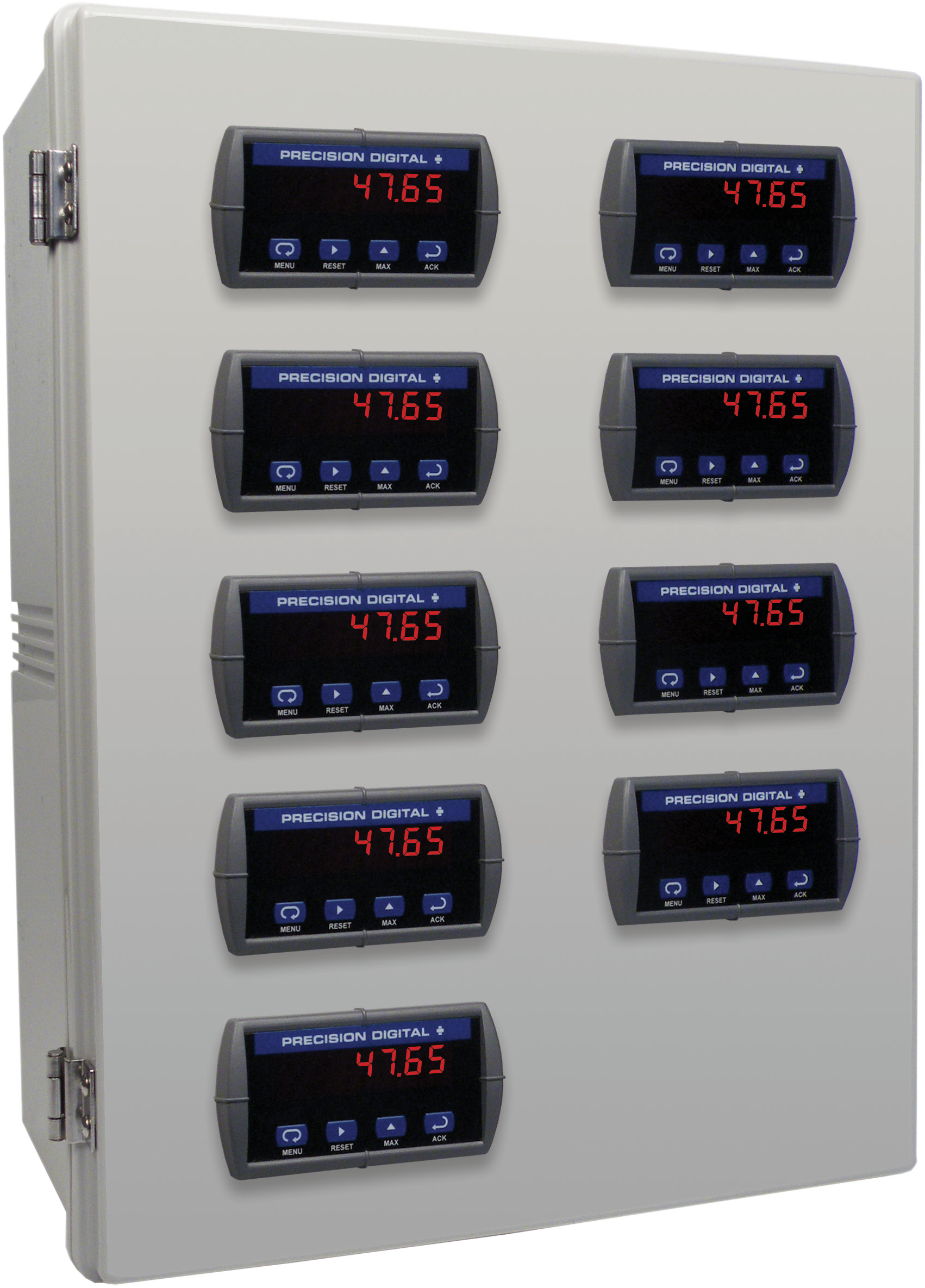
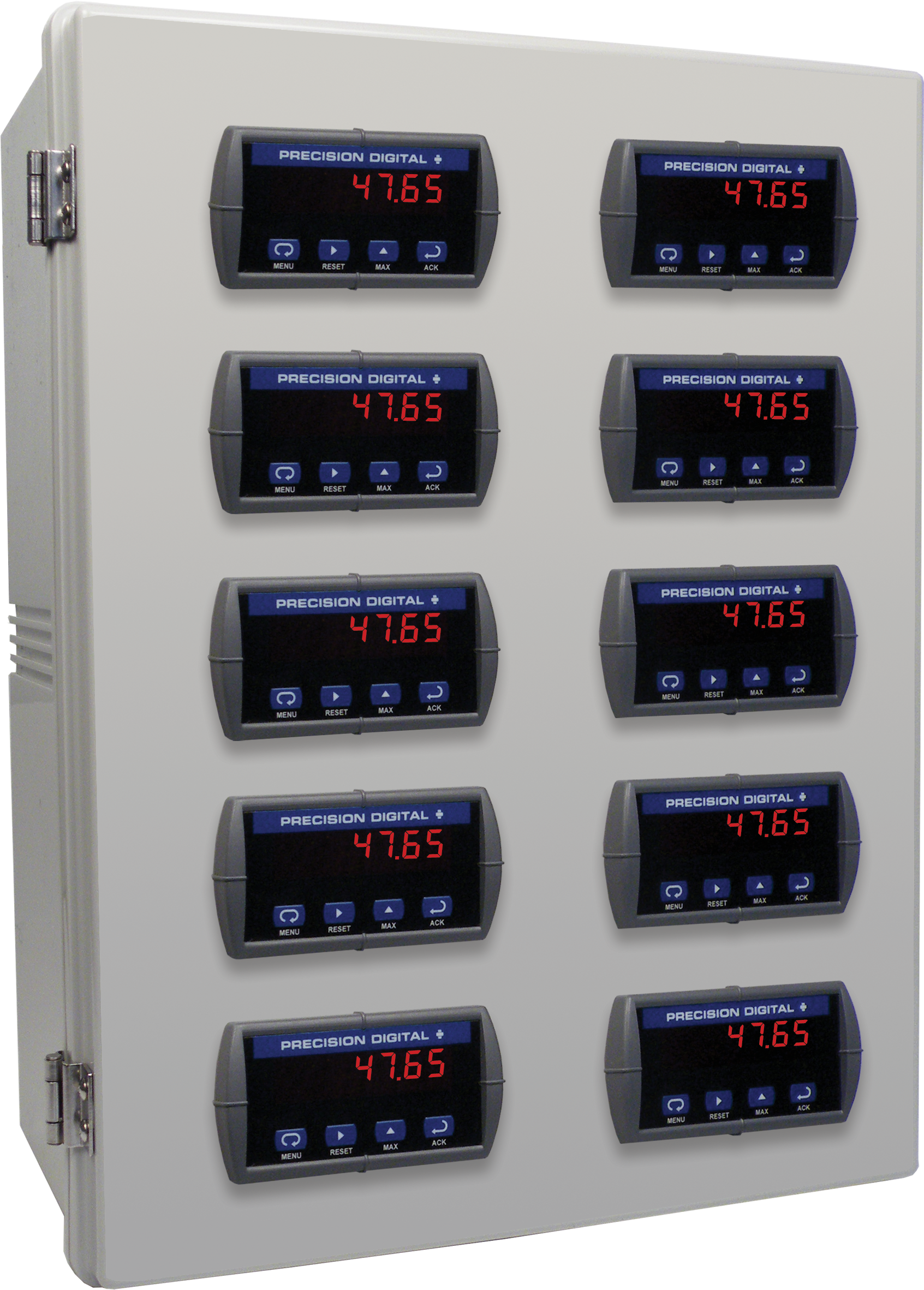
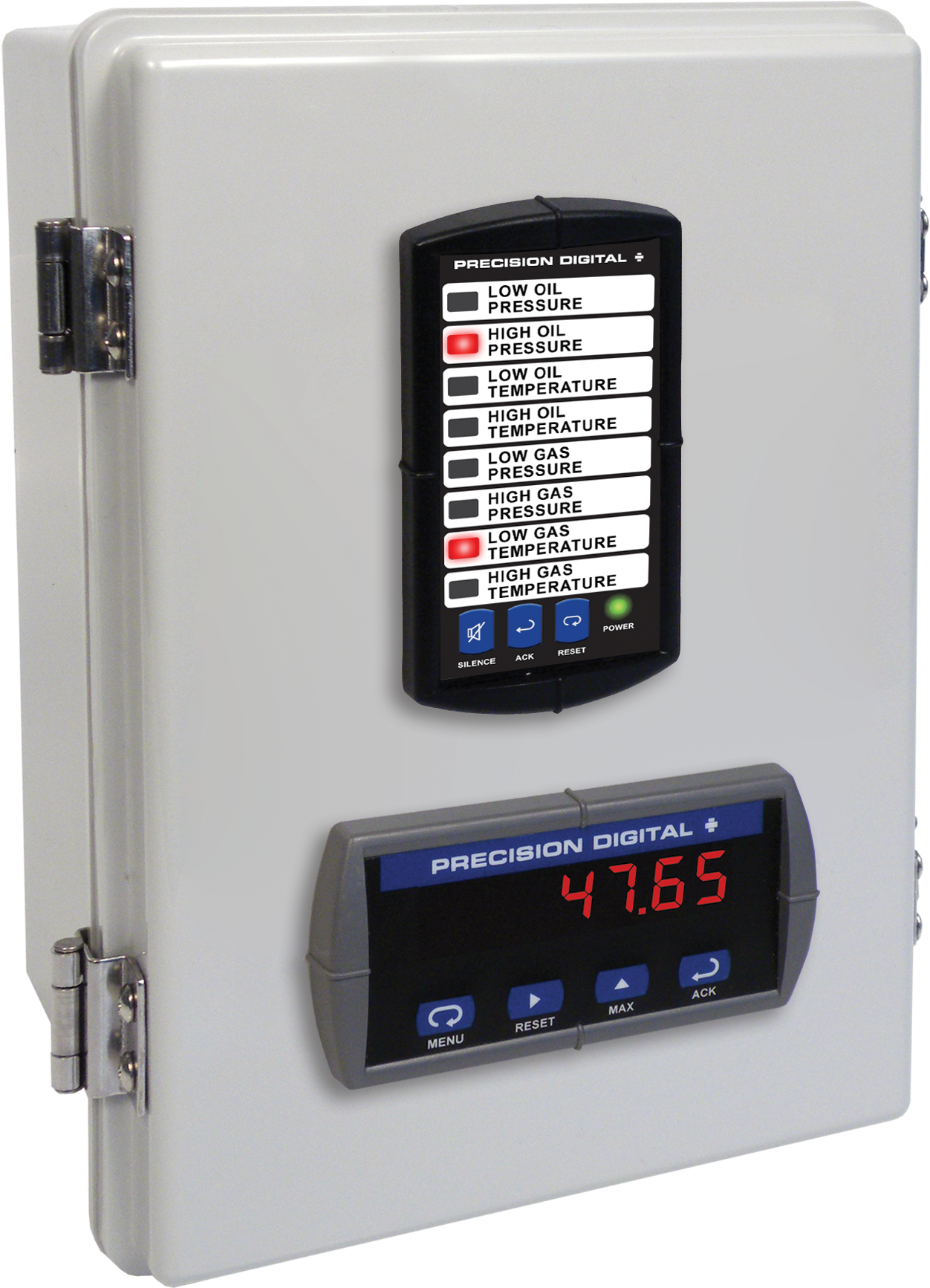
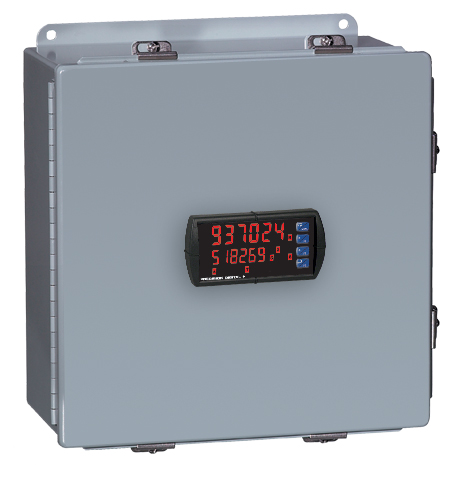
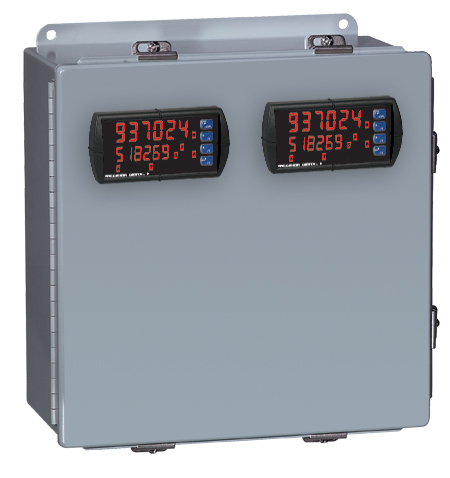
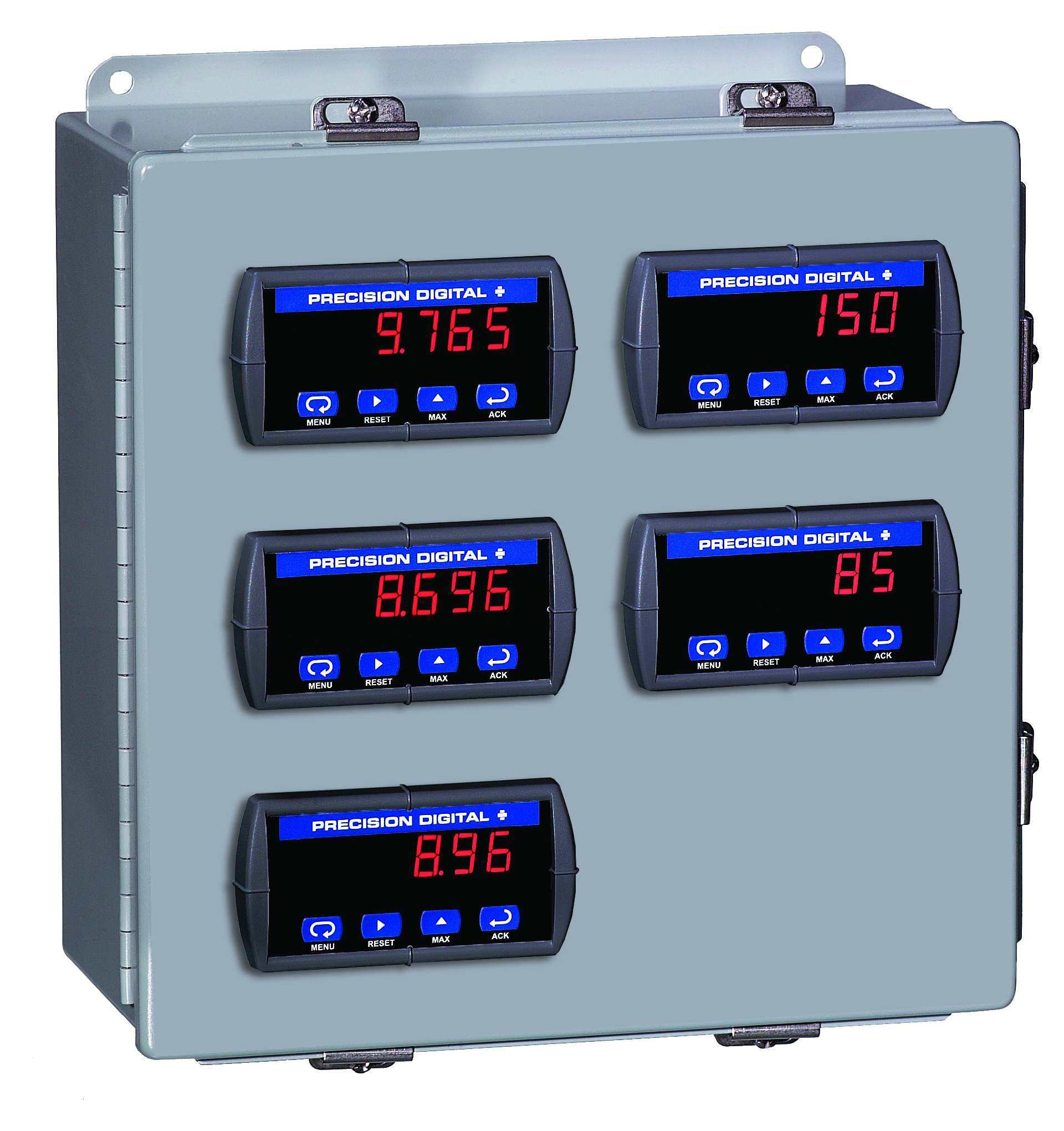
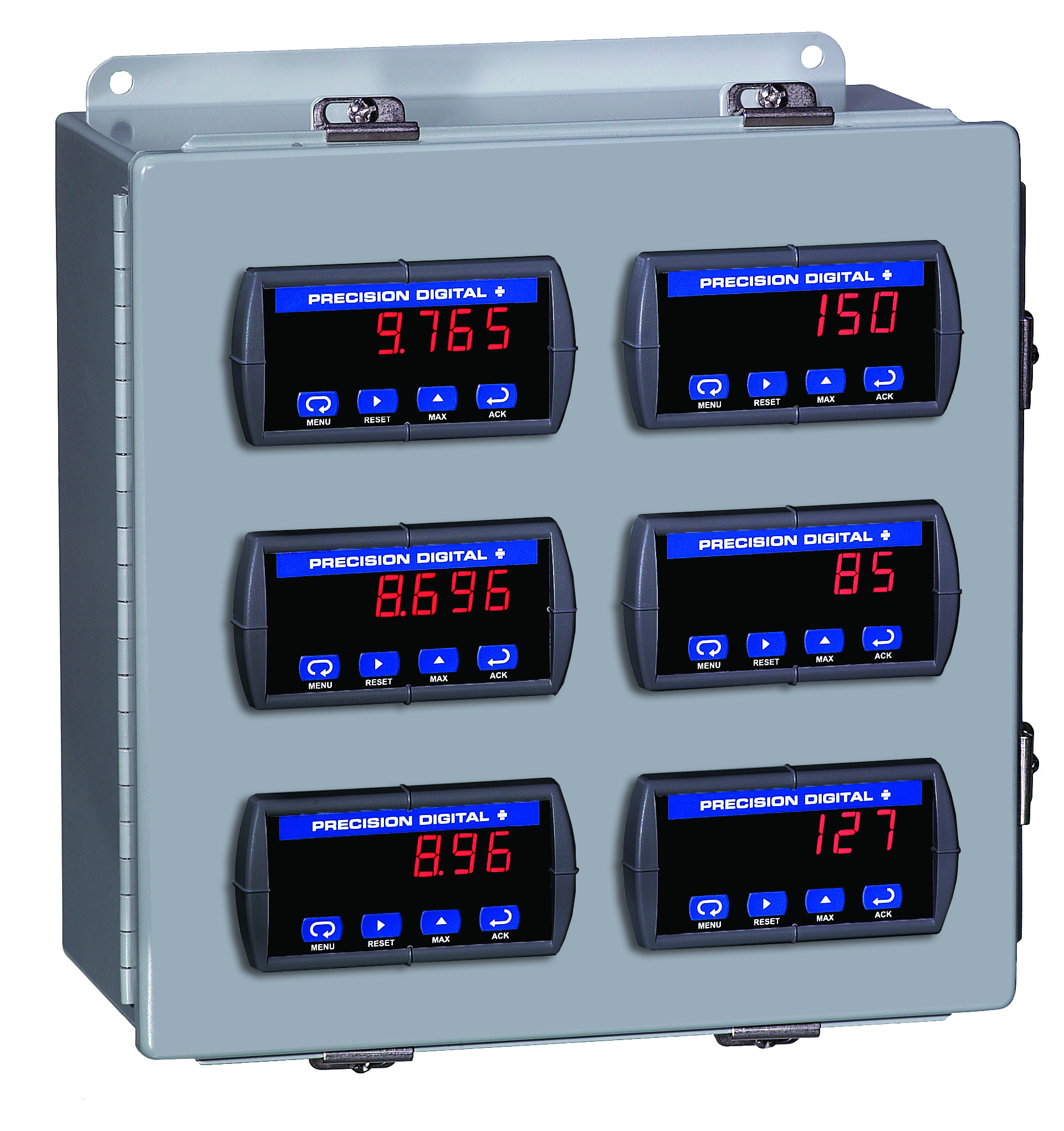
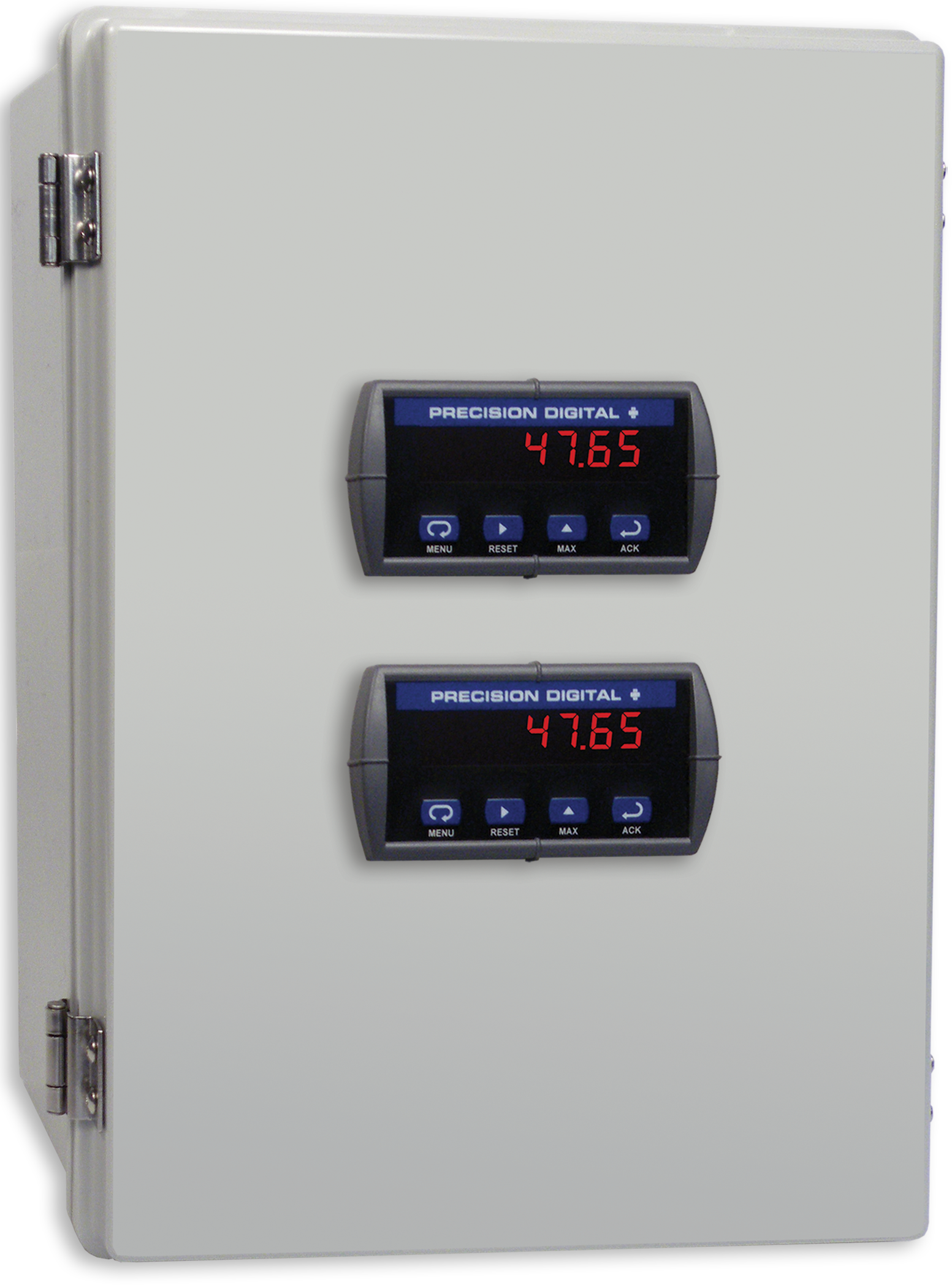
PDA2322
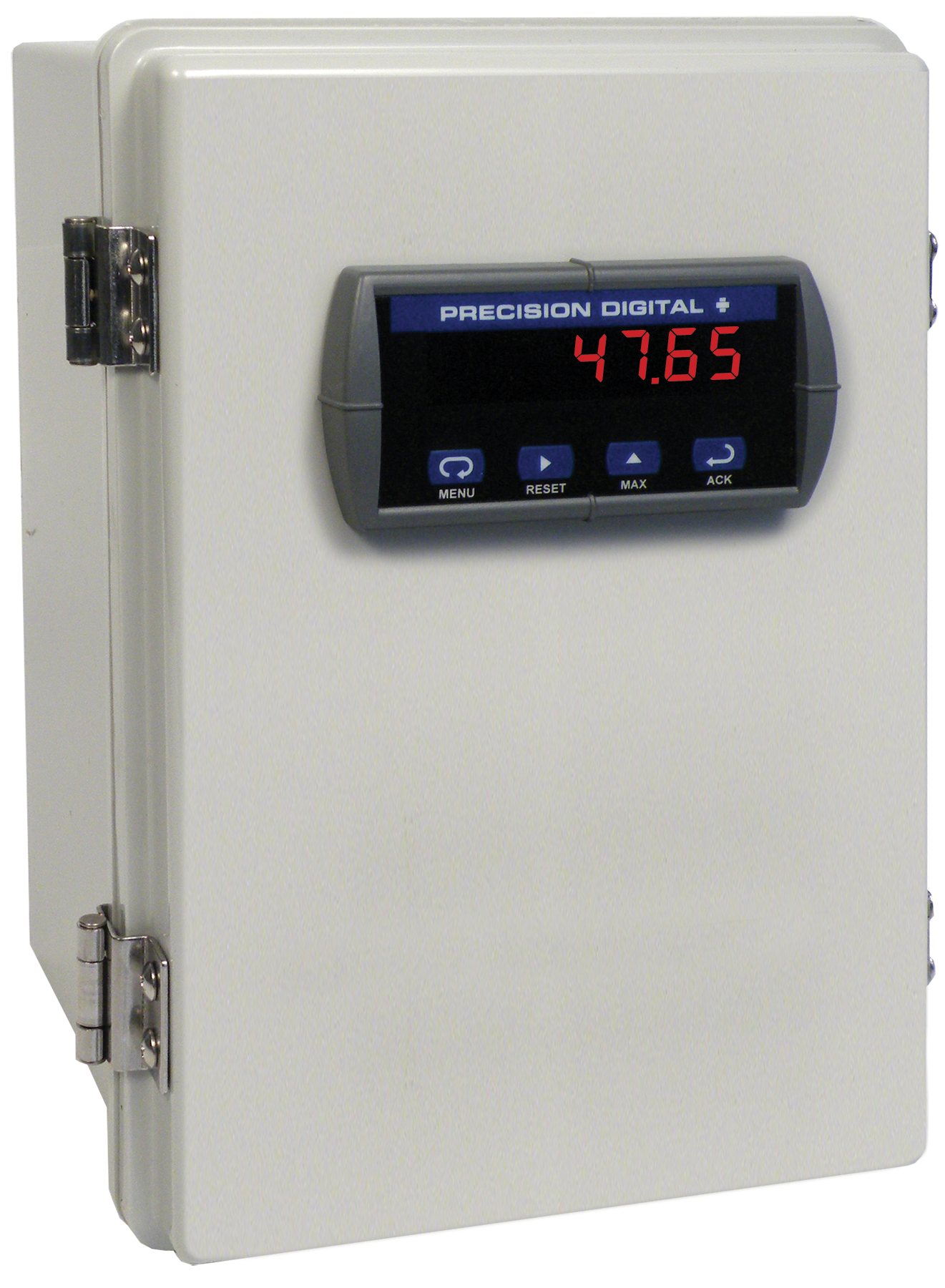
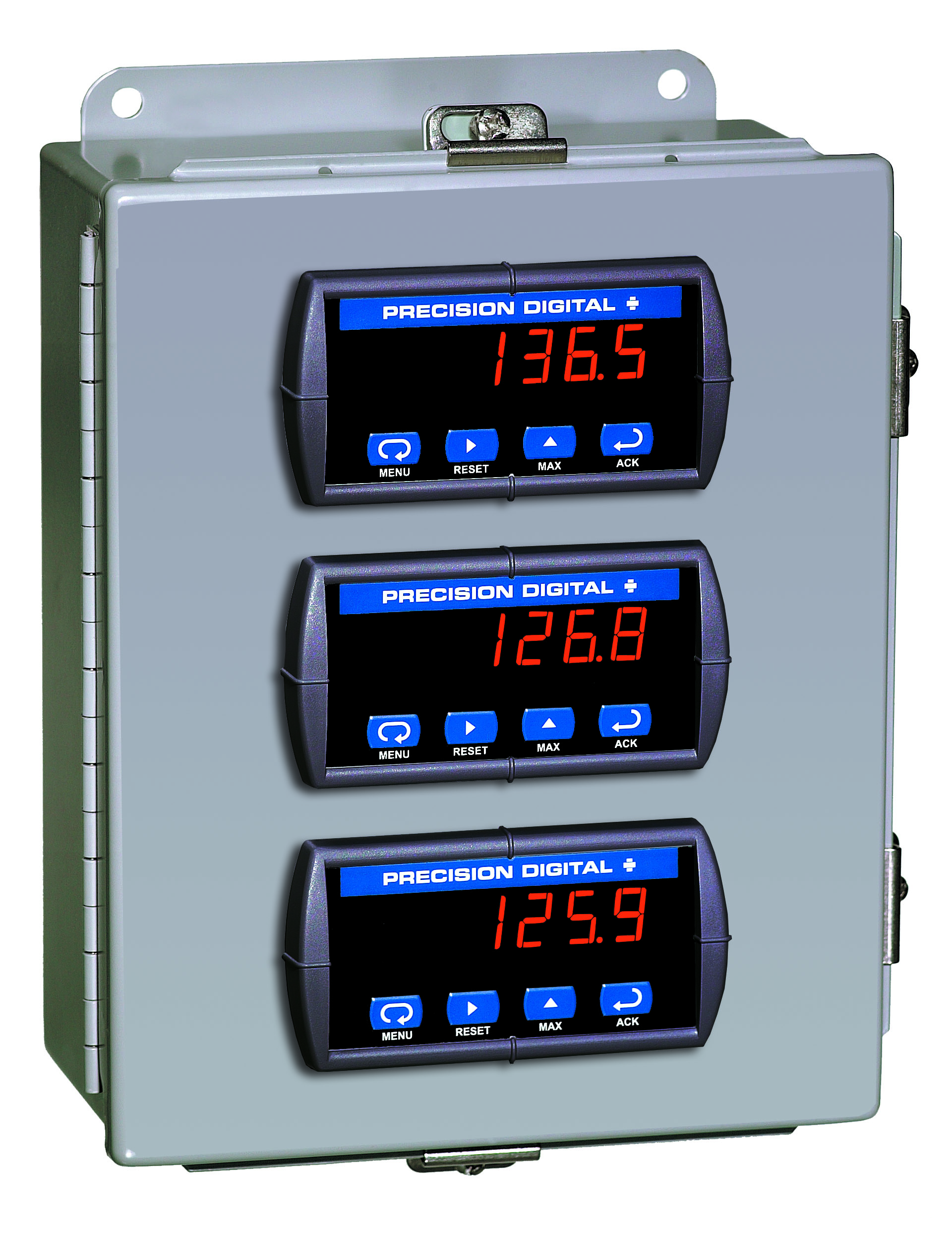
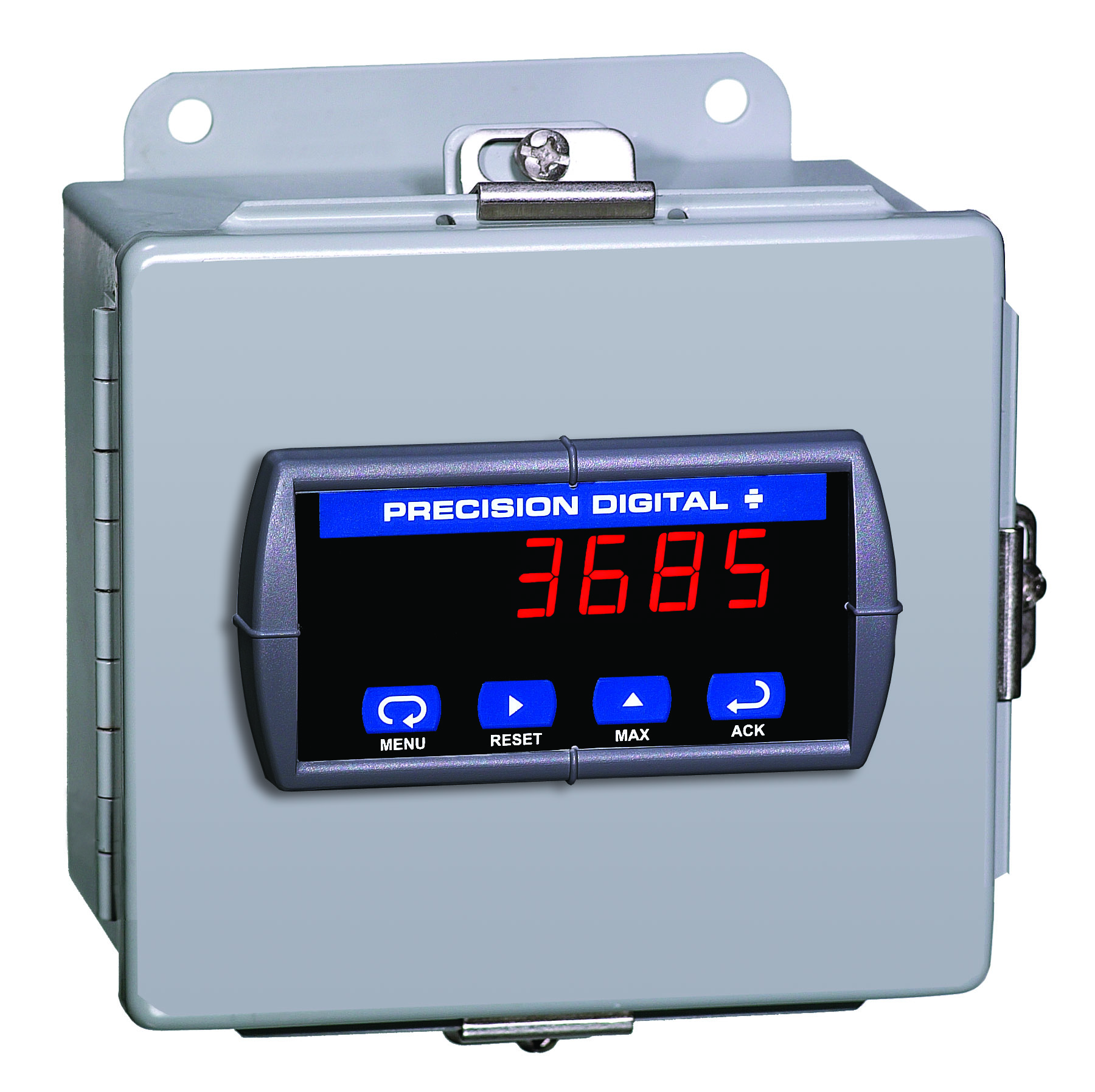
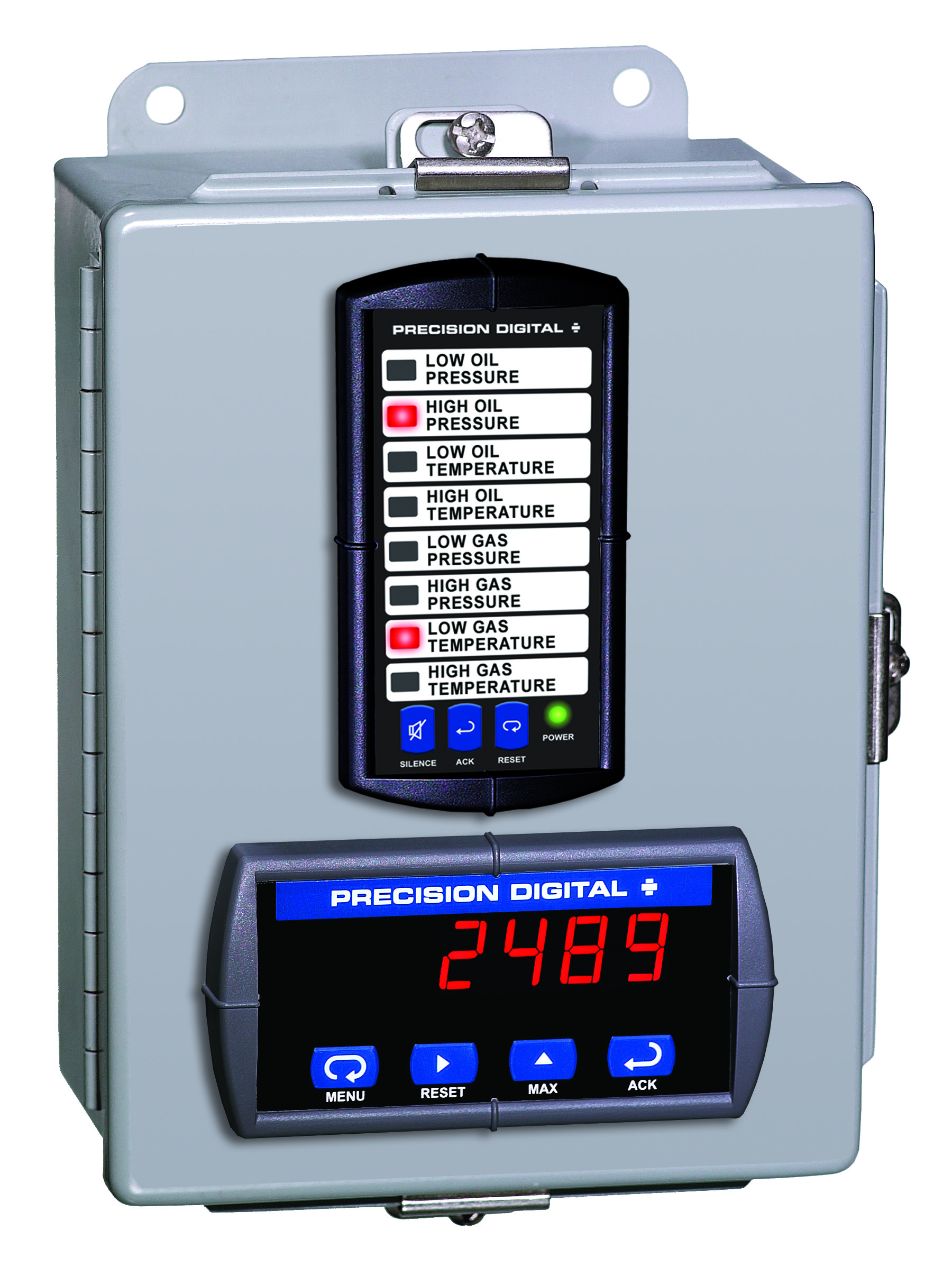
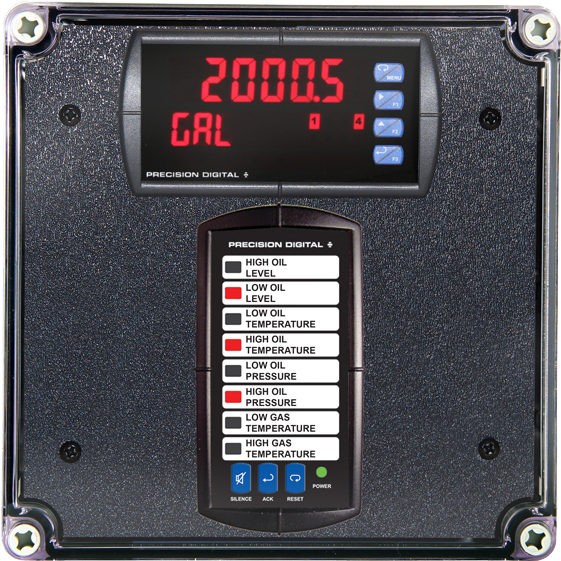
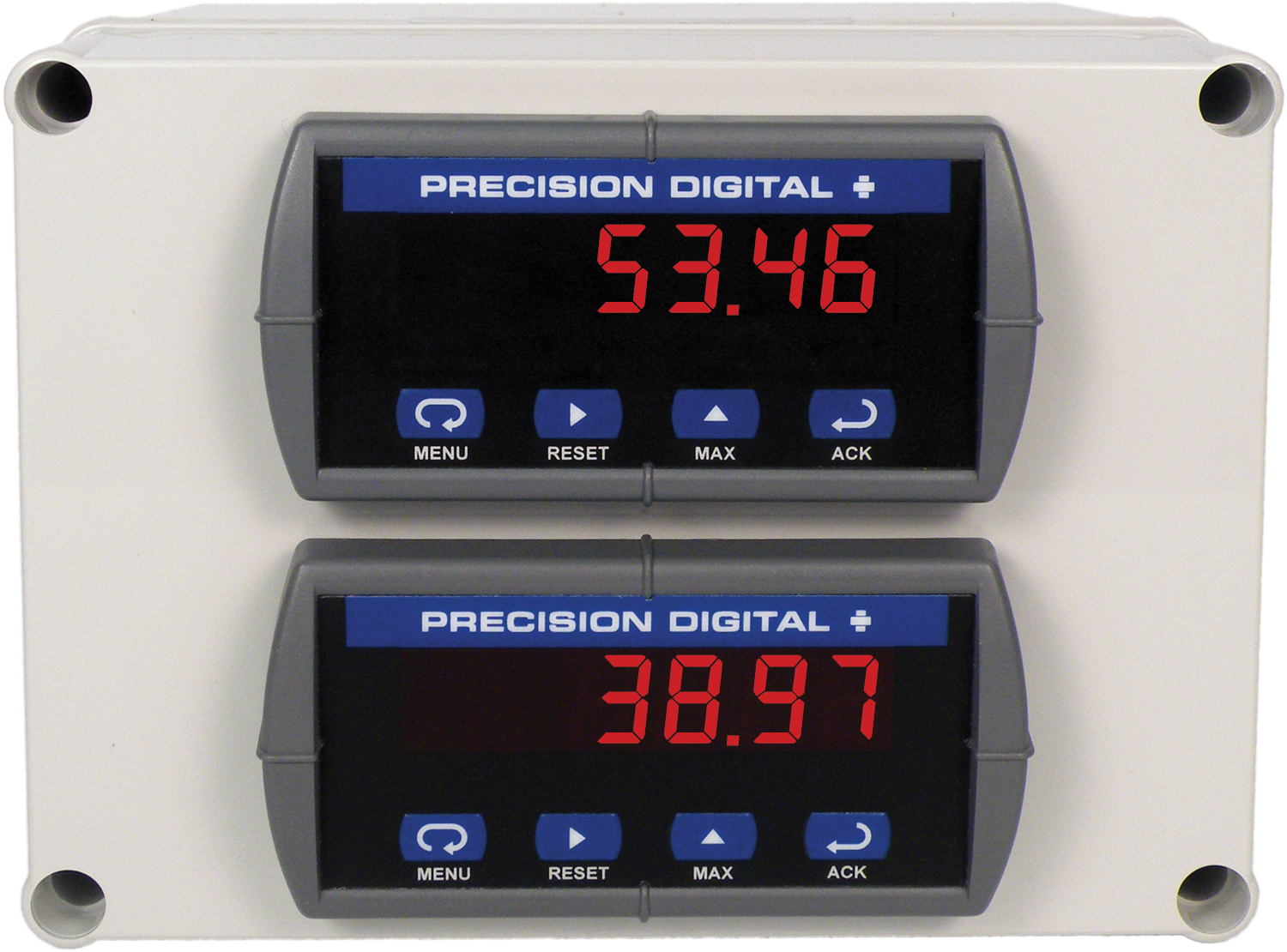
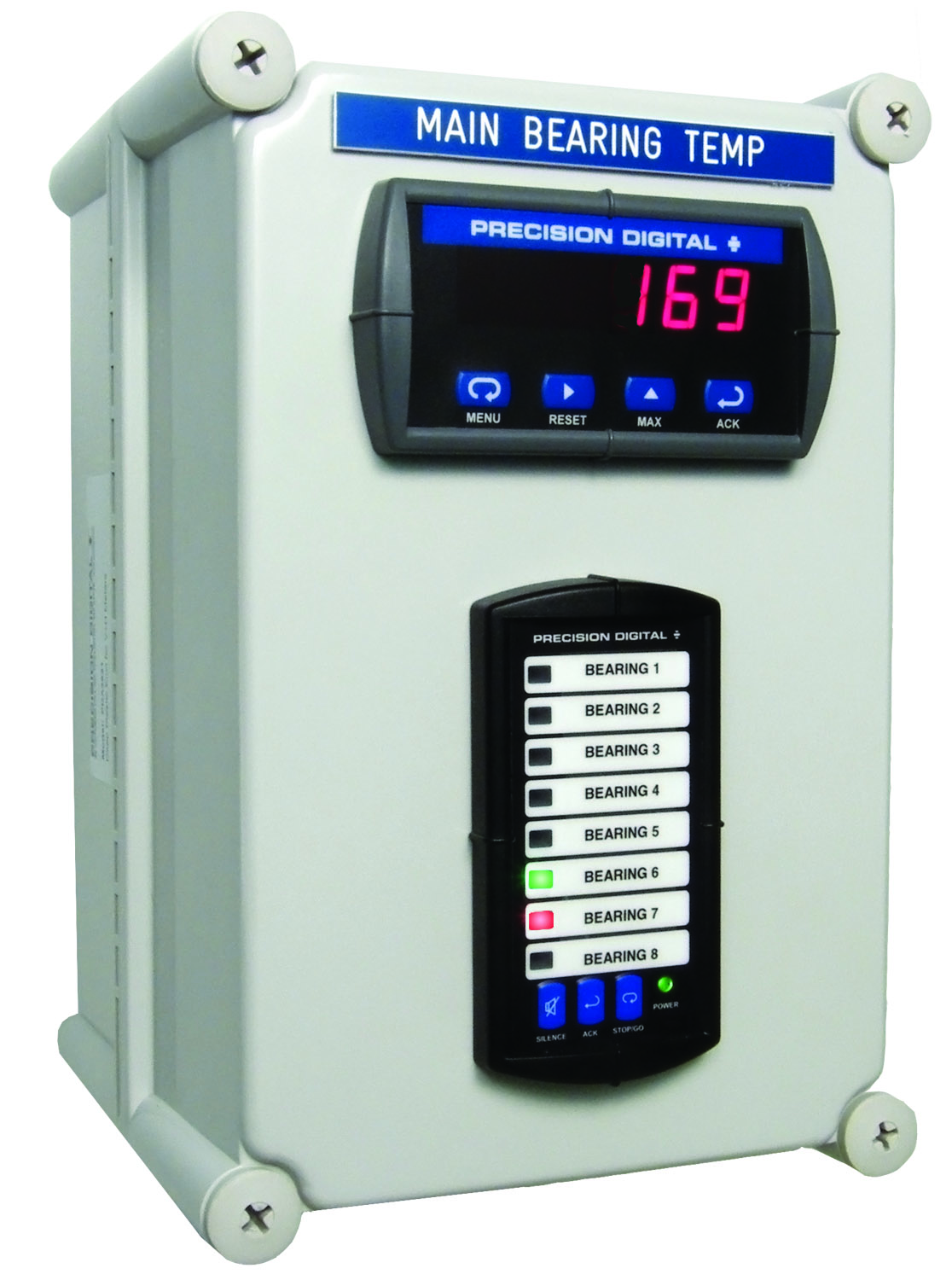
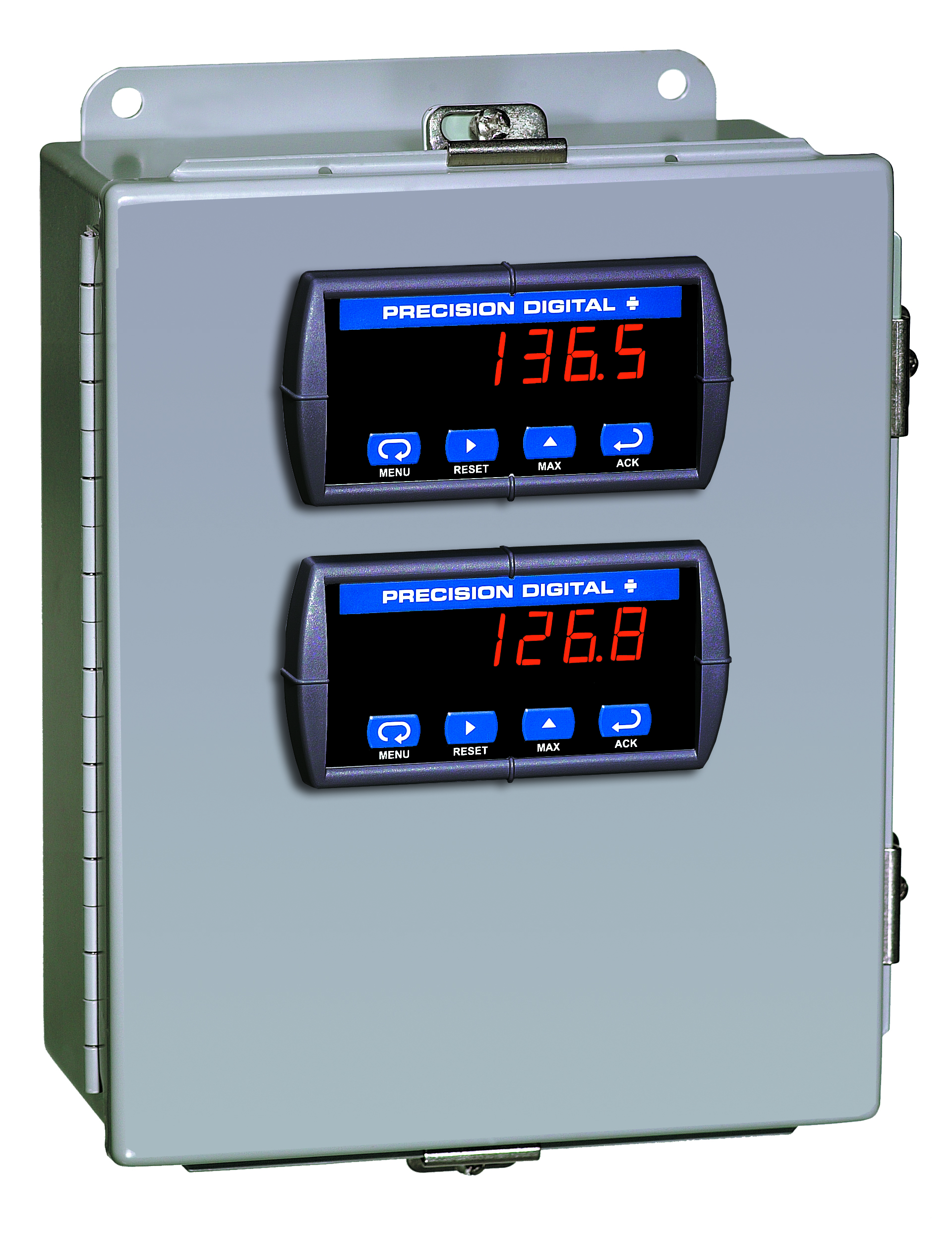
Plastic UL Type 4X Enclosure with (1) Vertical and (1) Horizontal 1/8 DIN Cutouts
PDA3414
Plastic UL Type 4X Enclosure with (1) Vertical and (1) Horizontal 1/8 DIN Cutouts
PDA2821
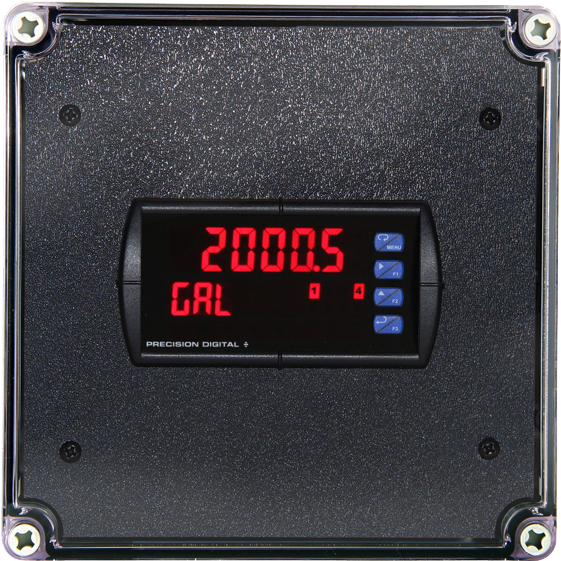
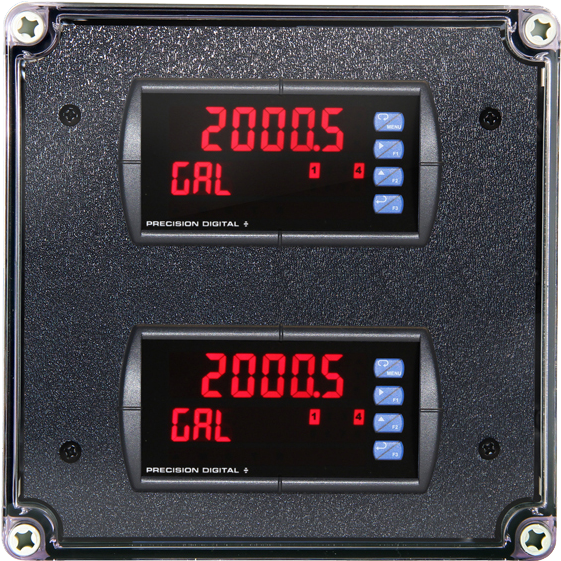
Plastic UL Type 4X Enclosure with (1) Vertical and (1) Horizontal 1/8 DIN Cutouts
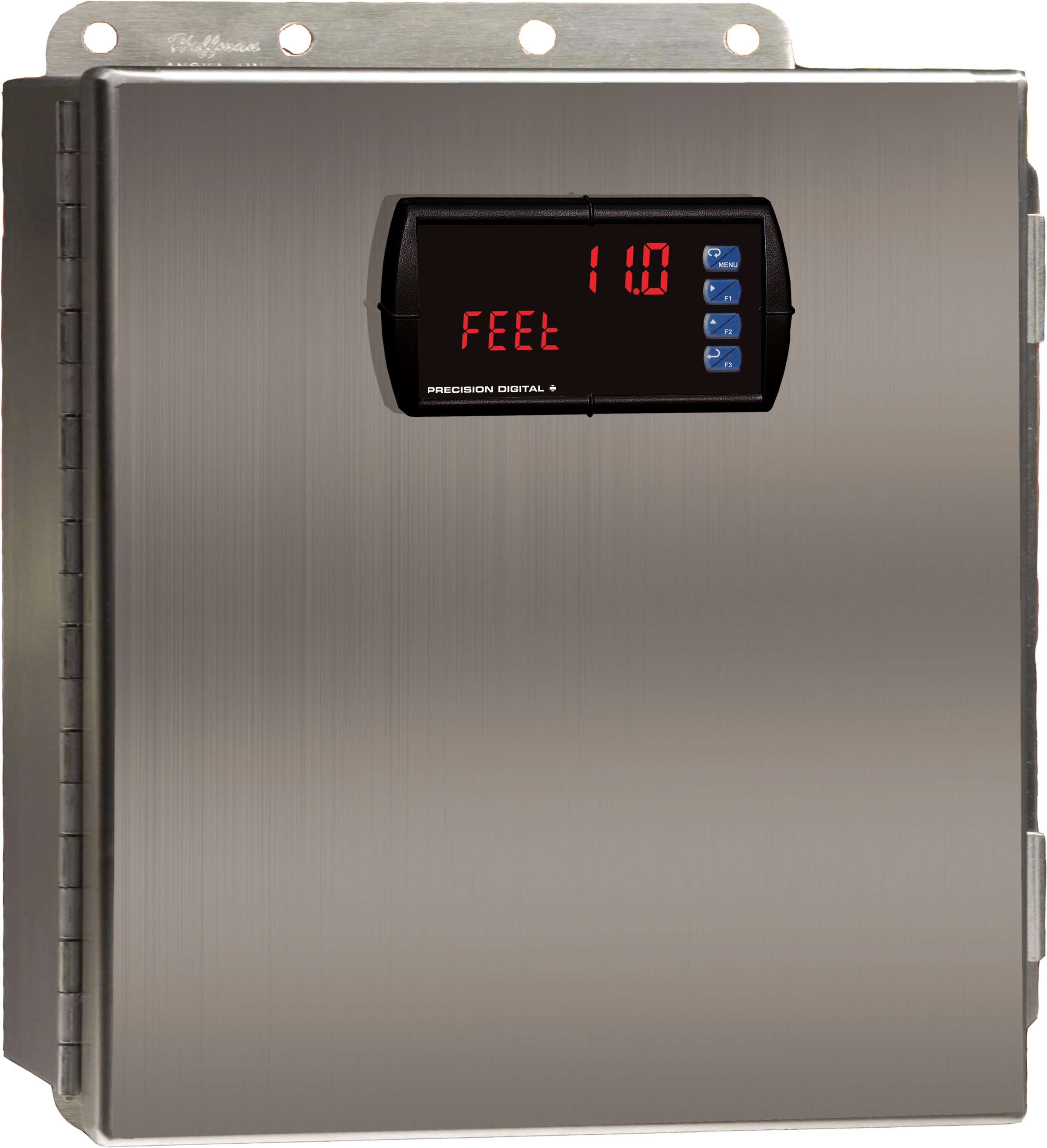

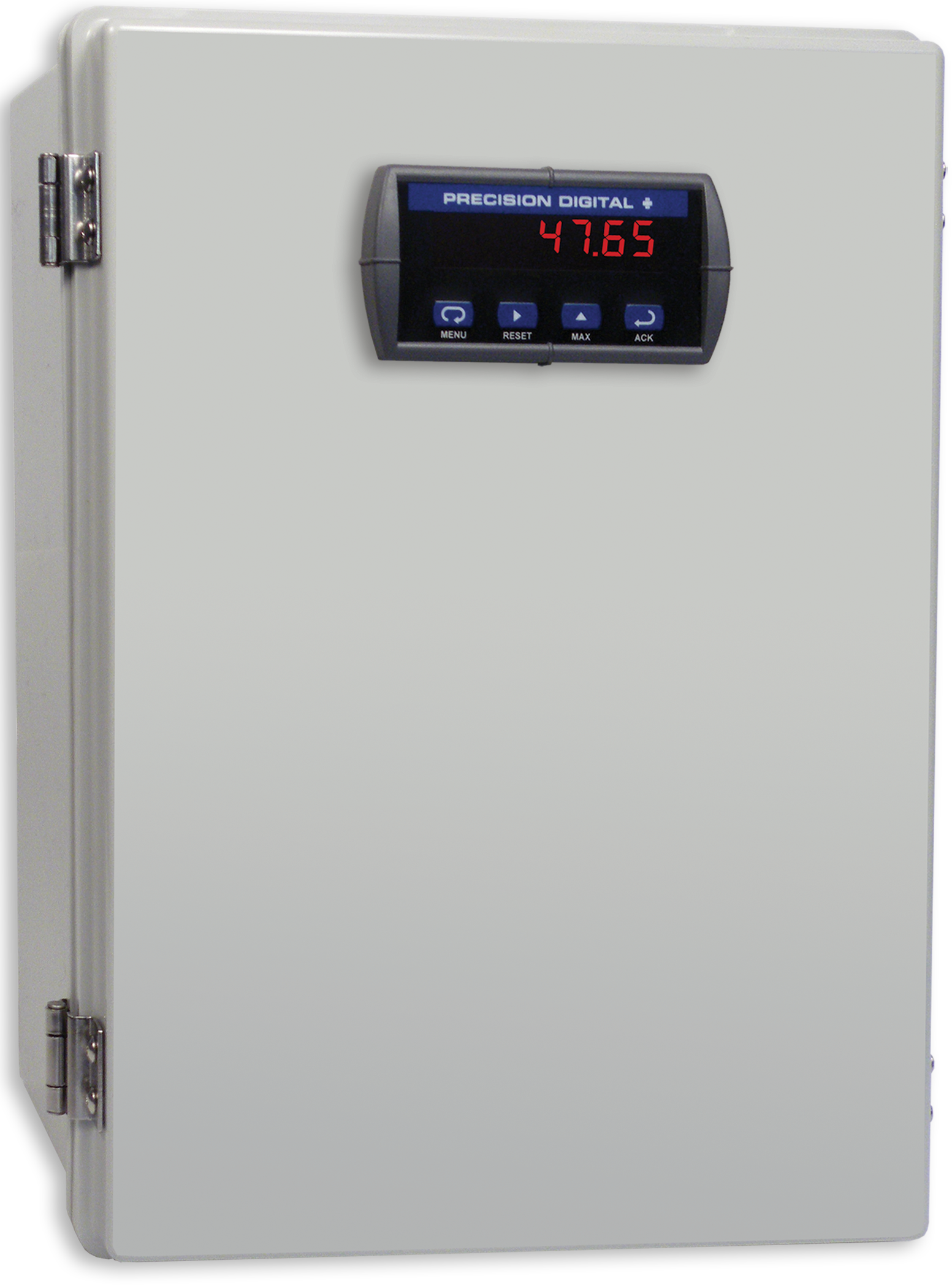
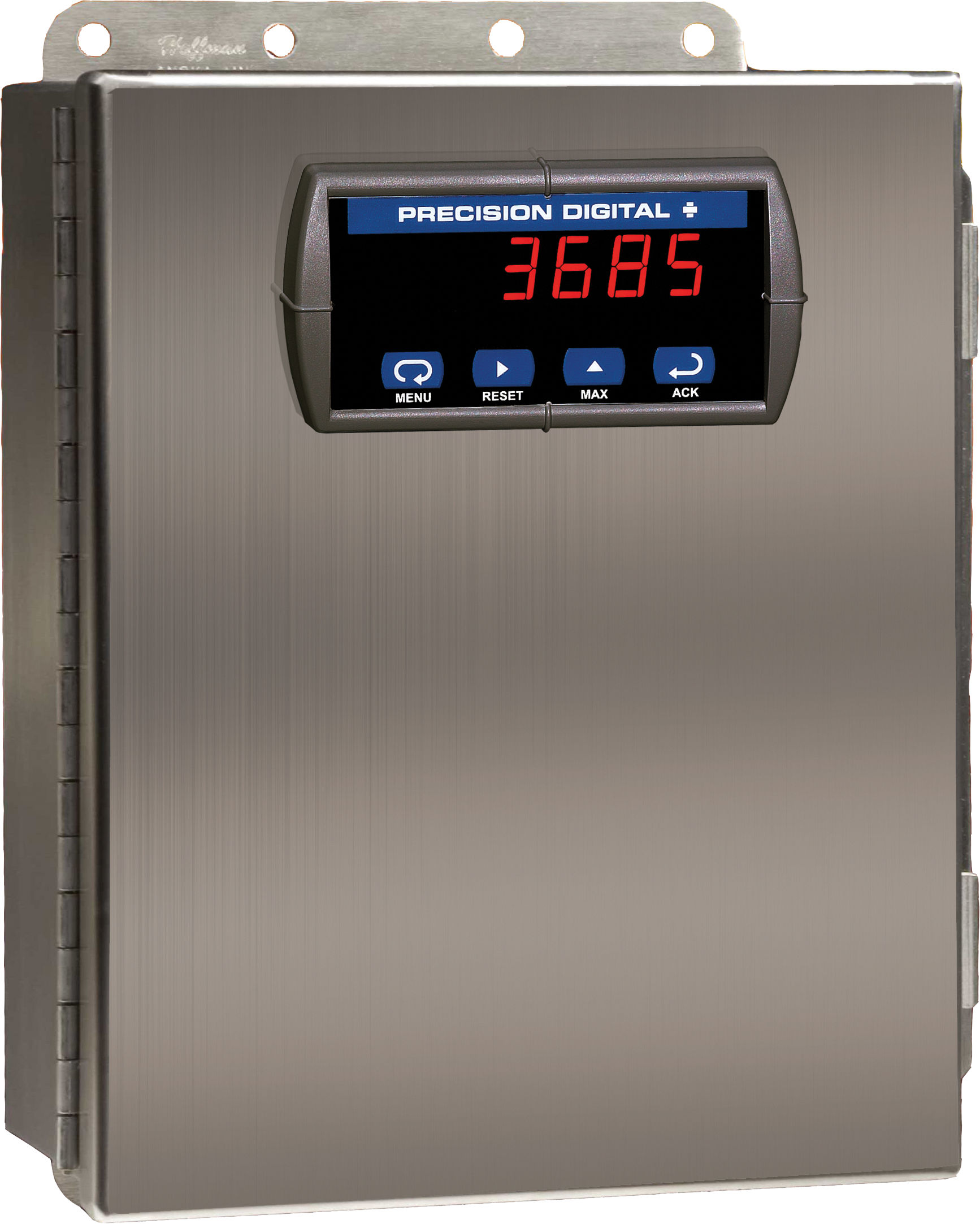
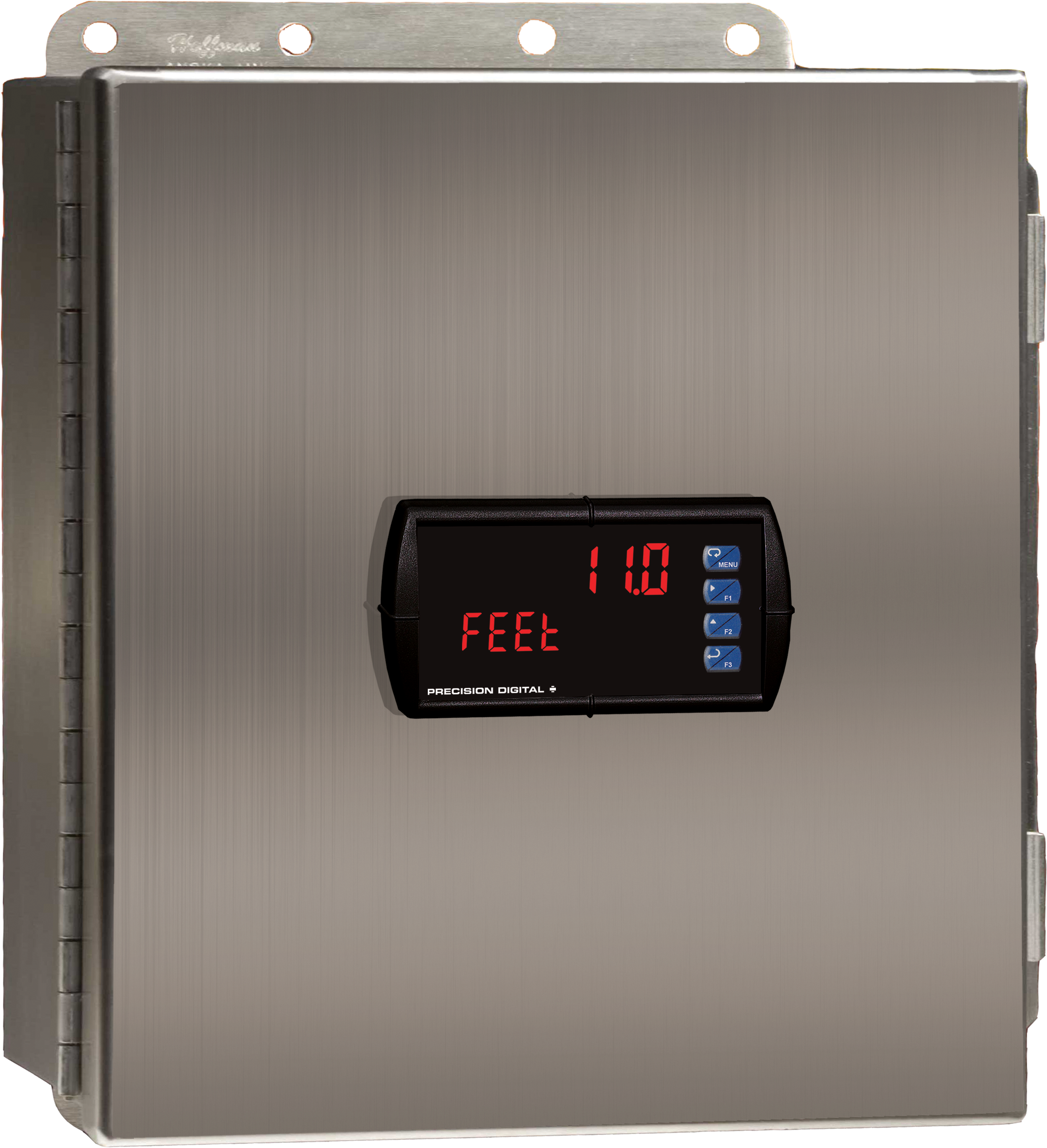
PDA2604-1C
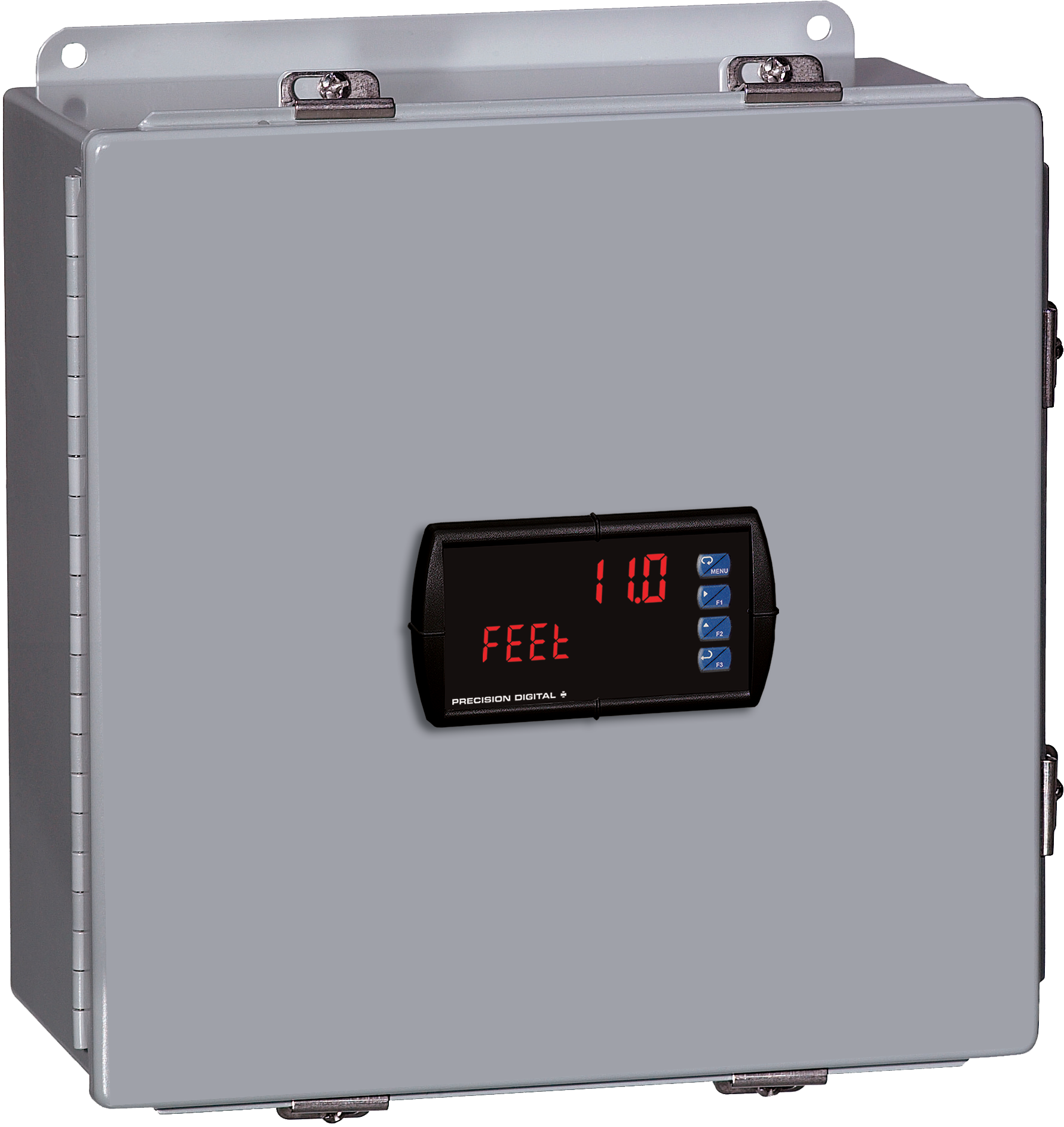
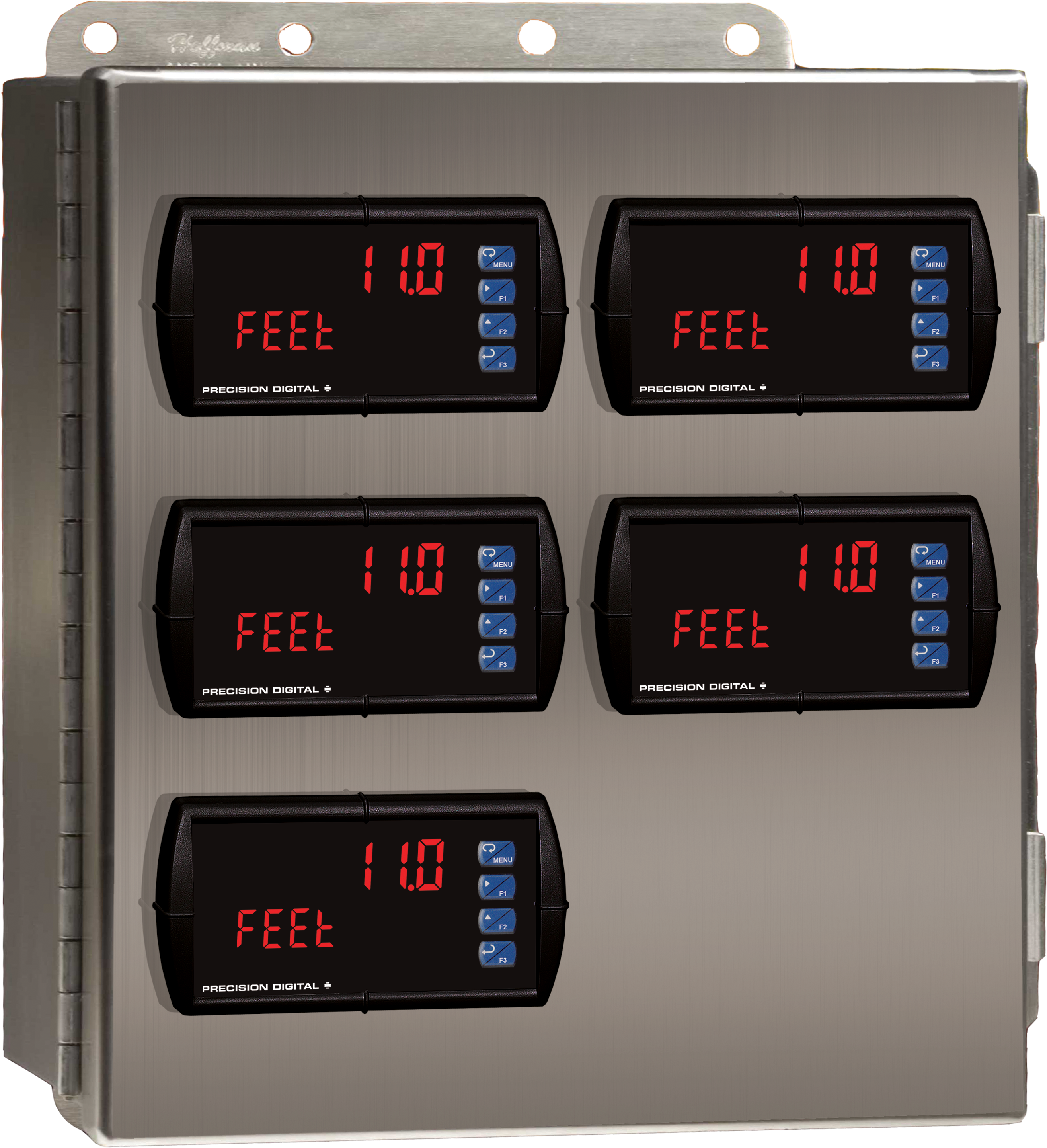
Stainless Steel UL Type 4X Enclosure with (1) Centered Horizontal 1/8 DIN Cutout
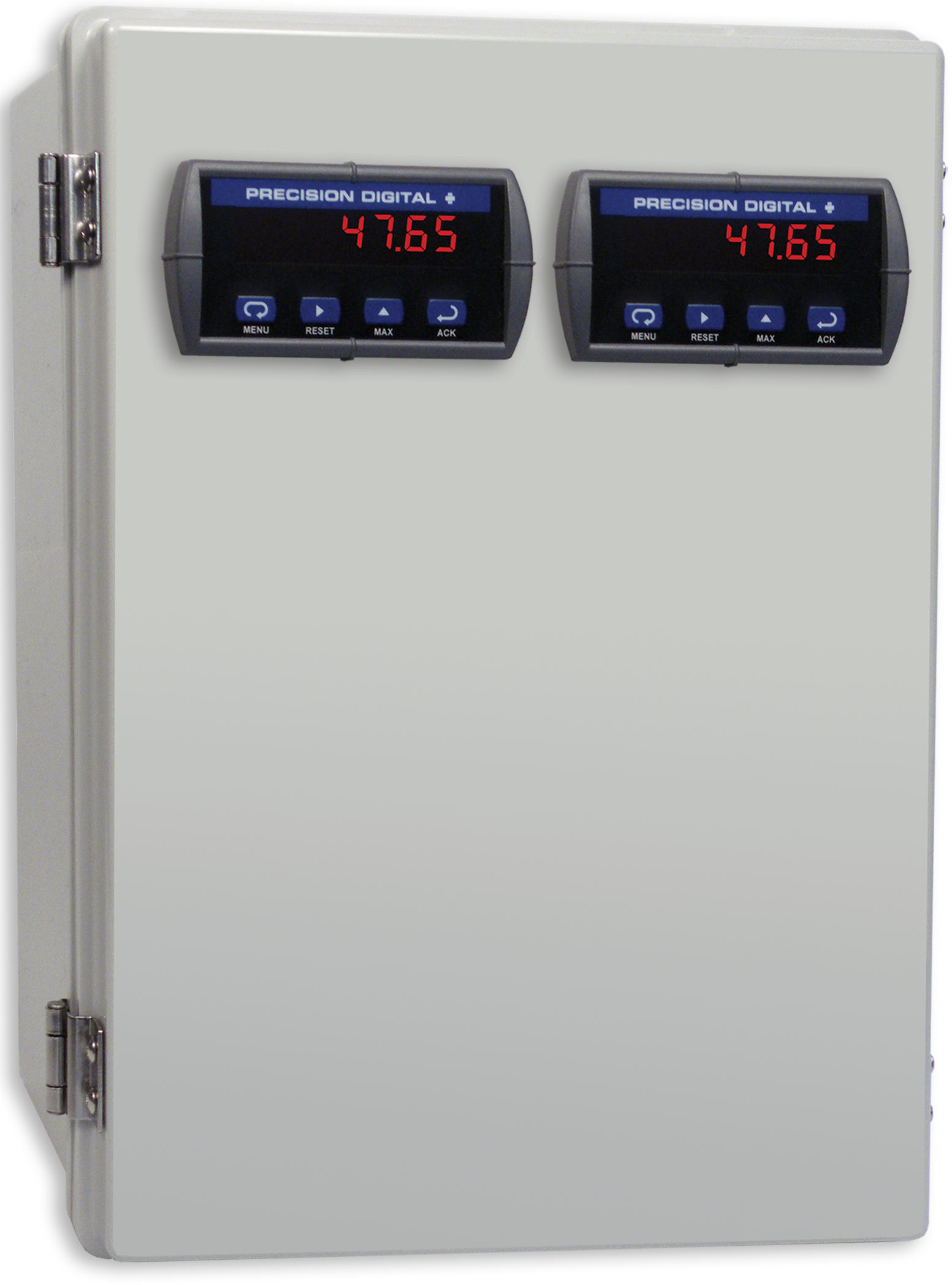
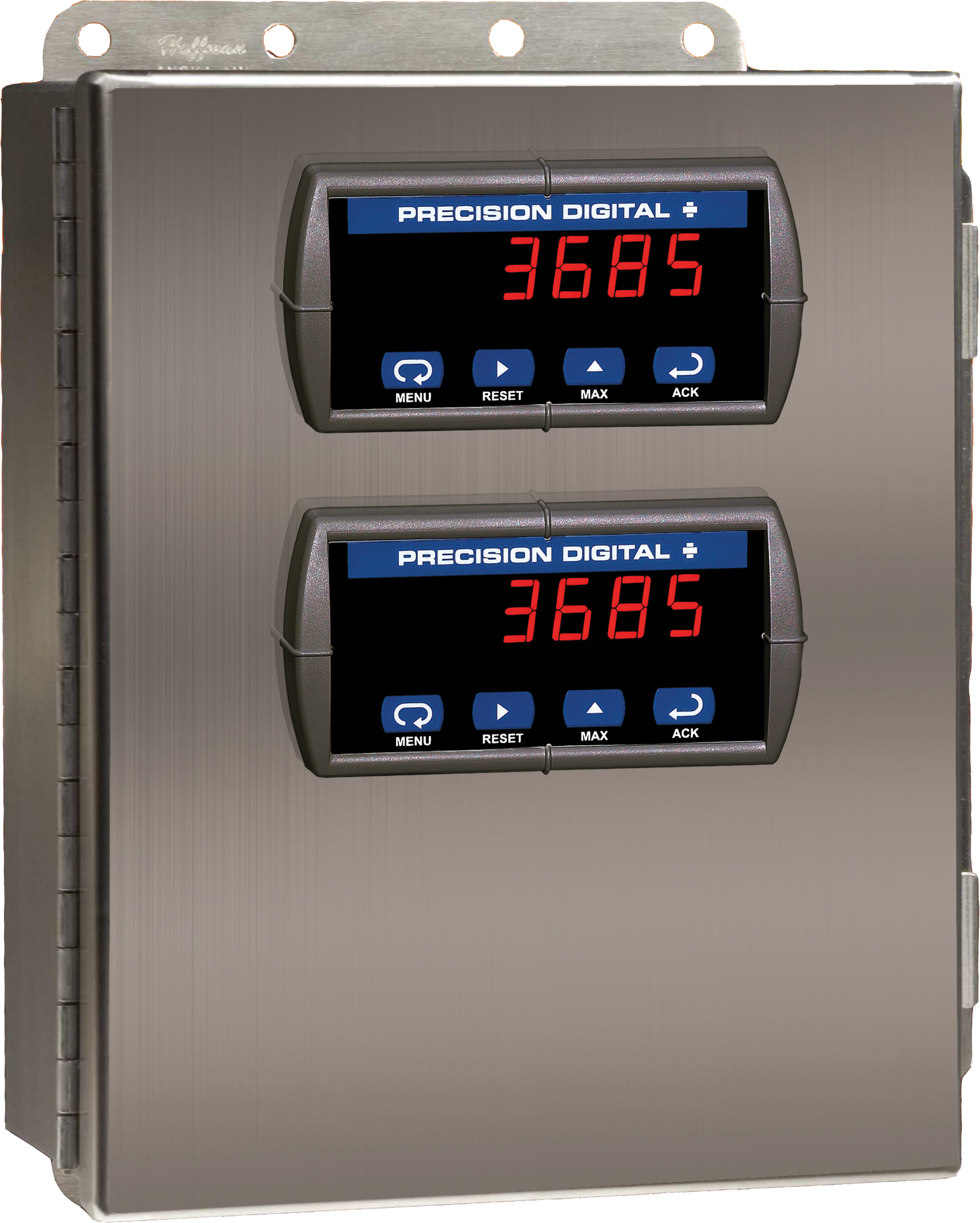
PDA2604-2C
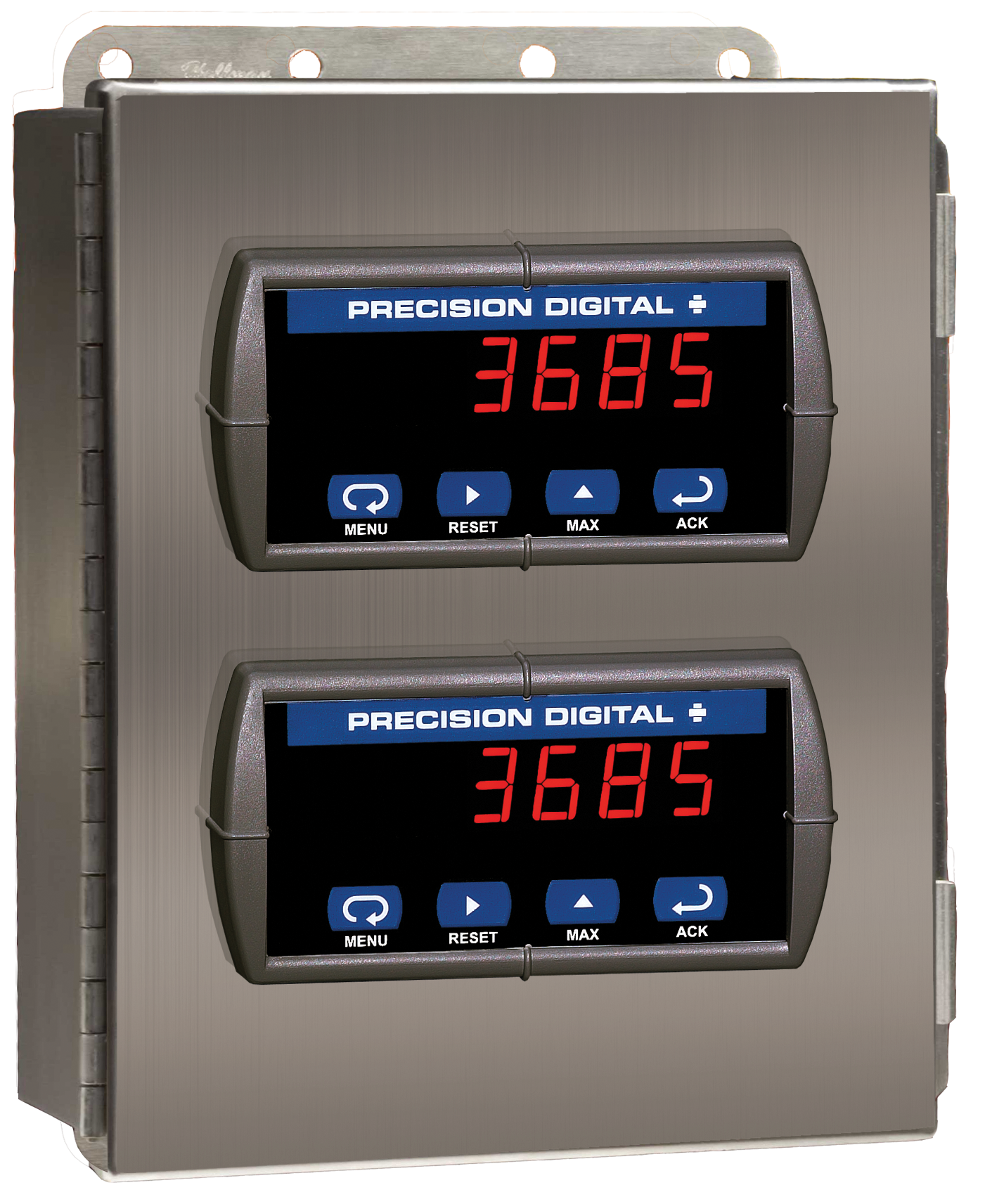
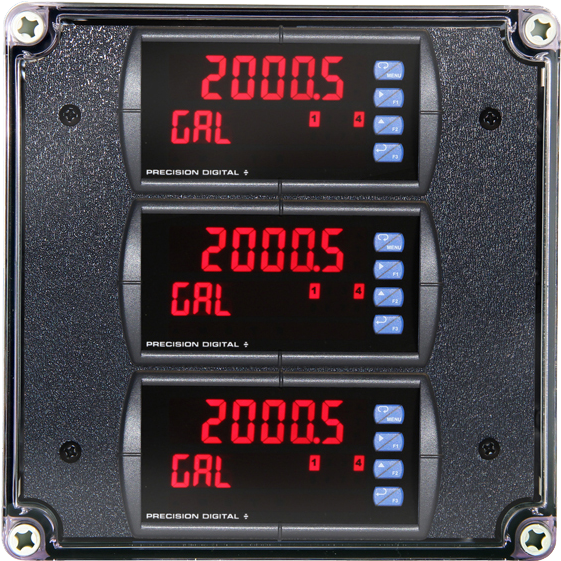
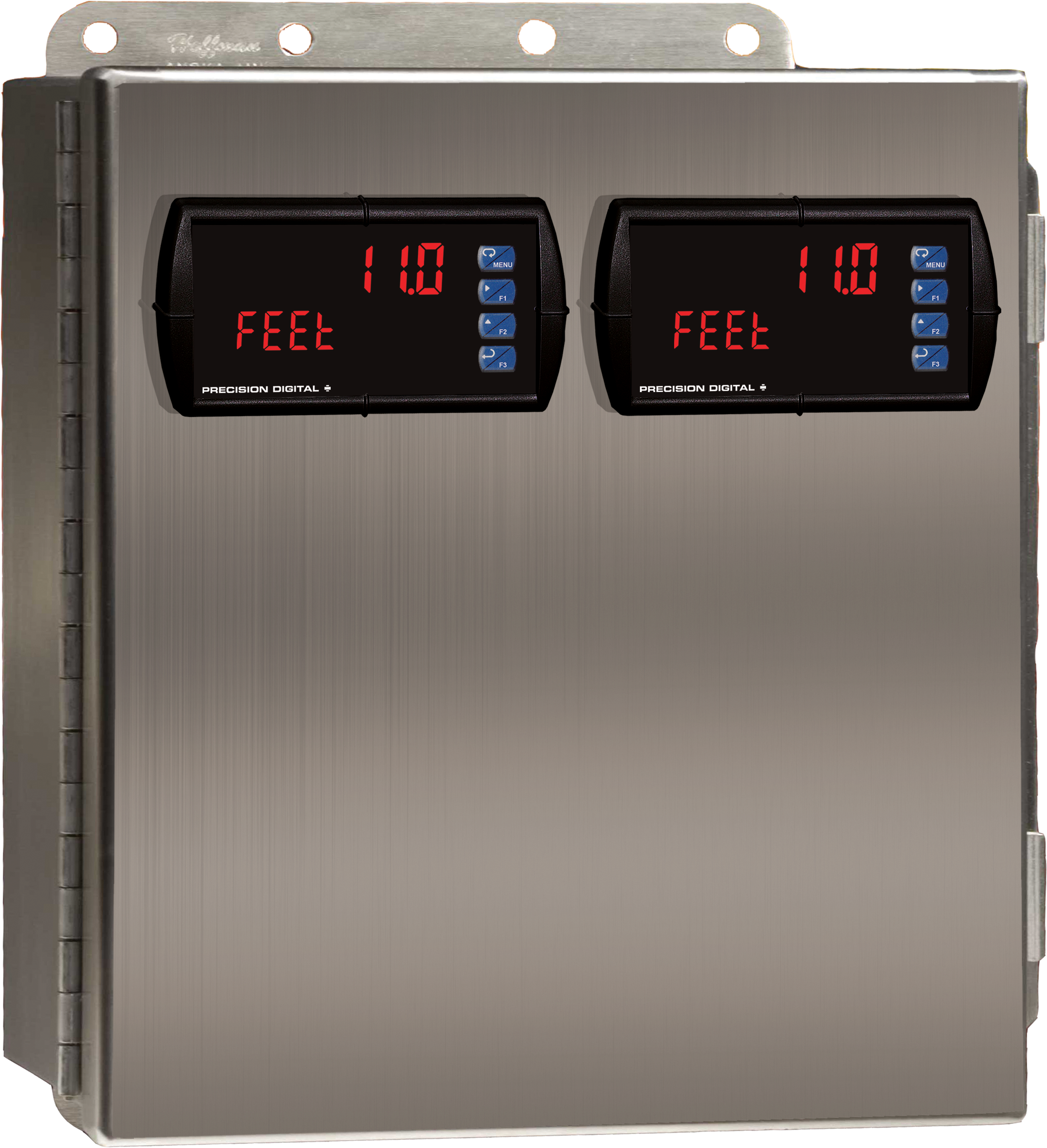
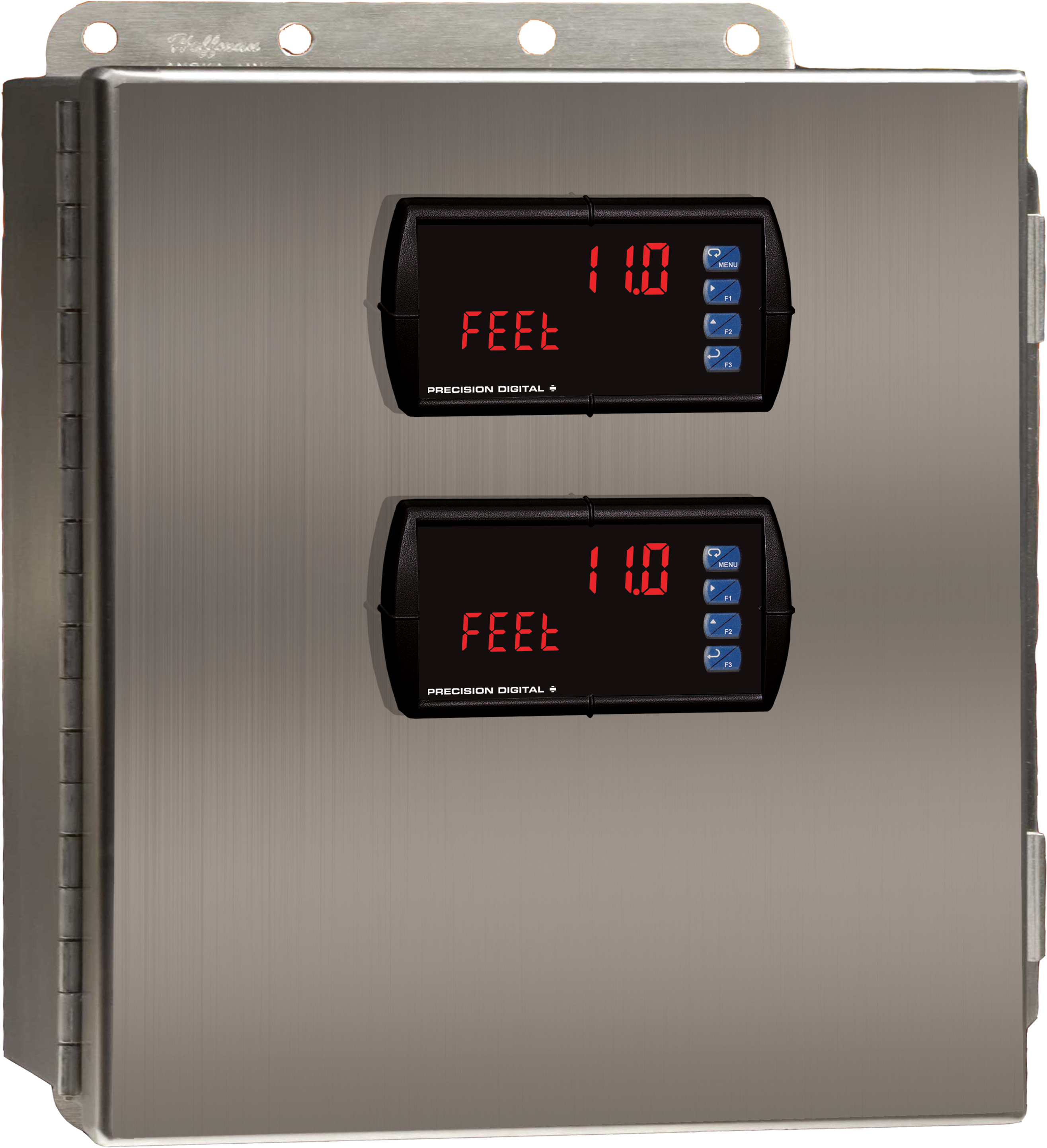
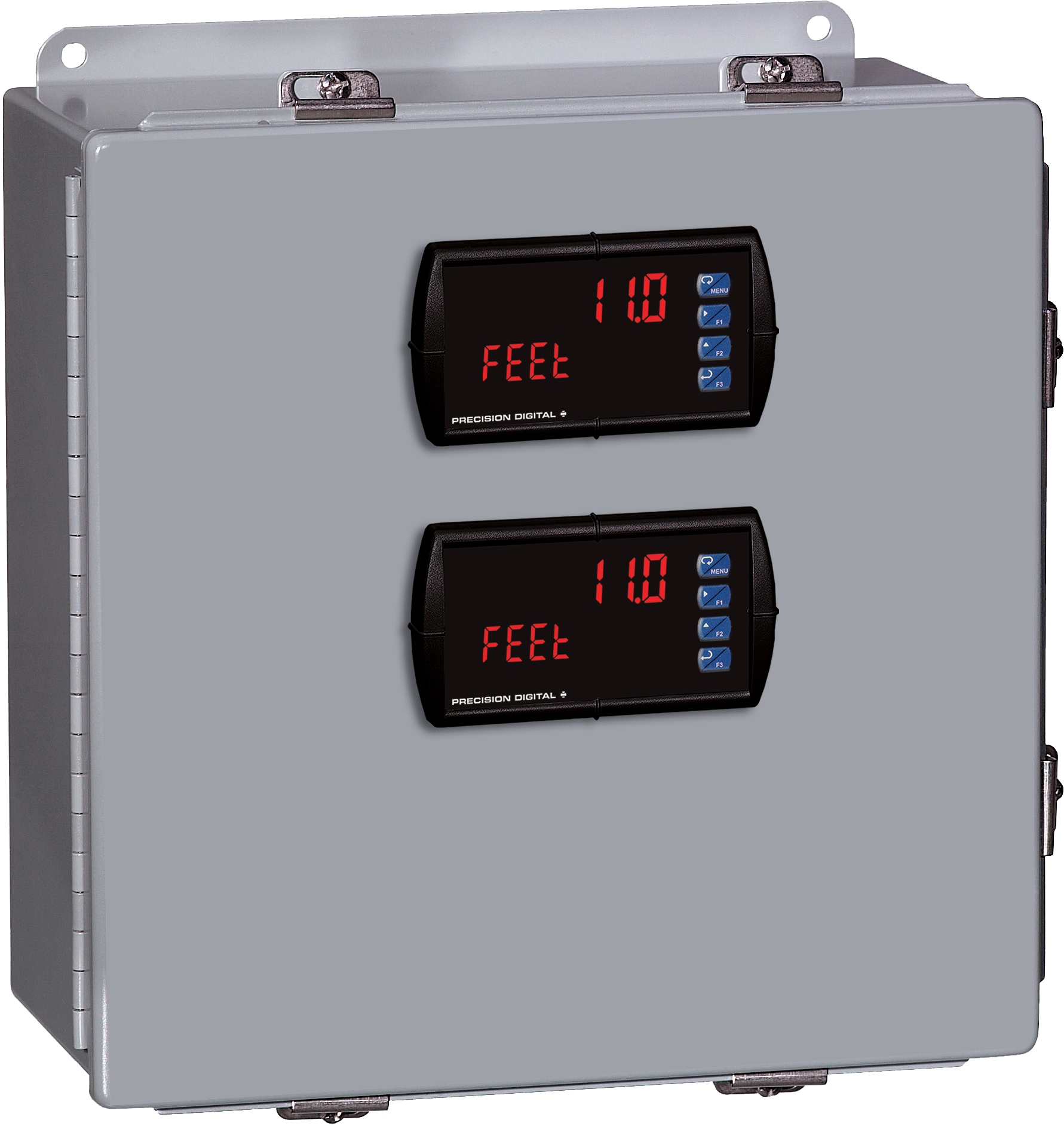
Stainless Steel UL Type 4X Enclosure with (2) Centered Horizontal 1/8 DIN Cutouts
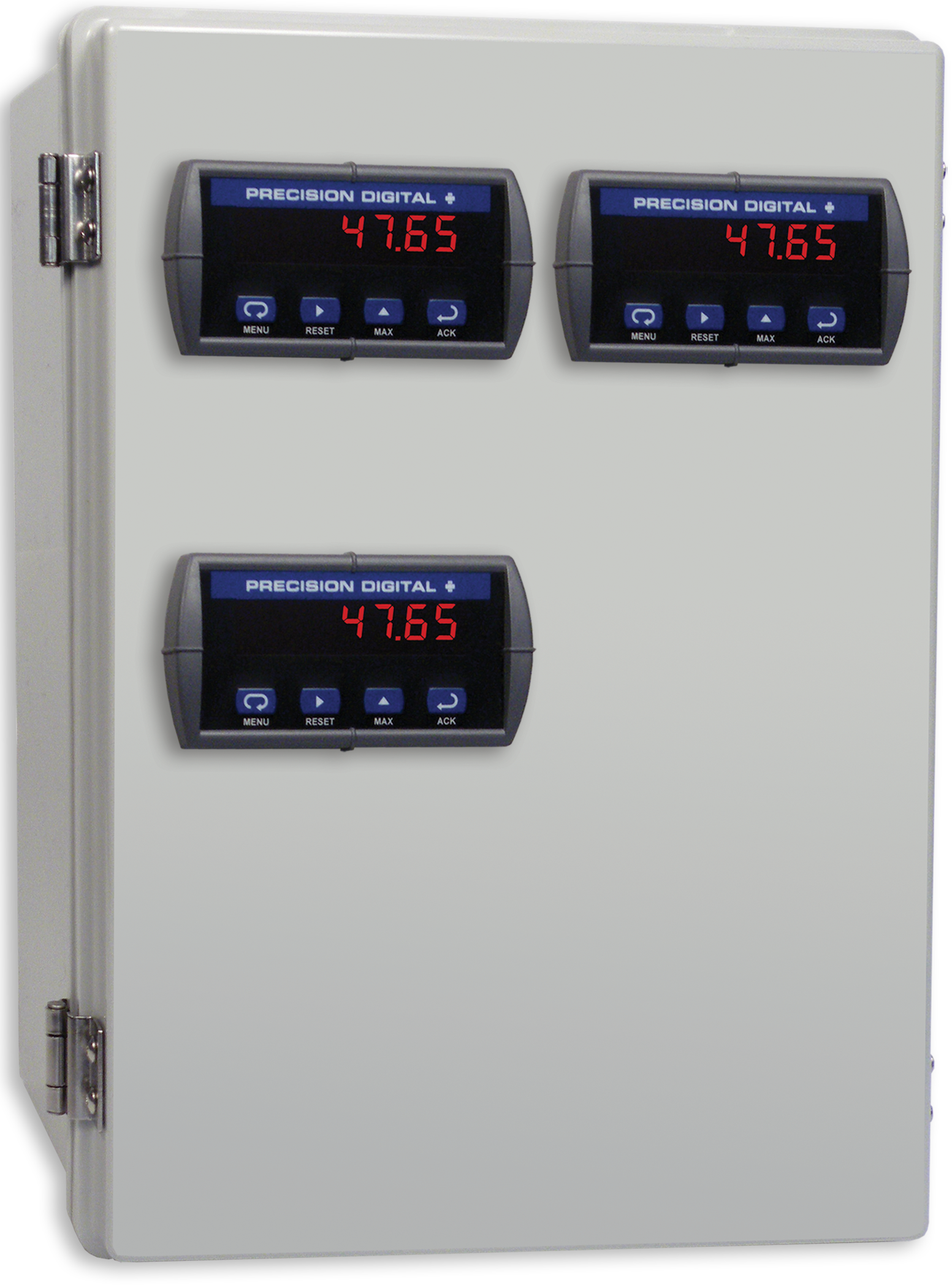
PDA2604-3C
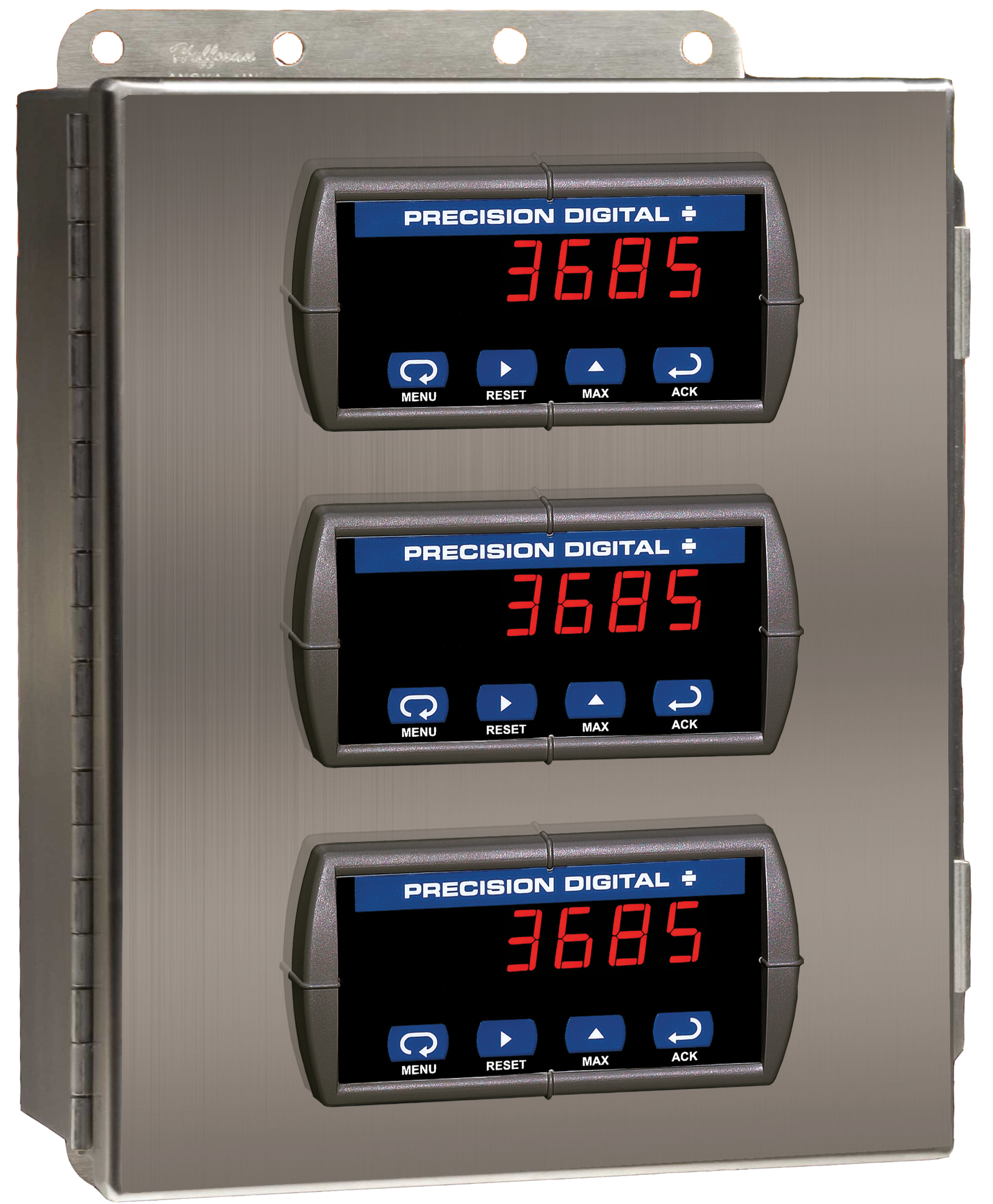
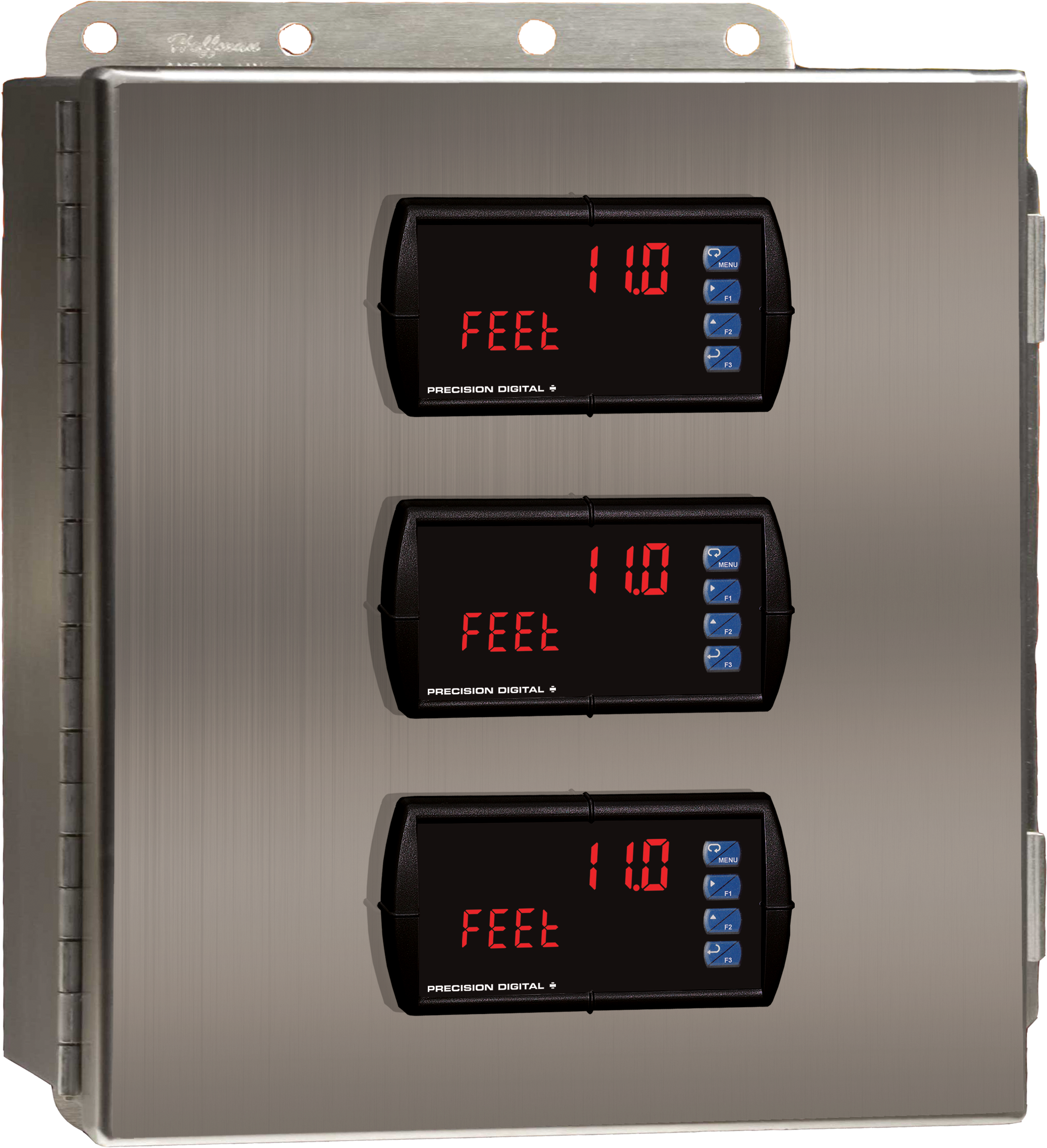
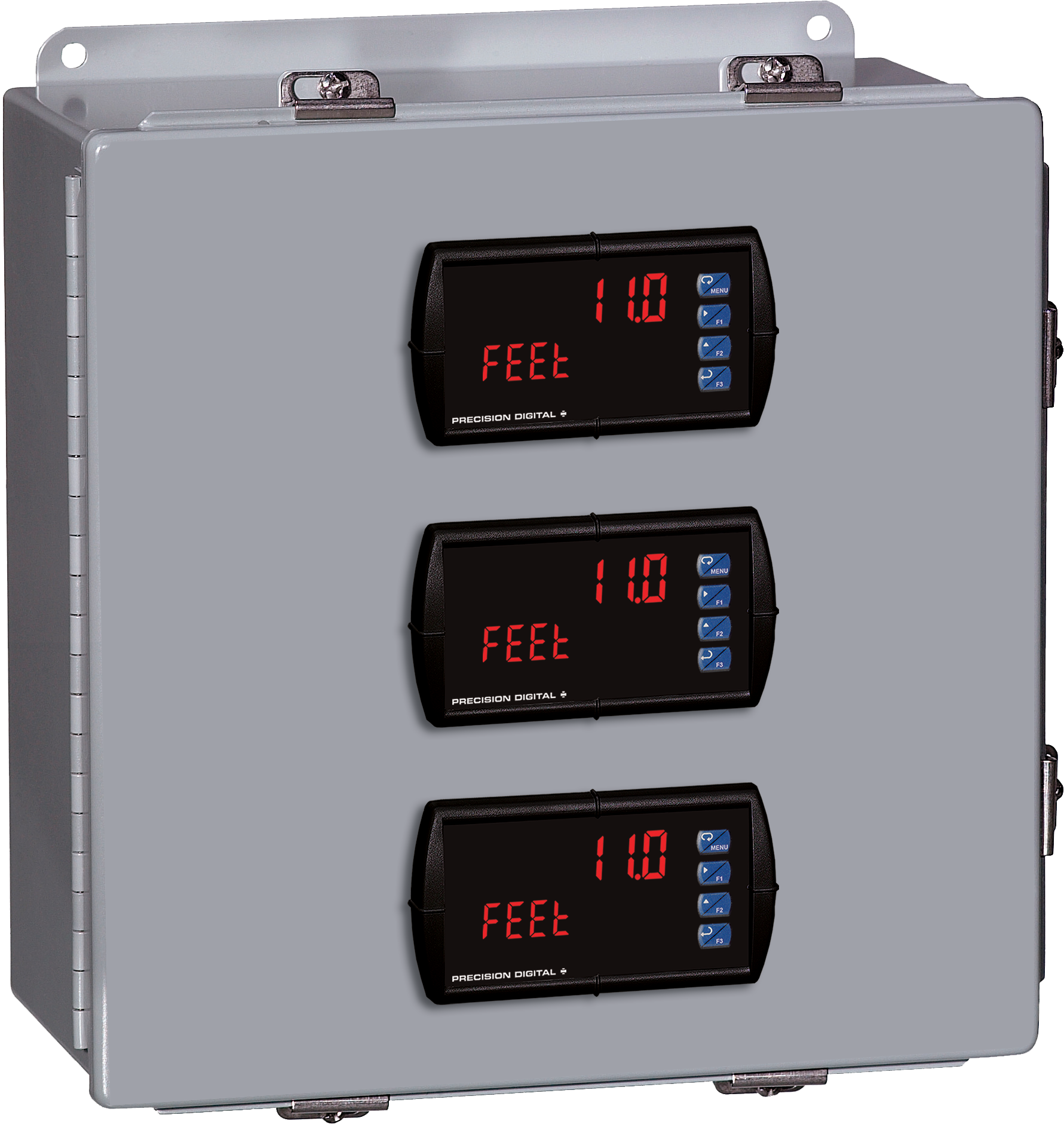
Stainless Steel UL Type 4X Enclosure with (3) Centered Horizontal 1/8 DIN Cutouts
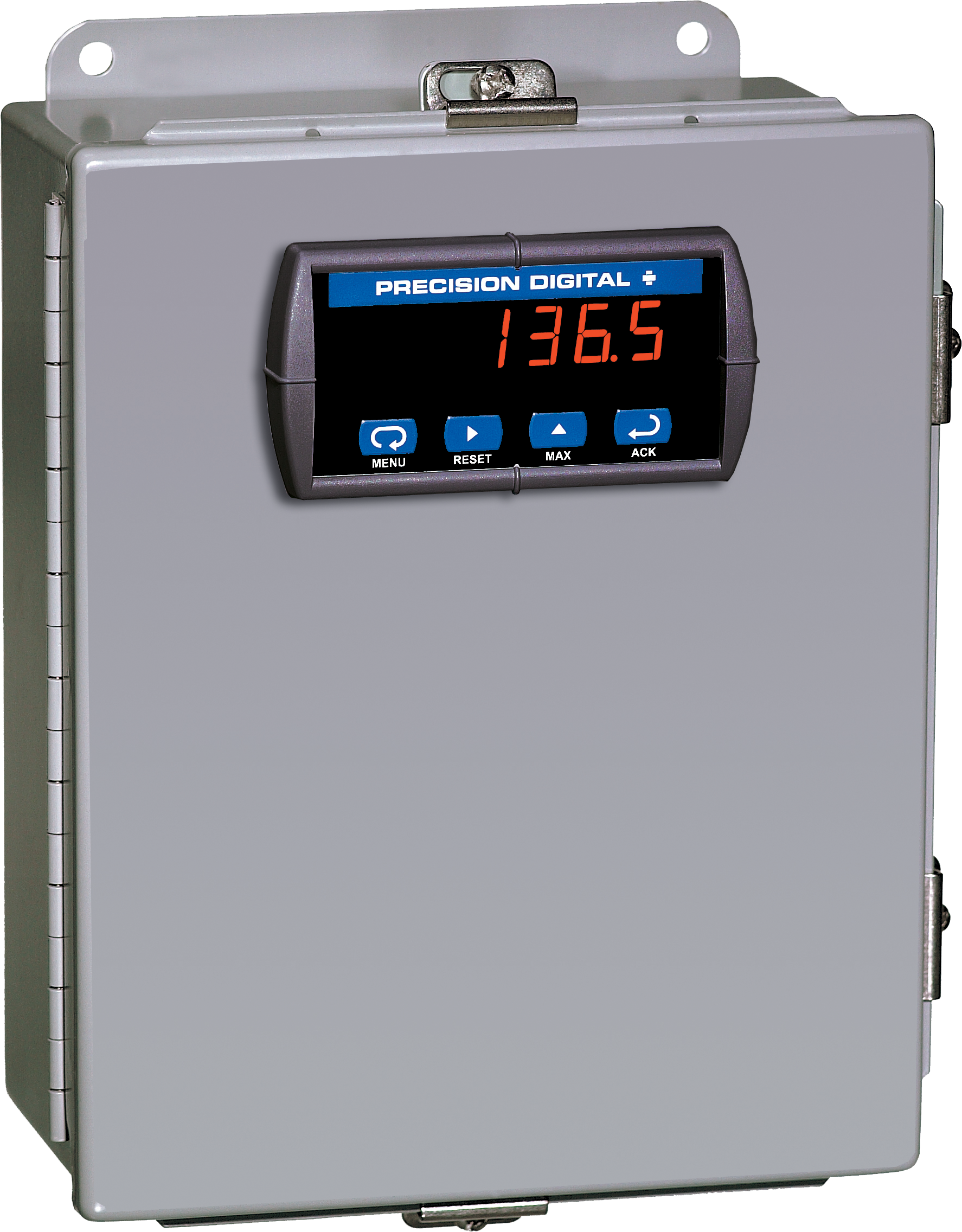

PDA2622
Stainless Steel UL Type 4X Enclosure with (1) Vertical and (1) Horizontal 1/8 DIN Cutouts
× ![Enlarged View]()